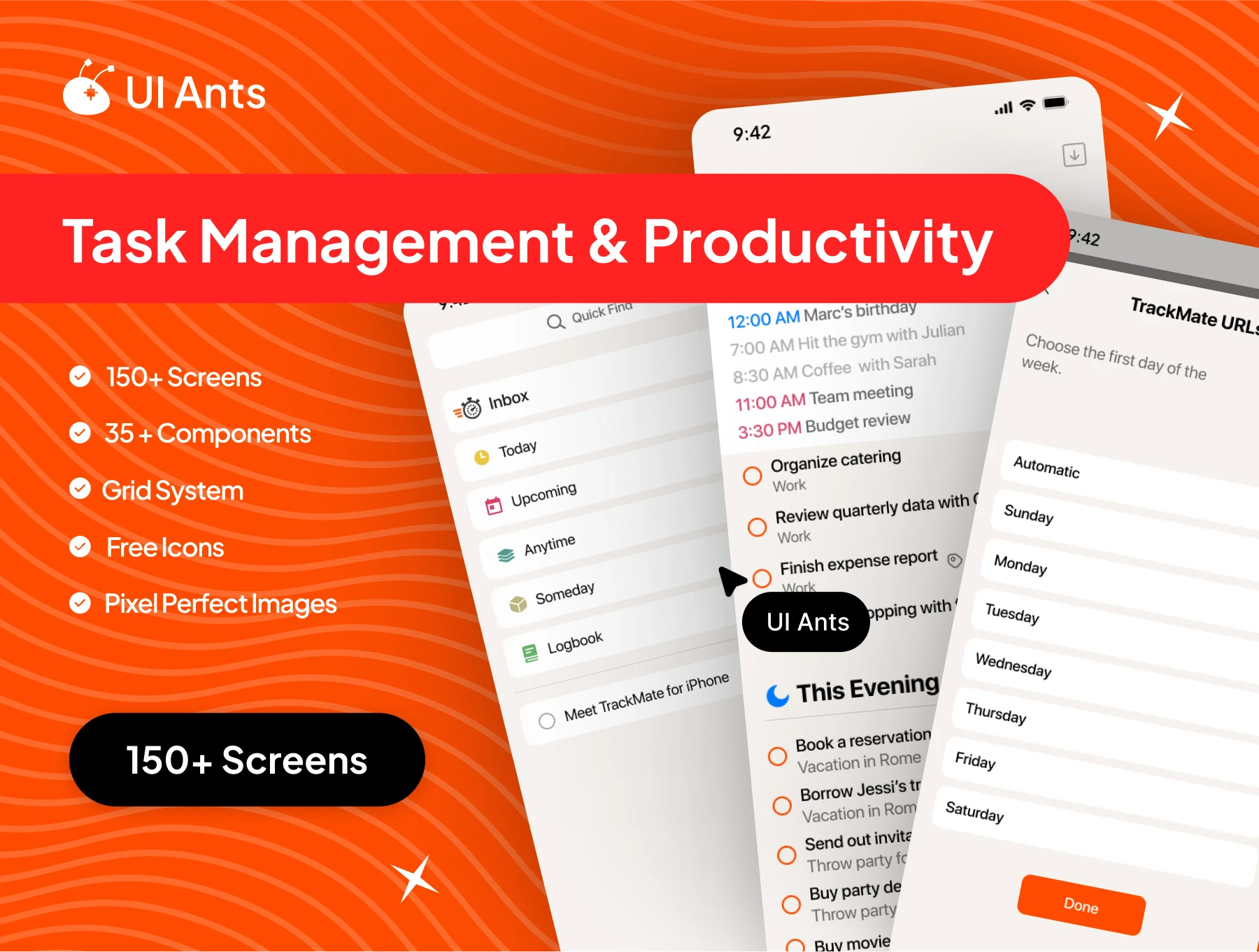
Boost productivity with Trackmate, a comprehensive task management UI kit featuring 150+ screens and 35+ customizable components. Designed to keep users organized with task scheduling, reminders, and notes, it’s the perfect foundation for a to-do list and productivity app.
With features like reminders, deadlines, and tagging, this kit supports every aspect of task and time management—helping users stay focused, efficient, and in control.
Key Features
User Onboarding & Account Management
- Splash screen, onboarding flow, login, and account creation
- Terms & conditions and verification for a secure onboarding experience
- Password management with change password and security settings
Task Creation & To-Do Management
- Create and manage to-dos, set reminders, and add notes
- Date picker, tags, and task deadlines for organized planning
- Option selection, new tag, and tag management tools
Reminders & Notifications
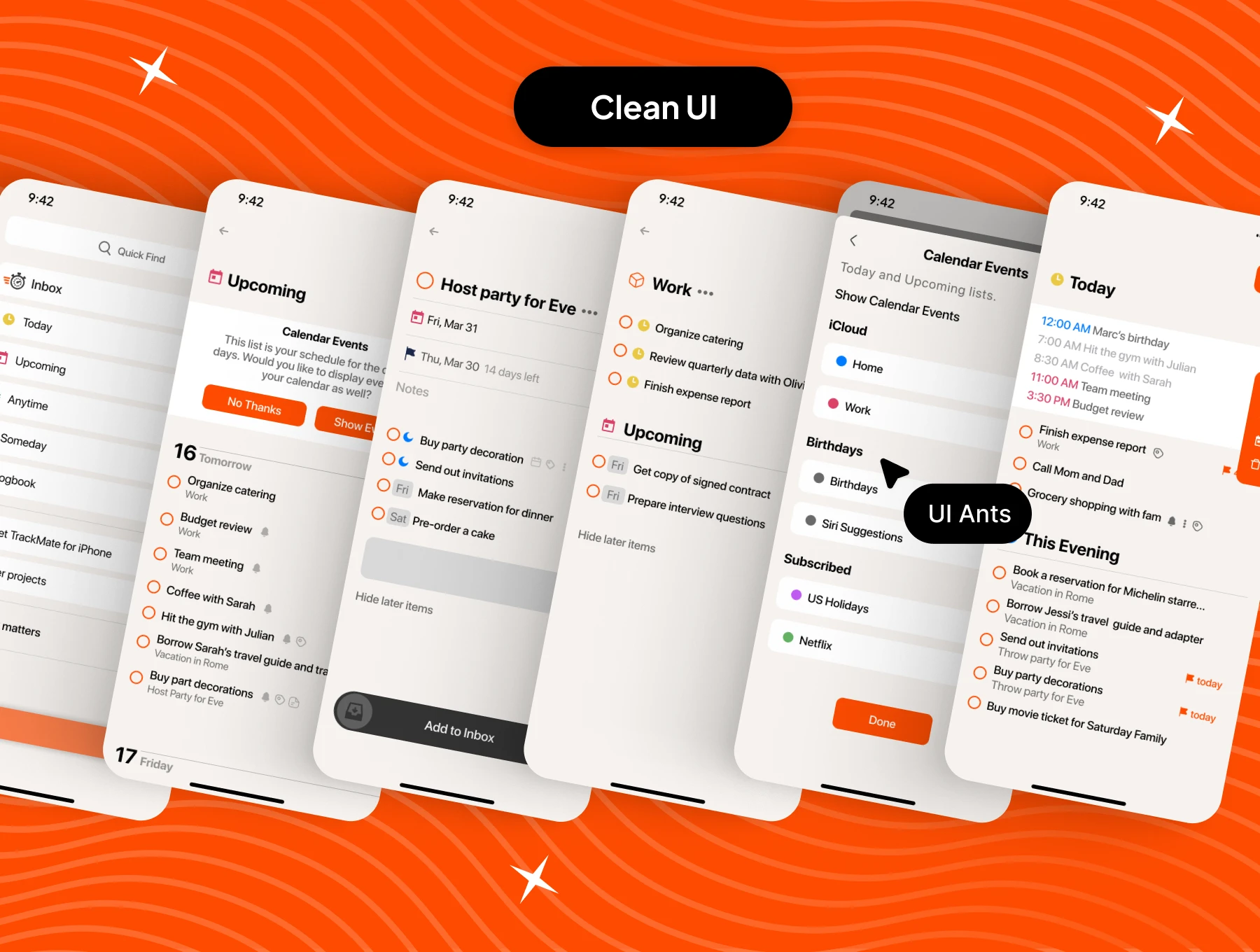
- Reminders list, notifications for due dates, and upcoming overview
- Customizable reminders with notes, headings, and to-do notes
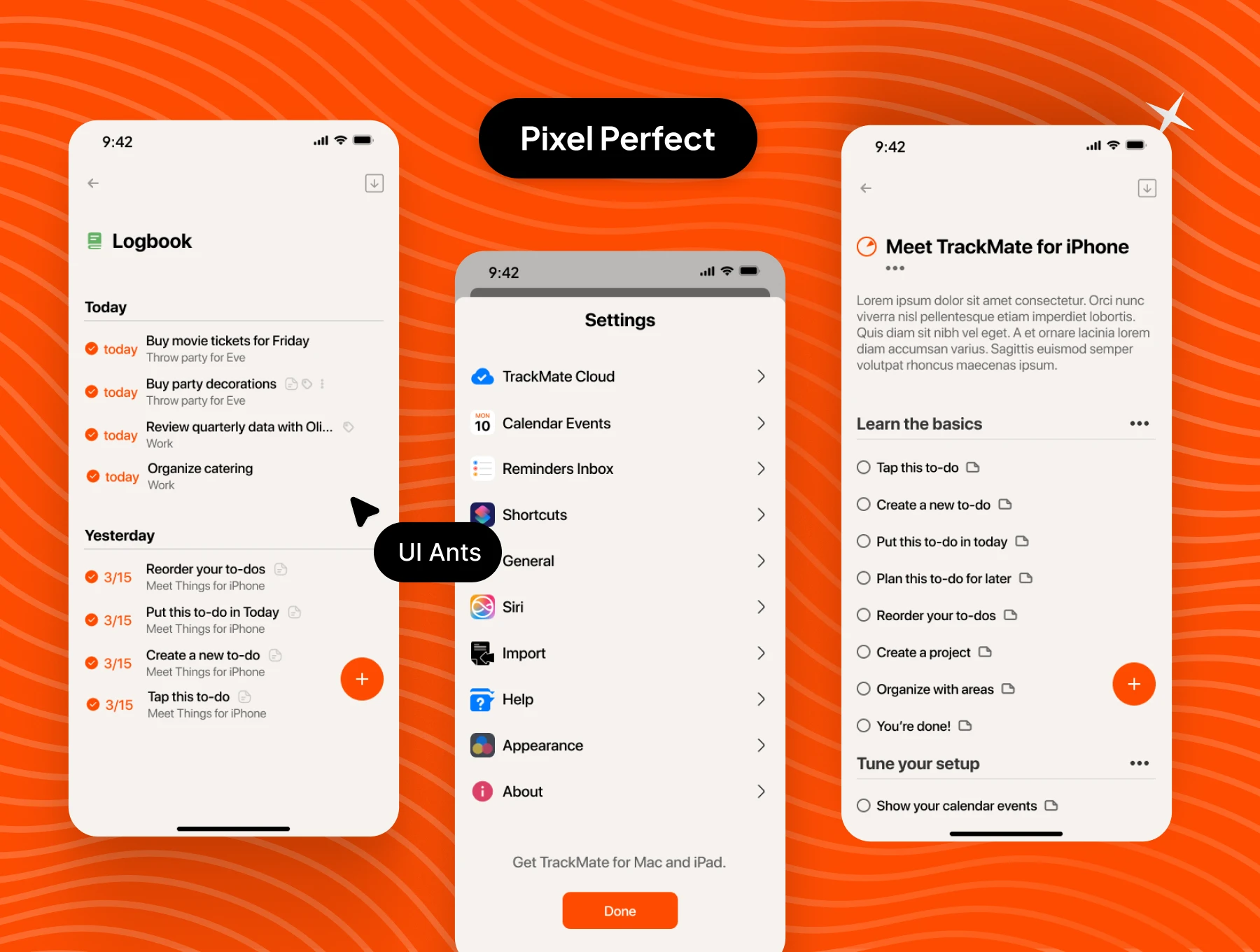
- Work view, upcoming dates, and quick logbook for daily tracking
Organizational Tools
- Filters, quick search, and notes list for easy navigation
- List view for notes and reminders, add/delete items, inbox organization
- Delete project, delete to-do, and customizable workspace options
Customization & Settings
- Profile settings, add to inbox, and detailed task views
- Personalization options like task tags and deadline management
- Easy navigation tools and search for a smoother experience
Why Choose This UI Kit
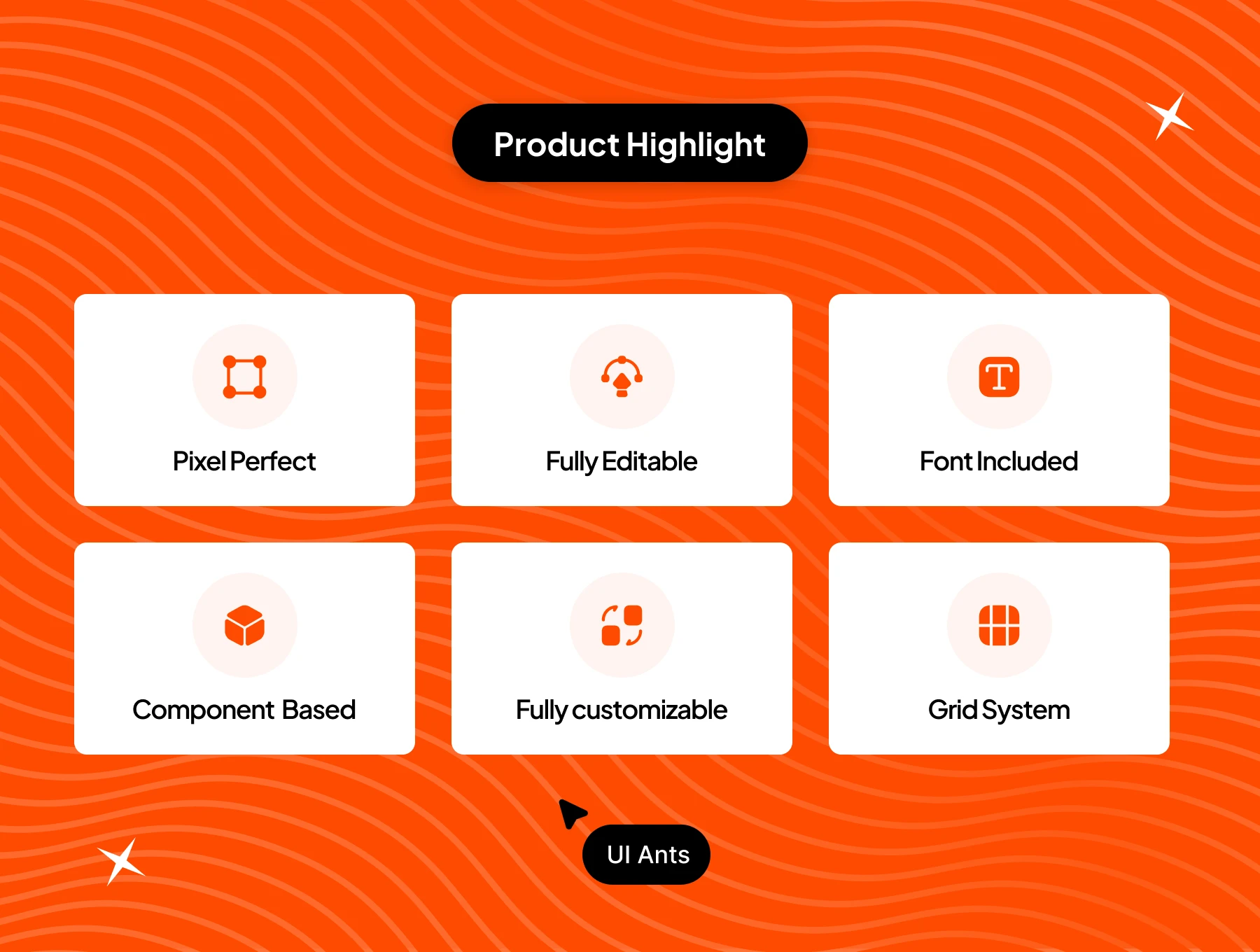
- Time-Saving: Pre-designed components speed up your workflow
- Customizable: Adapt colors, typography, and layouts in minutes
- Scalable: Perfect for both mobile and tablet screens
- User-Centered: Designed for better productivity and engagement
What’s Inside
- 150+ premium Figma screens
- 35+ reusable design components
- Organized layers & text styles
- Light & dark mode variations
Ideal For
- Productivity and to-do list applications
- Task and time management startups
- Project planning and team organization tools
How to Use
- Download the Figma source files after purchase.
- Customize branding, colors, and layouts to your needs.
- Export assets and integrate into your app or web project.