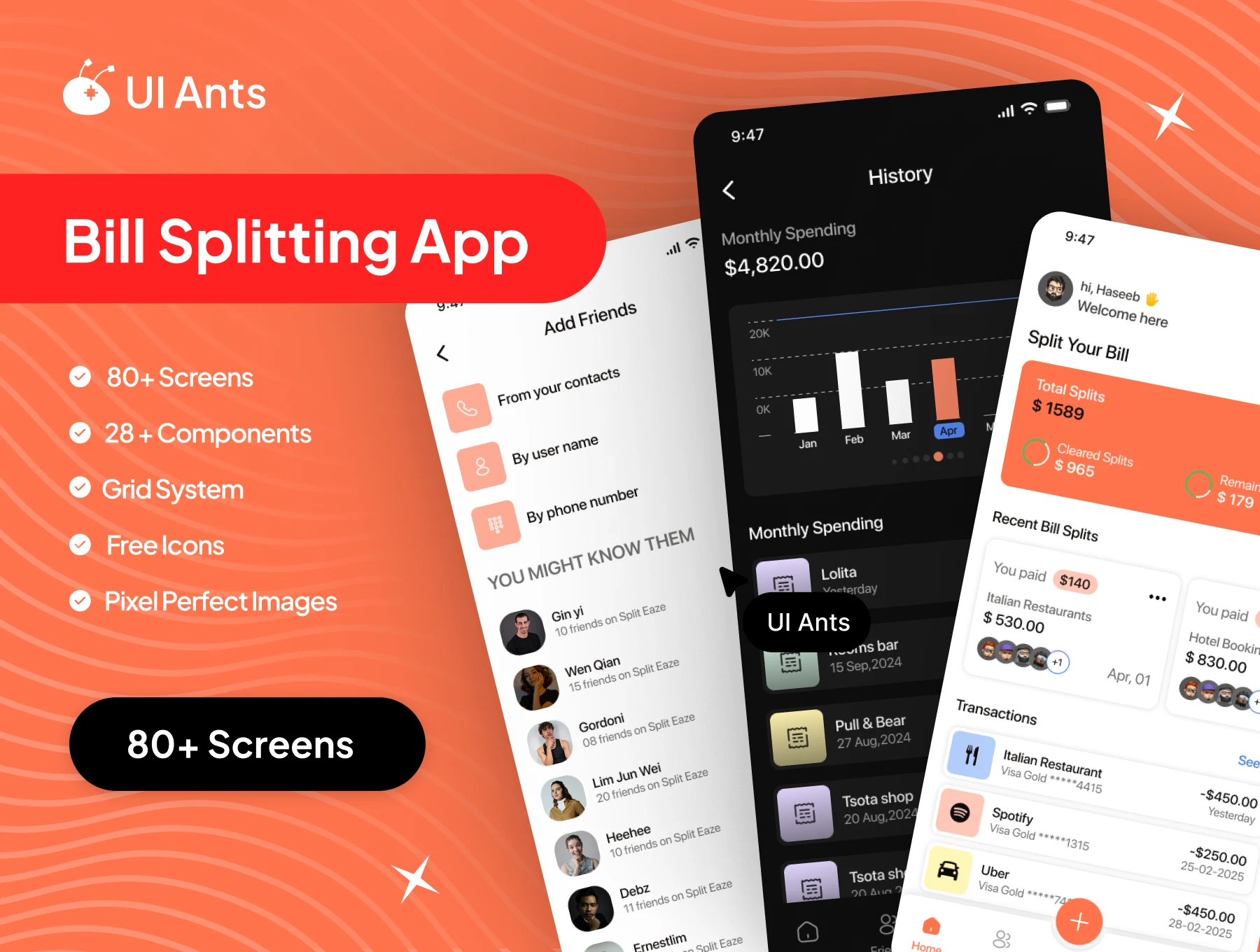
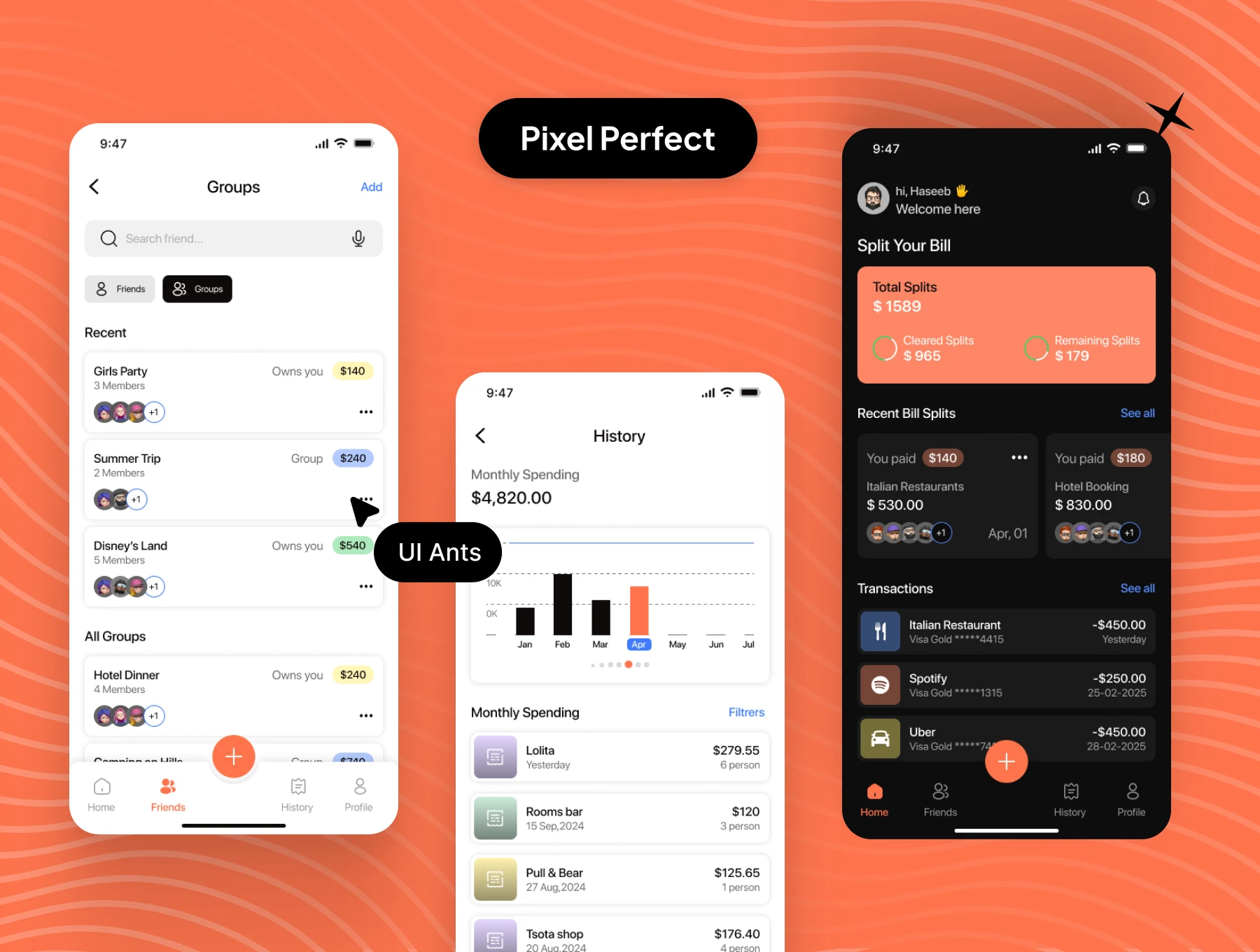
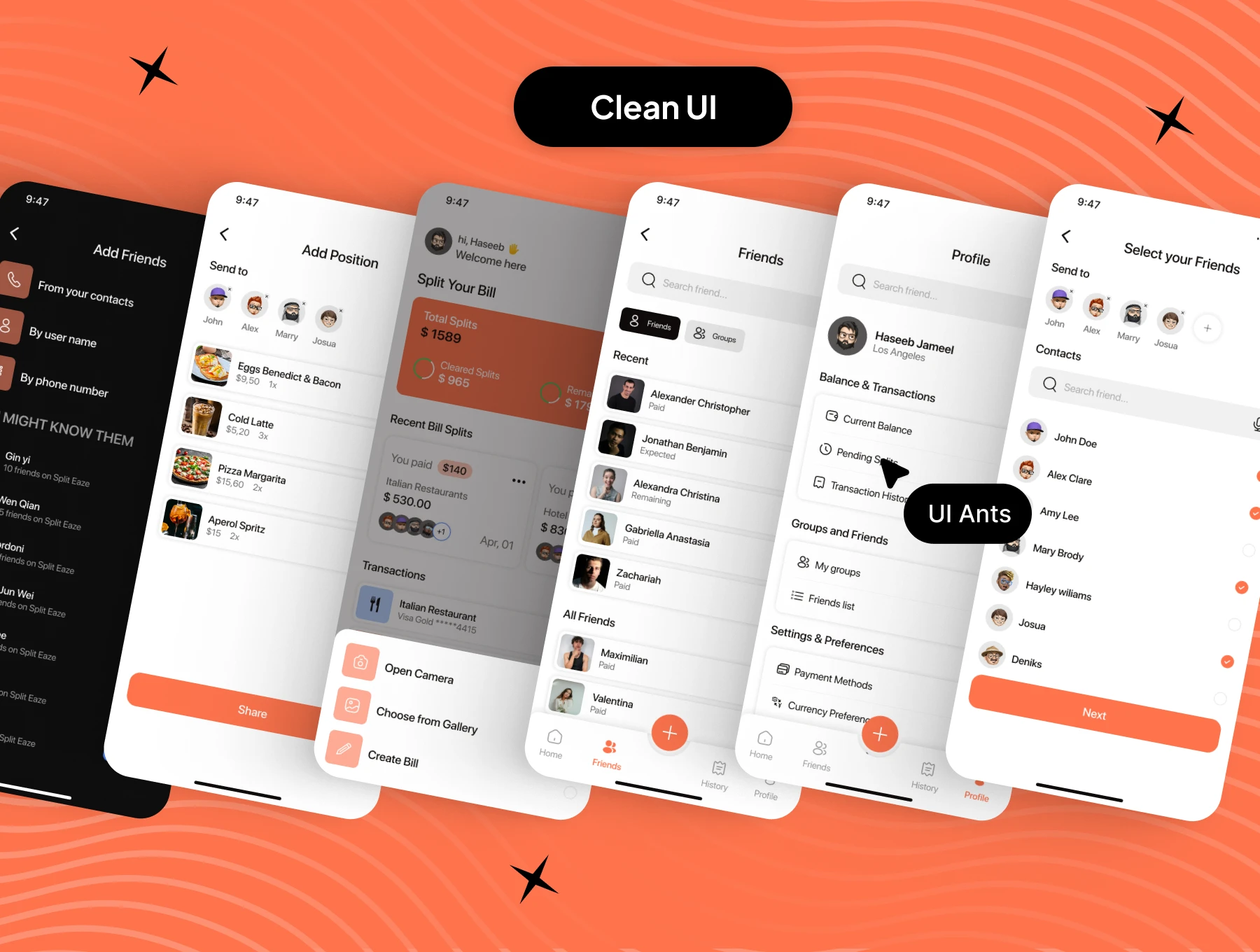
Introducing the Split Bill App UI Kit – your all-in-one toolkit for designing modern, intuitive, and hassle-free bill-splitting applications. With 80+ screens and 28+ reusable components, this kit covers every step from onboarding and friend management to splitting expenses, tracking history, and managing user profiles. Crafted with pixel-perfect precision, it’s perfect for creating apps that make group payments and expense sharing effortless.
Key Features
Bill Splitting & Group Management
- Create and manage groups of friends with ease
- Add friends manually or directly from contacts
- Split bills quickly with selected participants
- Assign shares or custom amounts for precise splitting
Tracking & History
- View complete history of shared and settled expenses
- Transparent record of past, pending, and future bills
- Monitor group balances and outstanding payments
Personalization & Settings
- Edit profile details and personalize app themes
- Dark mode and multi-language support
- Manage notifications, privacy preferences, and account security
- Access help, contact information, and account deletion options
Secure Onboarding
- Splash and onboarding screens for a smooth user introduction
- Sign up using OTP verification and secure password setup
- Quick name entry and phone number verification
Why Choose Split Bill App UI Kit?
- Comprehensive Design: Includes every screen required for a complete bill-splitting platform
- User-Friendly: Clean layouts for effortless expense tracking and sharing
- Customizable: Fully adaptable components to match your brand identity
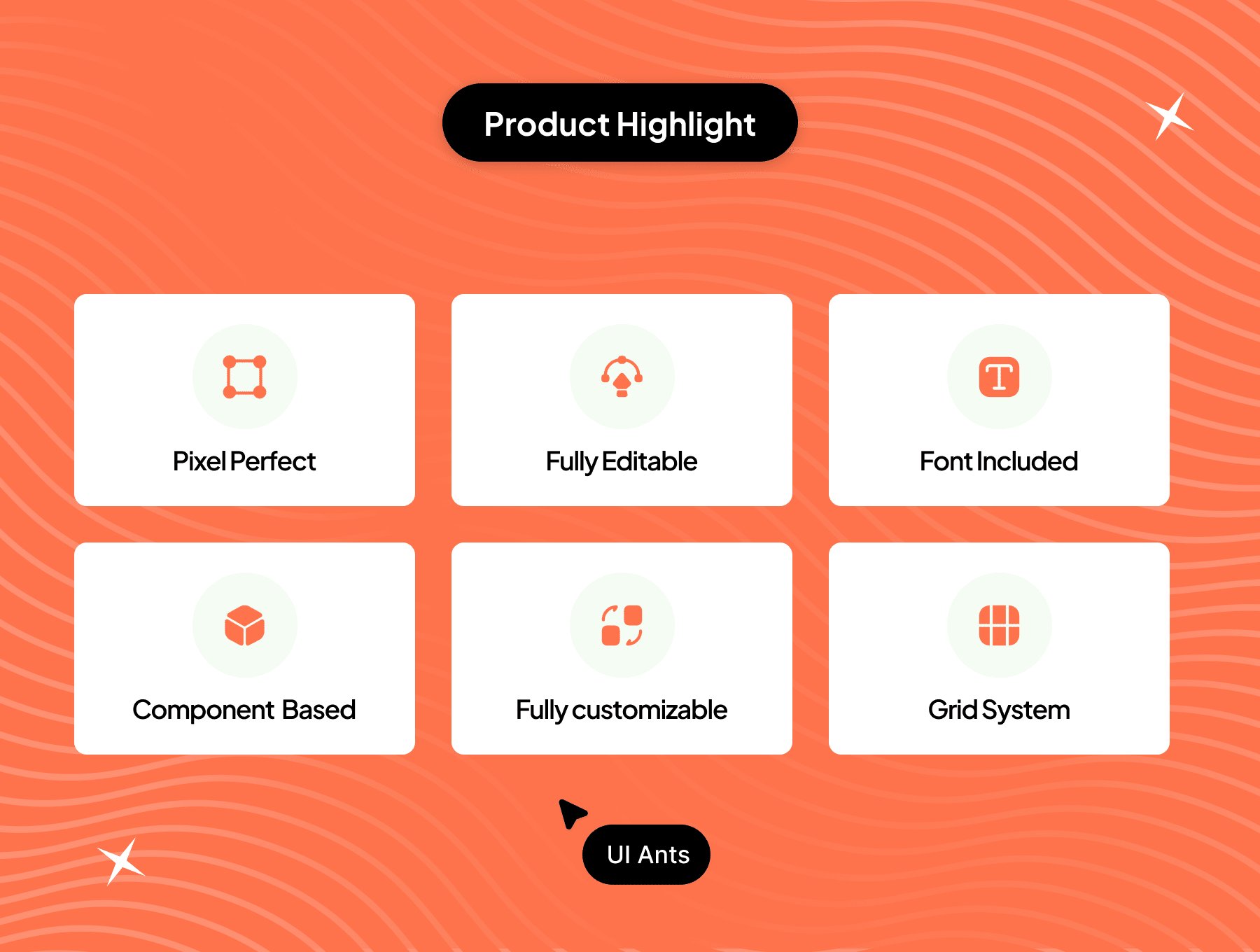
- Pixel Perfect: Professional visuals optimized for modern mobile devices
What’s Inside
- 80+ pixel-perfect Figma screens
- 28+ reusable UI components
- Organized grid system and typography styles
- Free icons and scalable design assets
Ideal For
- Expense-sharing and split-payment apps
- Group trip and event cost-management platforms
- Developers building intuitive, secure bill-splitting experiences
How to Use
- Download the Figma source files after purchase.
- Customize components and styles to align with your brand identity.
- Export assets and integrate them into your Split Bill app project.