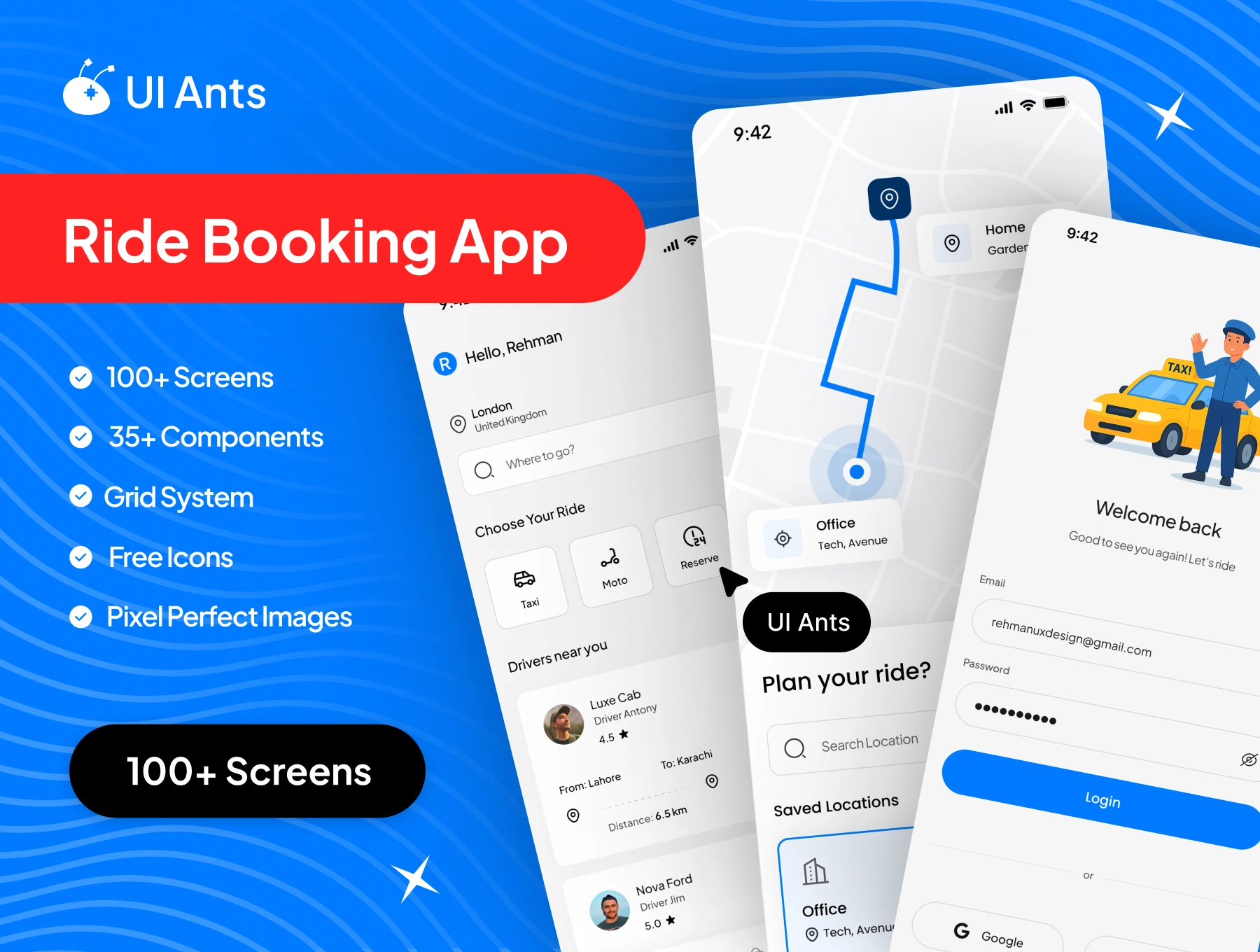
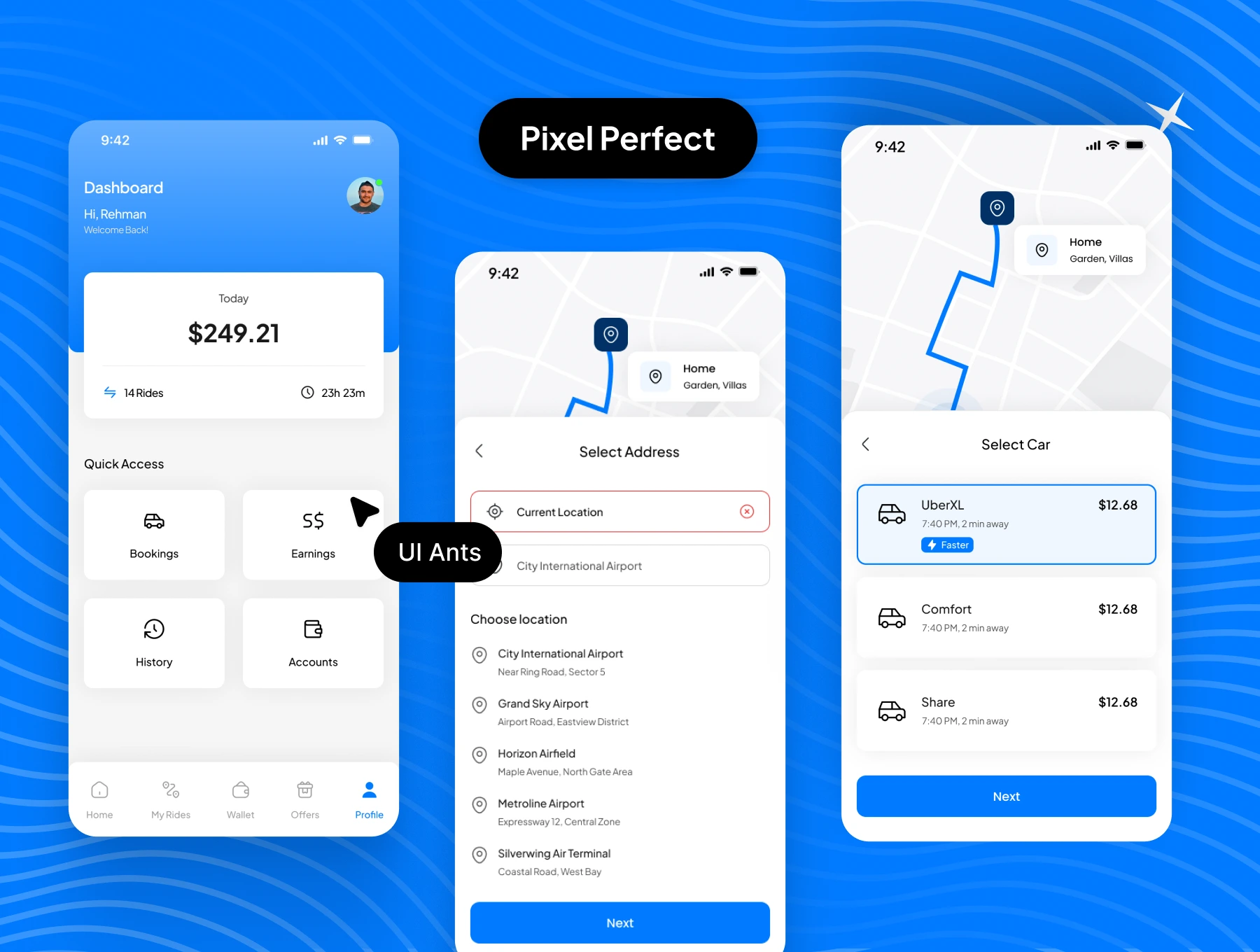
Introducing the Ride Booking App UI Kit – a complete, scalable, and modern design system built for on-demand transportation services. With 100+ pixel-perfect screens and 35+ reusable components, this UI kit supports both user and driver-side experiences. It enables smooth ride booking, real-time communication, secure payments, and efficient ride management. Every screen is designed for clarity, performance, and real-world usability.
Key Features
Ride Booking & Management
- Quick ride booking with pickup and drop selection
- Schedule rides in advance
- View and manage ongoing and past rides
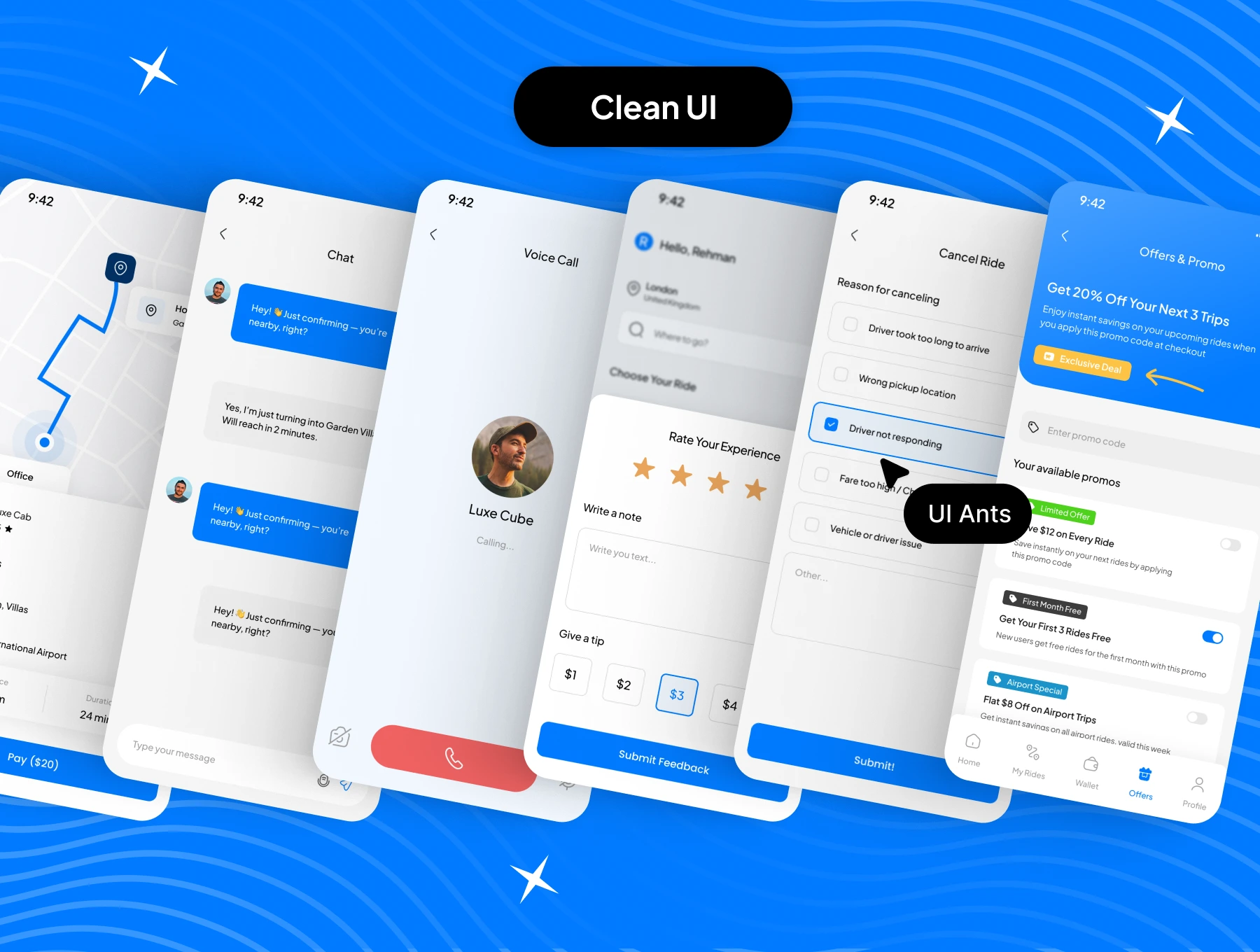
- Cancel rides with a clear confirmation flow
Driver & User Experience
- Dedicated driver-side setup and preferences
- Driver profile and ride management tools
- User ratings and reviews for drivers
Communication
- In-app chat between rider and driver
- Voice call support for real-time coordination
Payments & Wallet
- Integrated wallet system with top-up functionality
- Offers and promo codes for discounts
- Secure and smooth payment handling
Parcel Delivery
- Parcel delivery flow for sending packages
- Live delivery tracking and confirmation
Profile & App Settings
- User profile and account management
- Dark mode support for better usability
- Notification and preference settings
Why Choose This UI Kit?
- Dual-Side Coverage: Includes both rider and driver workflows
- Real-World Ready: Built for ride-hailing and delivery use cases
- Customizable Design: Flexible components to match any brand identity
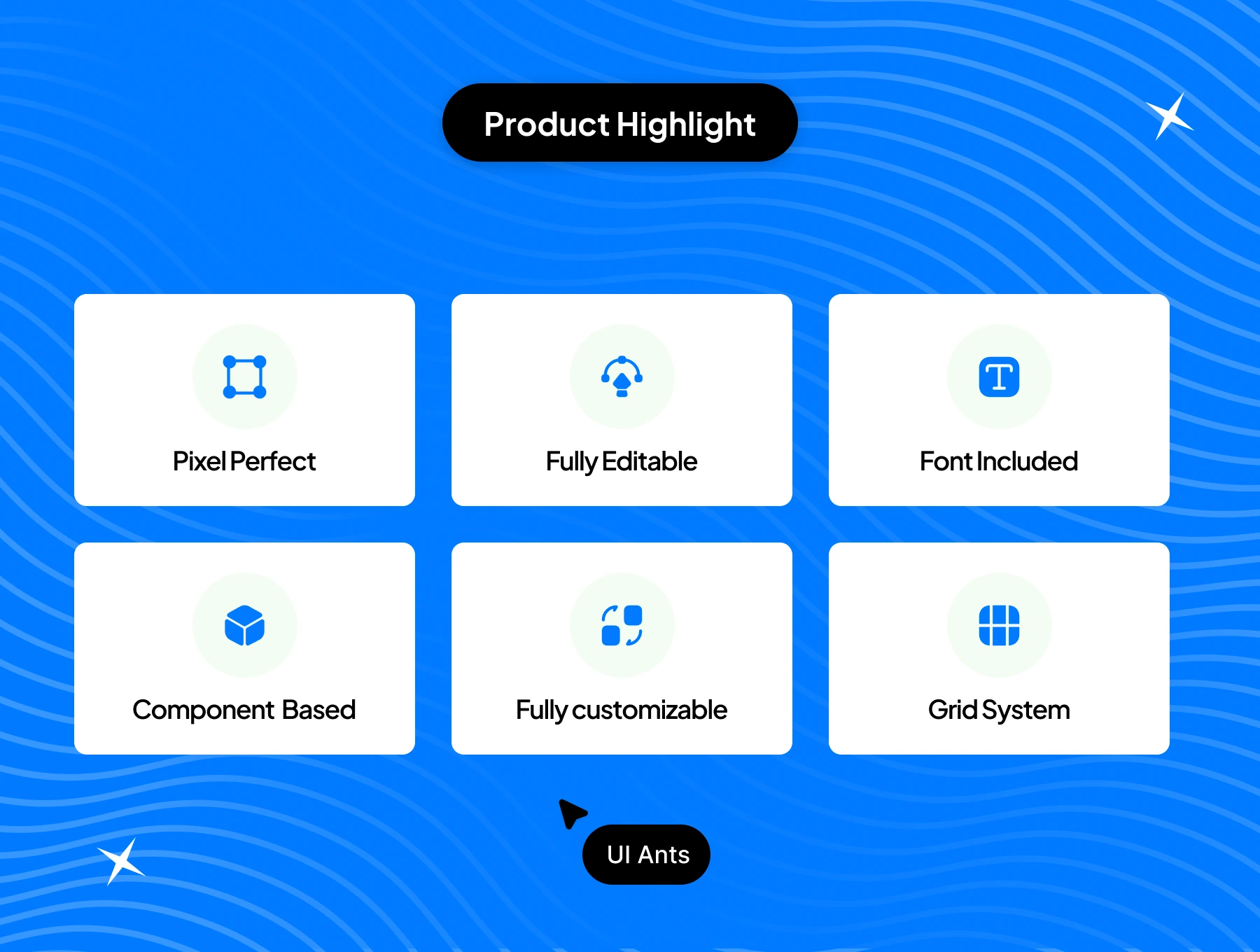
- Pixel-Perfect Quality: Clean layouts with consistent spacing
- Dark Mode Included: Optimized for low-light environments
What’s Inside
- 100+ professionally designed Figma screens
- 35+ reusable UI components for maps, cards, forms, and actions
- Grid system for layout consistency
- Free icons and pixel-perfect assets
- Fully layered, editable, and developer-friendly files
Ideal For
- Ride-hailing startups
- Taxi booking and mobility platforms
- Parcel delivery and logistics apps
- Developers building transportation solutions
How to Use
- Download the Figma source files after purchase.
- Customize colors, typography, and components to fit your brand.
- Export assets and integrate them into your mobile app development workflow.