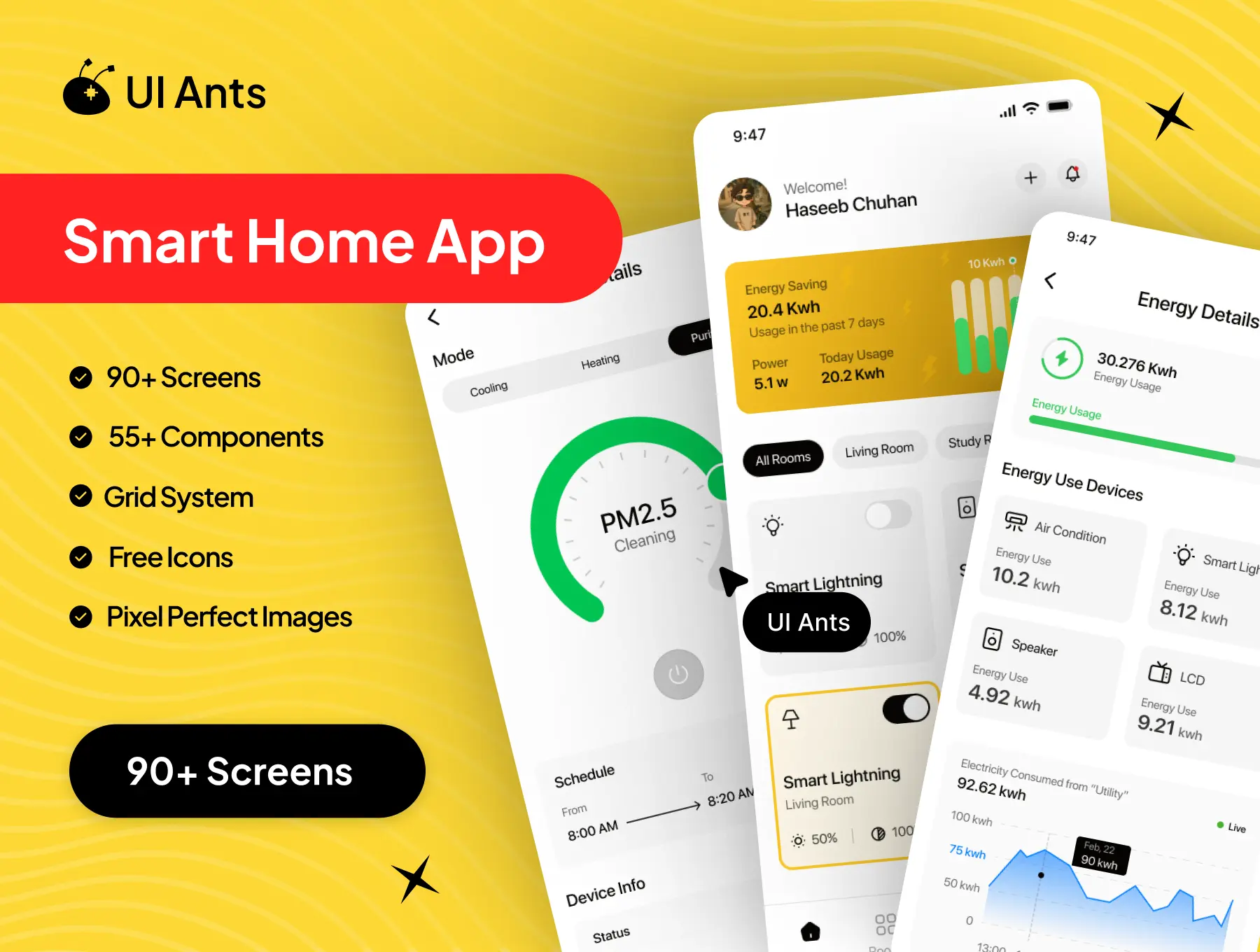
Introducing the Smart Home UI Kit – a modern and powerful design system crafted to deliver an intuitive and connected home automation experience. Packed with 90+ professionally designed screens and 55+ customizable components, this kit lets you build seamless flows for managing smart devices, rooms, routines, energy usage, and home security. With clean layouts and organized structures, it’s built for smooth, effortless smart living.
Key Features
Device Control & Management
- Add, control, and monitor smart devices easily
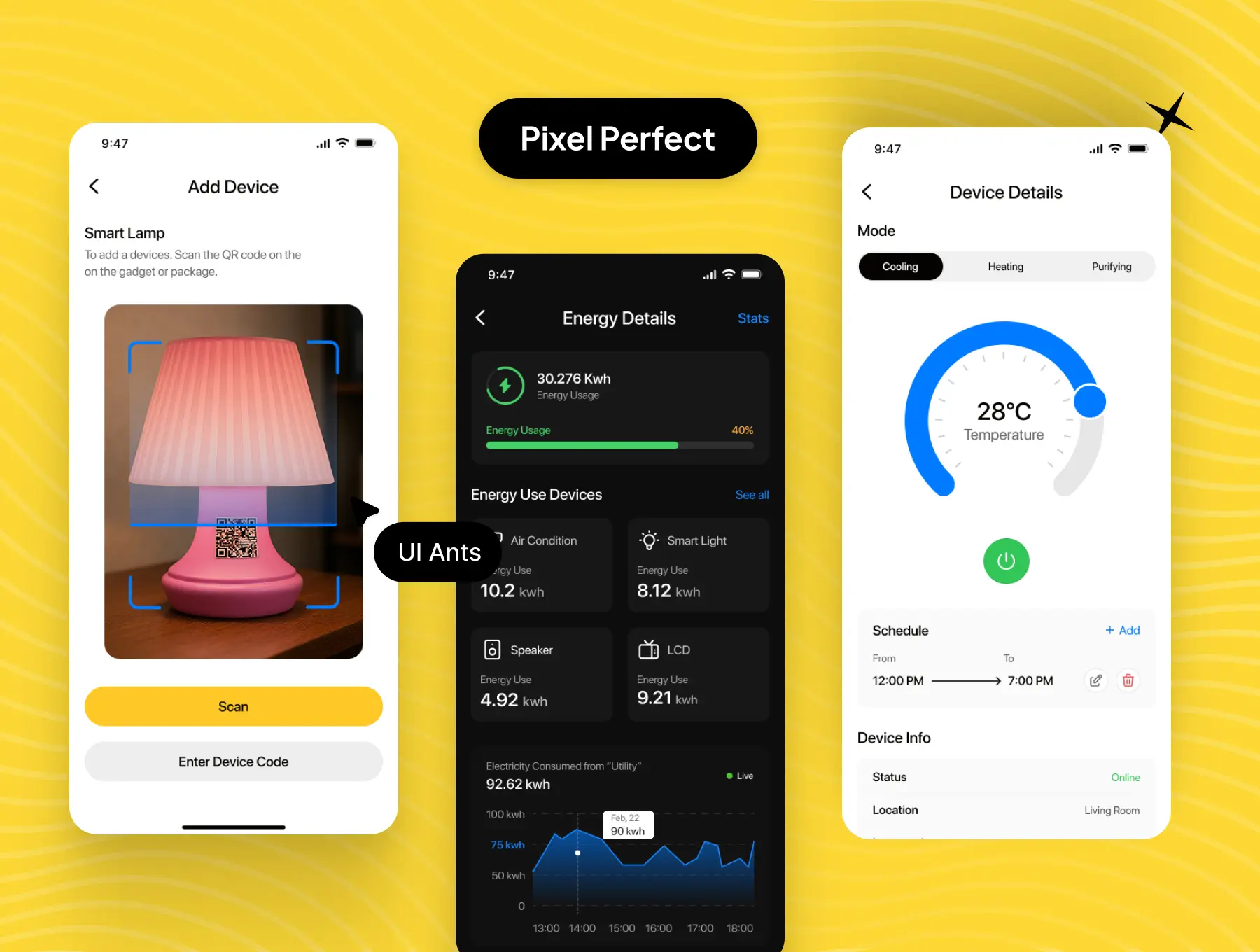
- Dedicated screens for AC, speakers, and various device types
- Room-based device organization for quick access
Automation & Smart Routines
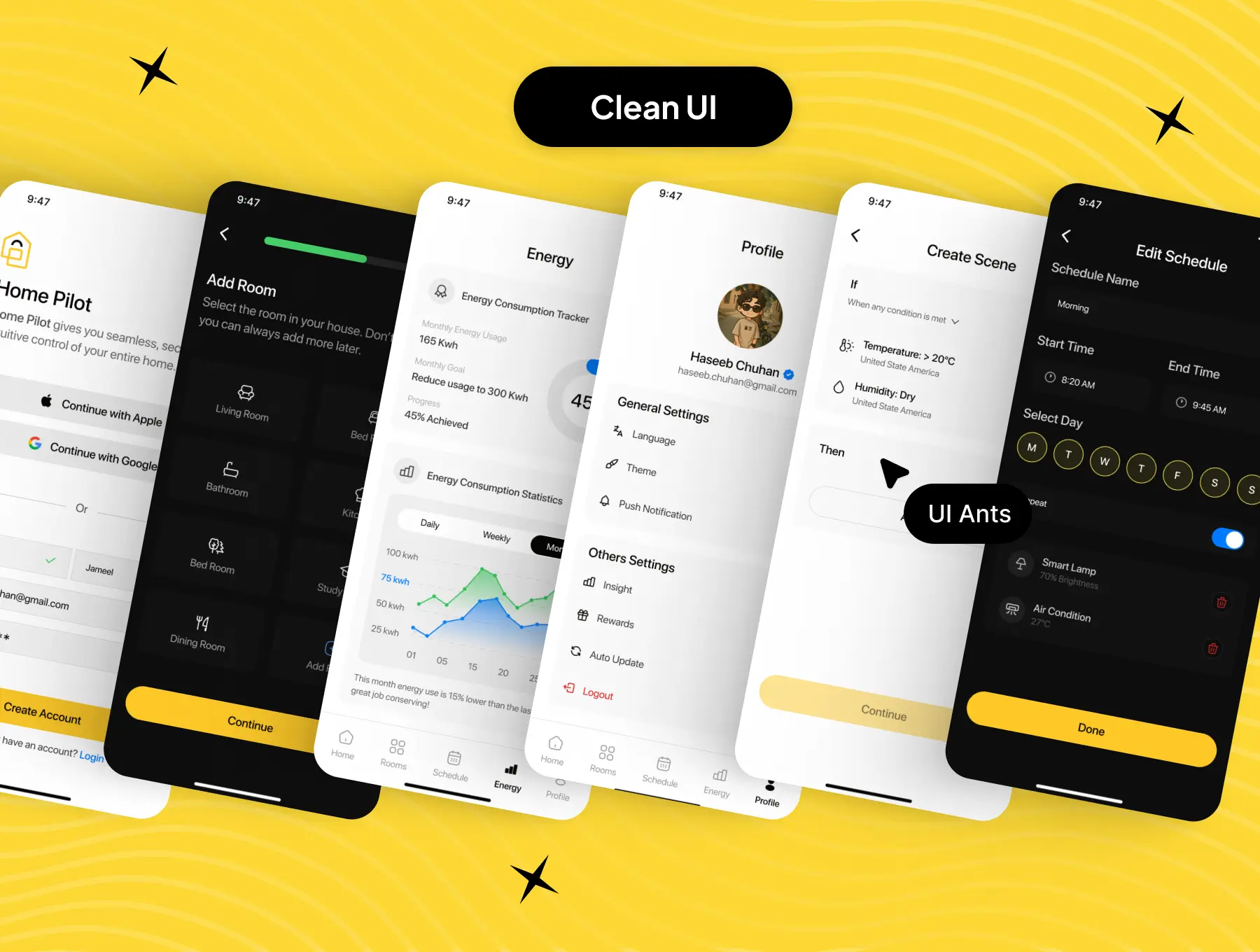
- Create custom scenes for automated actions
- Schedule routines with clean and editable time flows
- Scan and link devices seamlessly with IoT-ready designs
Energy Monitoring
- Real-time energy usage tracking
- Device-level consumption details
- Graph-based analytics for deeper insights
User Authentication & Account
- Smooth onboarding, sign-up, OTP, and home verification
- Profile editing and verification options
- Password and security management interfaces
Comprehensive User Flows
- Notifications, privacy policy, FAQs, and about section
- Full light and dark mode support
- Strong grid structure for consistency
Why Choose Smart Home UI Kit?
- Comprehensive Design: Covers all essential smart-home interactions
- User-Friendly: Clean and intuitive interface for daily use
- Customizable: Components adaptable to any brand or IoT ecosystem
- Trusted Inspiration: Modeled after top automation platforms
What’s Inside
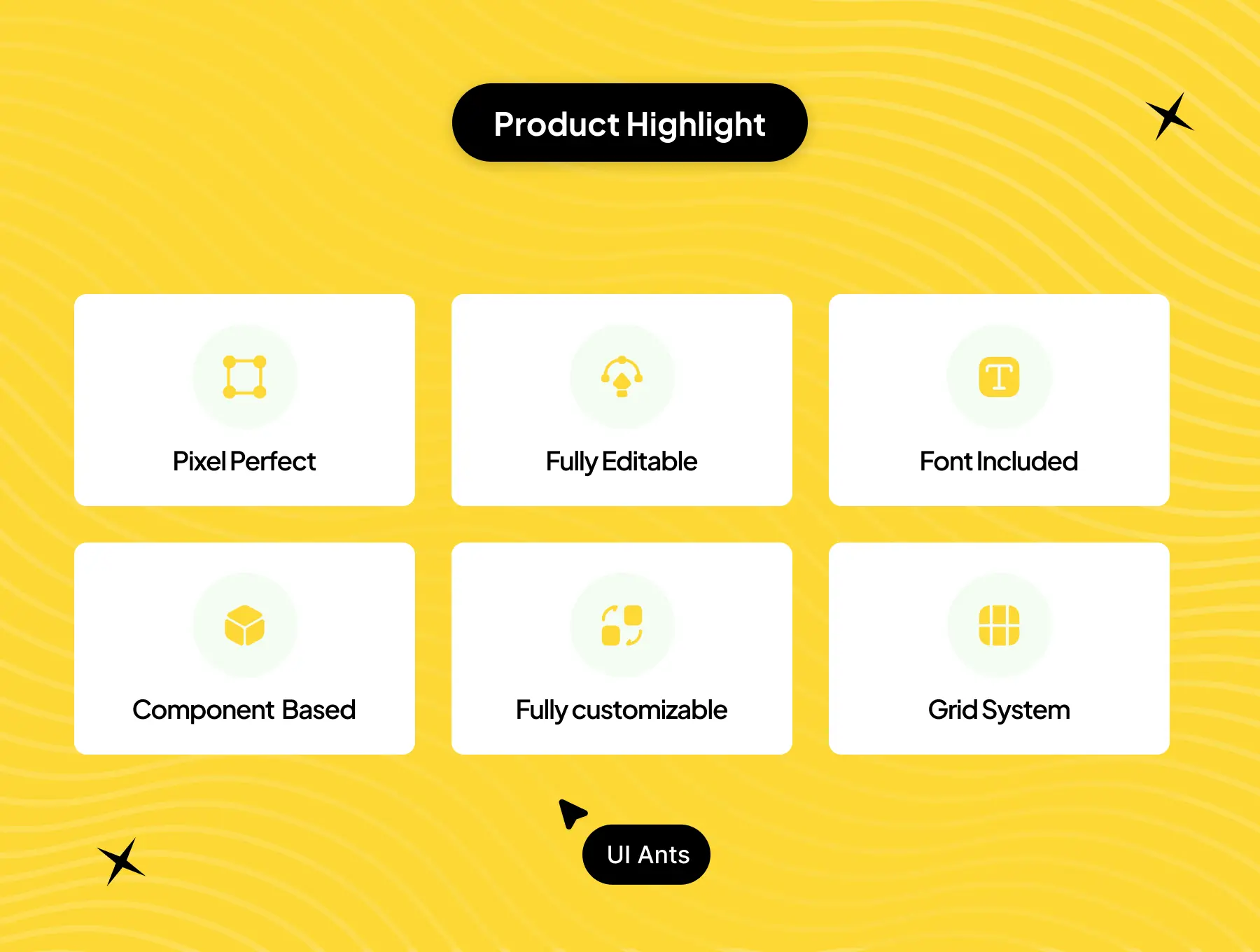
- 90+ pixel-perfect Figma screens
- 55+ reusable UI components
- Grid system and free icons included
- Organized layers and typography styles
- Fully designed for both light and dark modes
Ideal For
- Smart home and IoT device apps
- Home automation startups
- Energy management and connected-living platforms
How to Use
- Download the Figma source files after purchase.
- Customize colors, layouts, and styles to match your brand.
- Export assets and integrate them into your smart home application.