


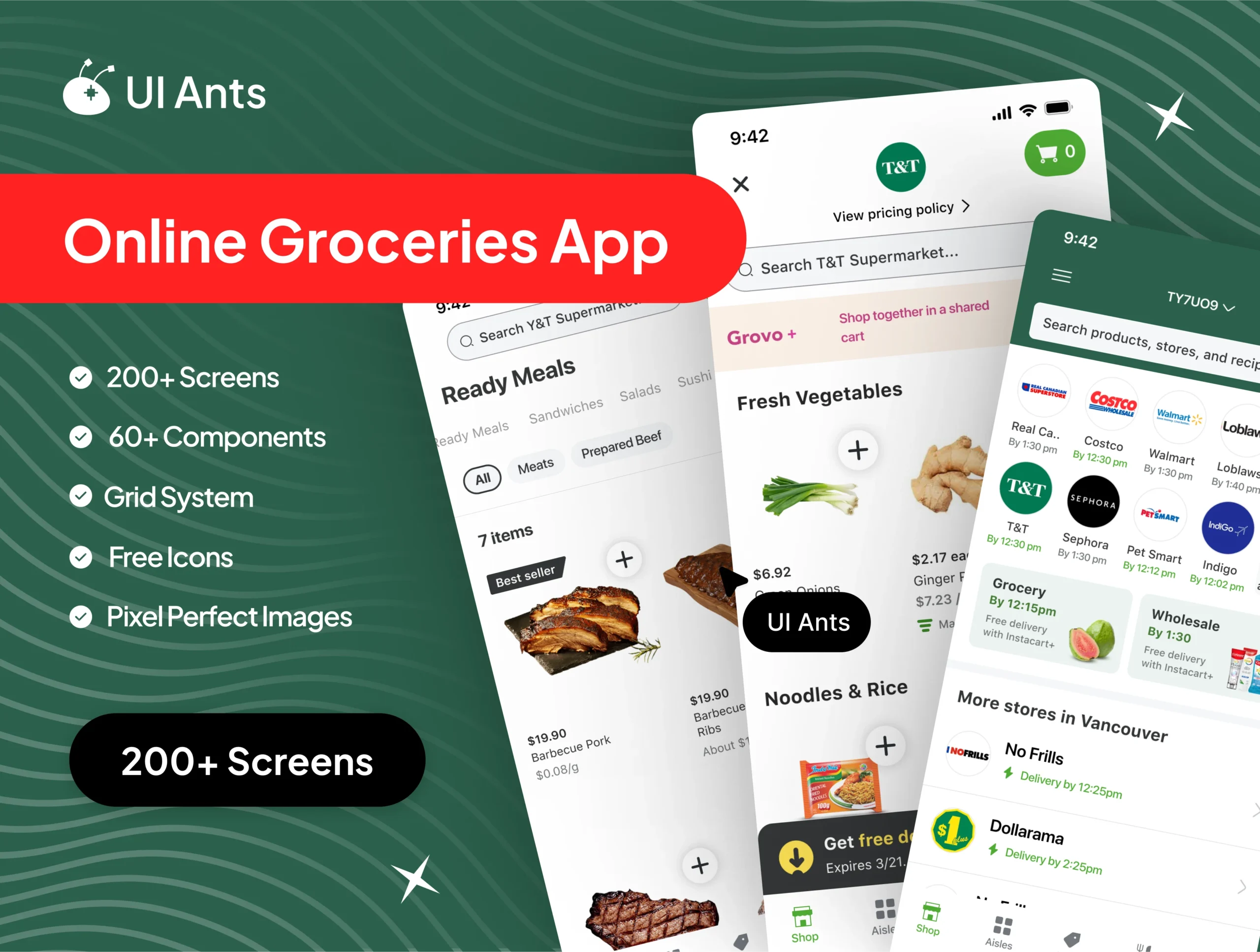
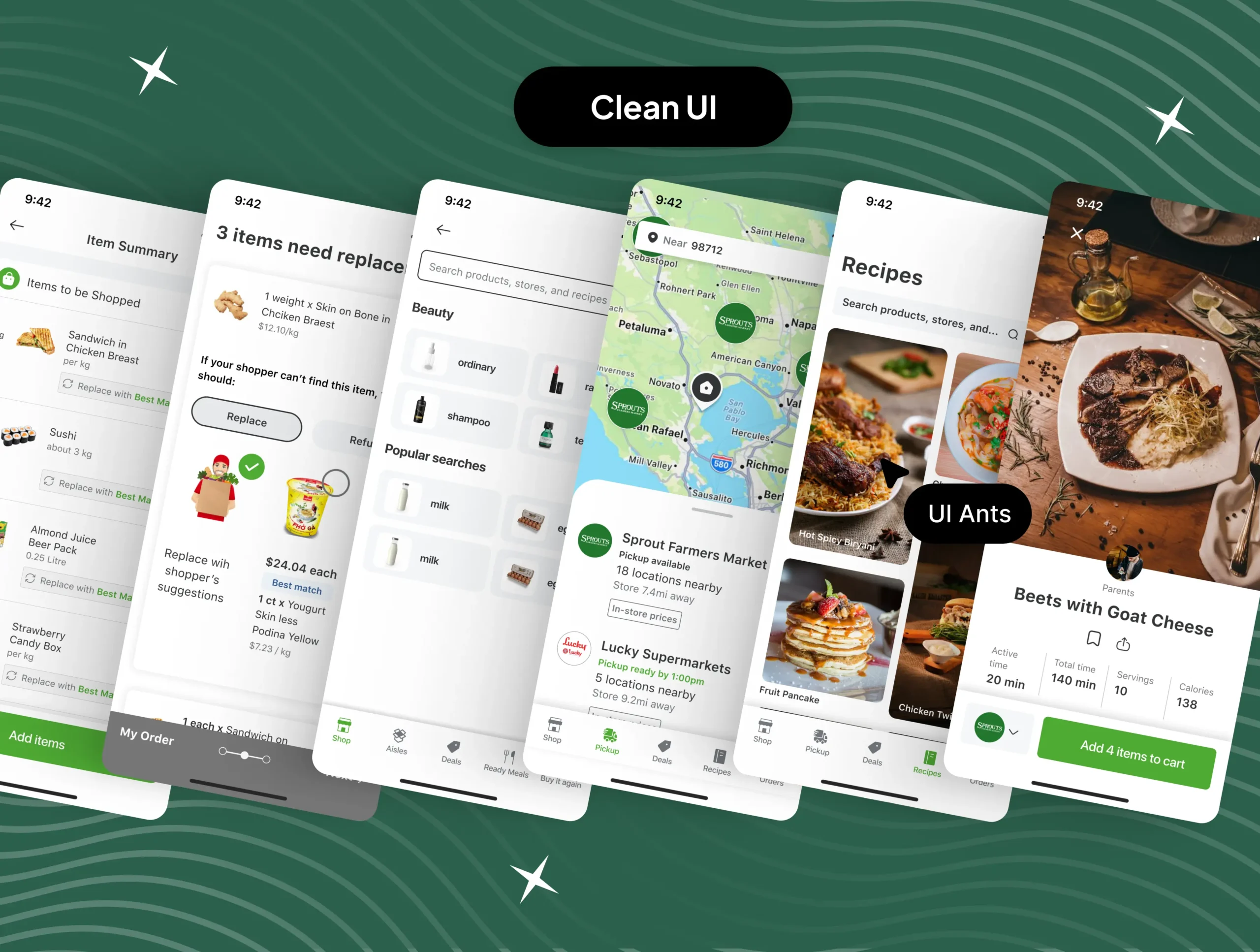
Looking to design a grocery shopping app that’s both beautiful and functional? Look no further than the GoGroceries UI Kit!
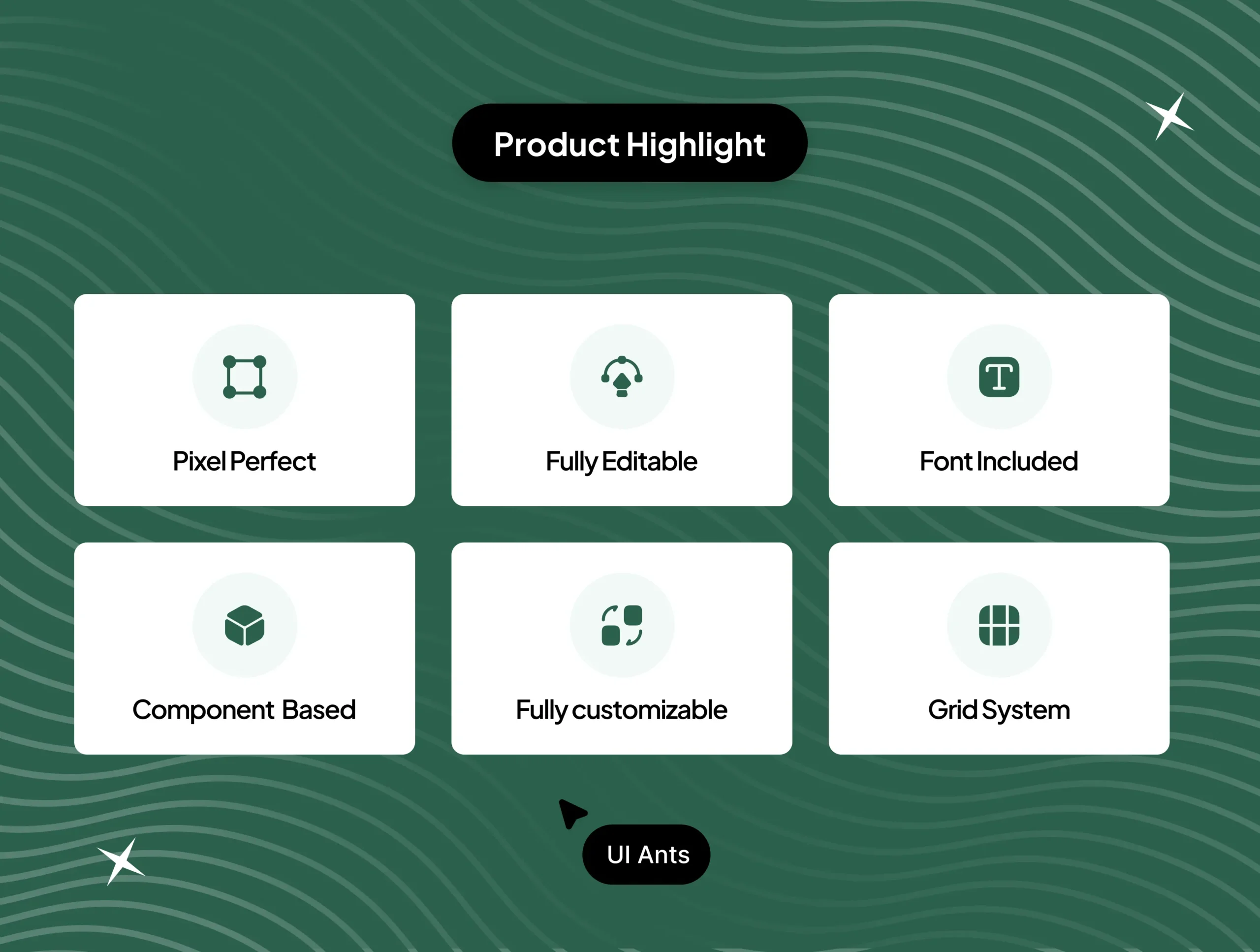
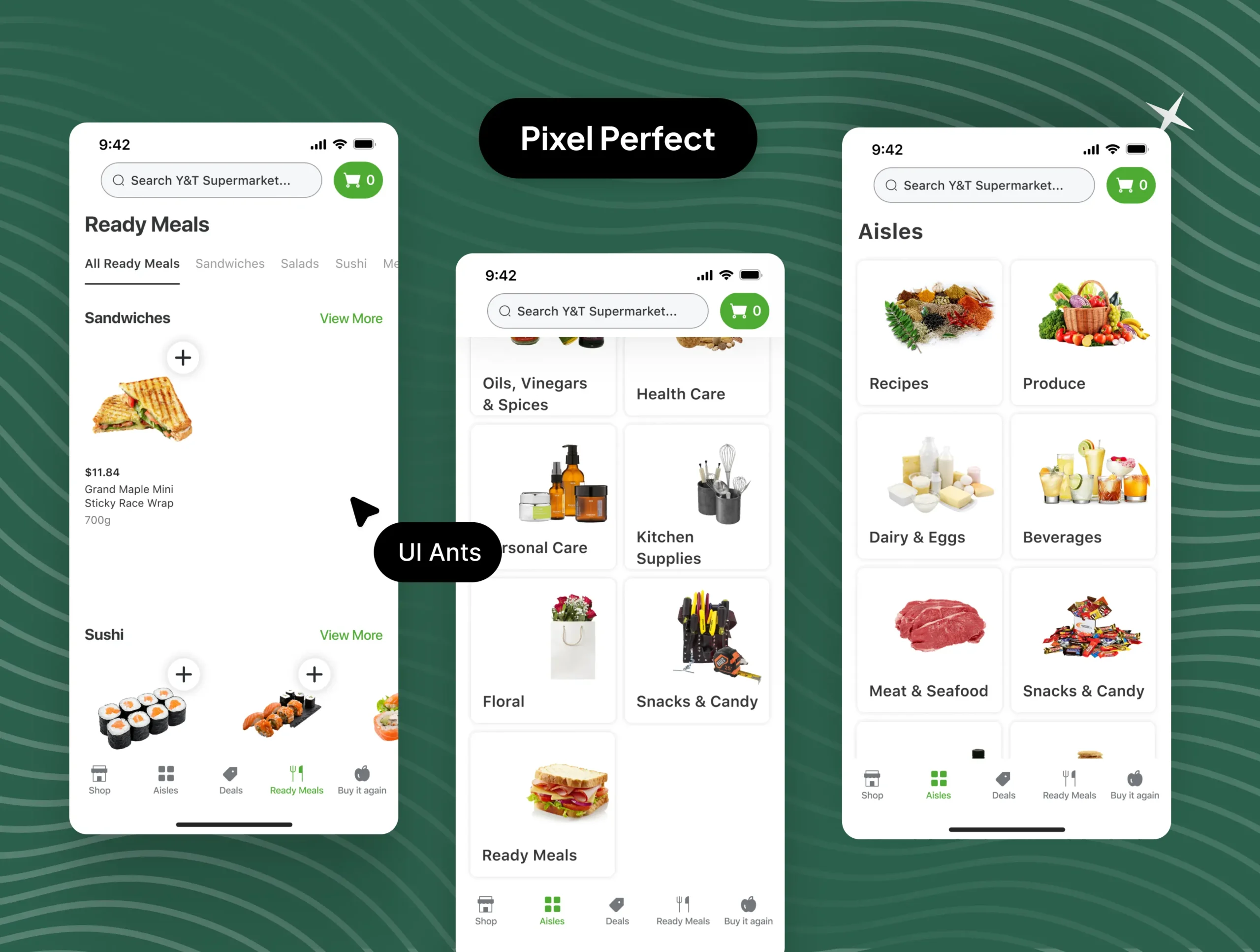
With over 60 components, a global style guide, a grid system, and pixel-perfect design, this UI kit is a comprehensive resource that provides everything you need to create a stunning grocery app design. The kit has been meticulously crafted to help you create a visually appealing design that’s consistent and easy to use, with each component designed to fit seamlessly into the overall design.
Explore what we offer and how we can bring your ideas to life.

Crafted, user-friendly UI for iOS & Android apps that convert.

Scalable, clean, and conversion-focused UI for modern SaaS platform

Modern, responsive websites tailored to your brand goals.

Investor-ready pitch decks that tell your story and sell your vision.

Visual identity that stands out — from logos to style guides.

Expert guidance to improve user flow, retention, and usability.
Ready to get started?
Need Support ?
