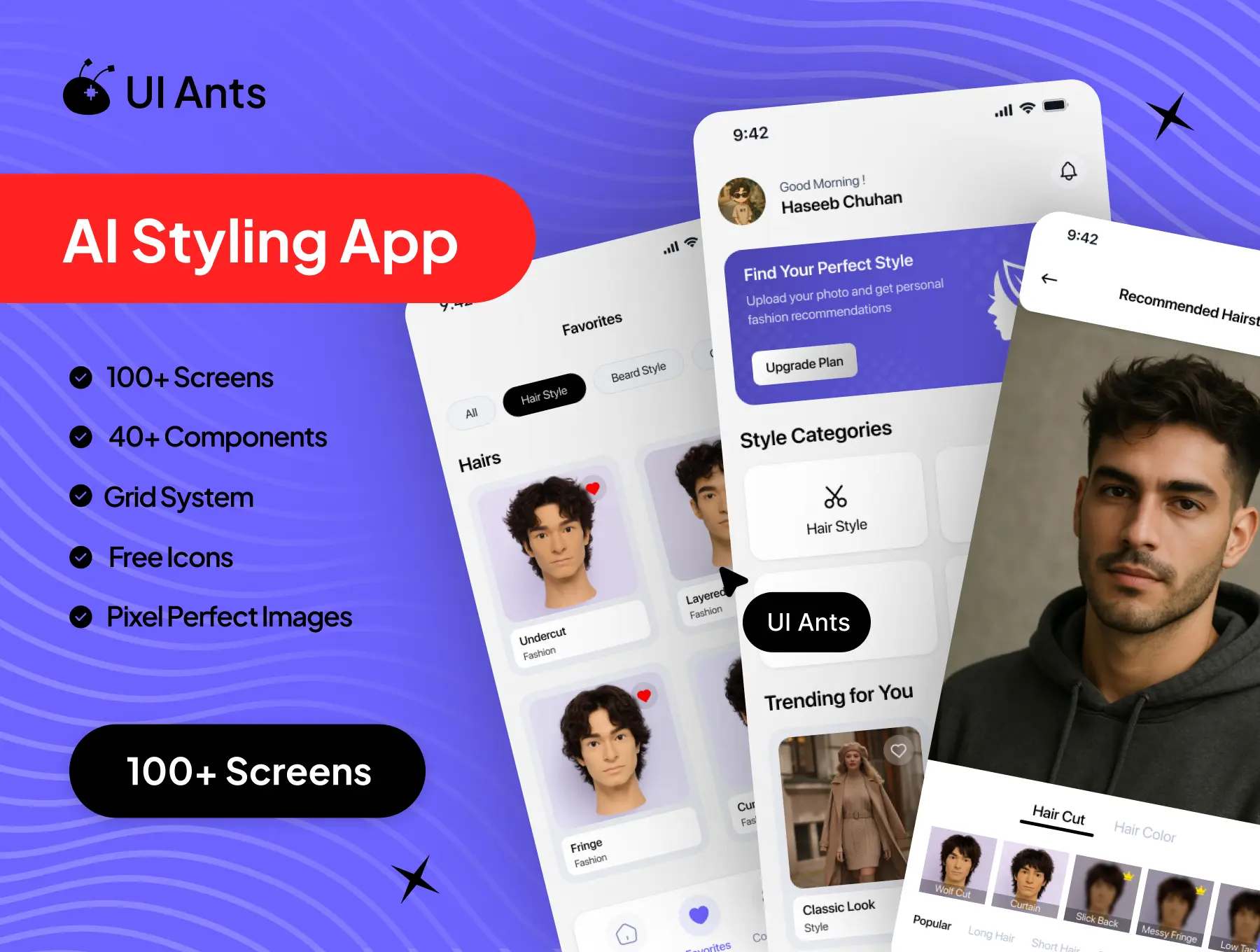
Introducing the AI Styling App UI Kit – a smart, fashion-forward design system built to deliver personalized styling experiences powered by AI. With 100+ beautifully crafted screens and 40+ reusable components, this UI kit enables apps to analyze user features and recommend hairstyles, colors, glasses, beard styles, and outfit combinations. Designed with modern aesthetics and pixel-perfect precision, it creates a seamless and intelligent styling journey.
Key Features
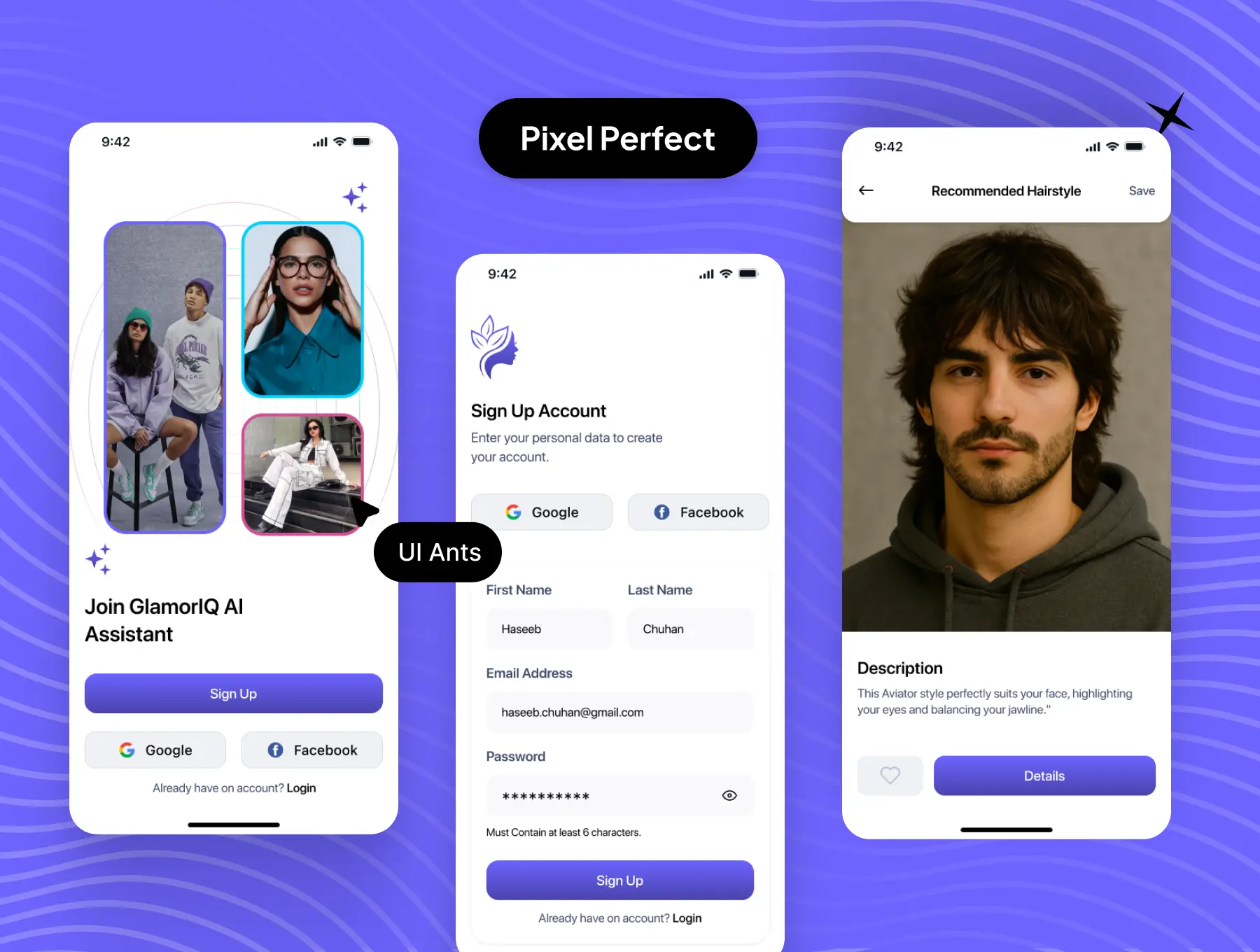
Onboarding & Authentication
- Splash and onboarding screens
- Sign up with OTP verification
- Secure account setup and profile creation
- Subscription and payment flow
AI Styling & Recommendations
- Face scanning and photo access permissions
- AI-powered analysis process
- Personalized hairstyle recommendations
- Hair color suggestions with detailed previews
- Glasses and beard style recommendations
- Outfit color and styling suggestions
Exploration & Engagement
- Detailed recommendation screens
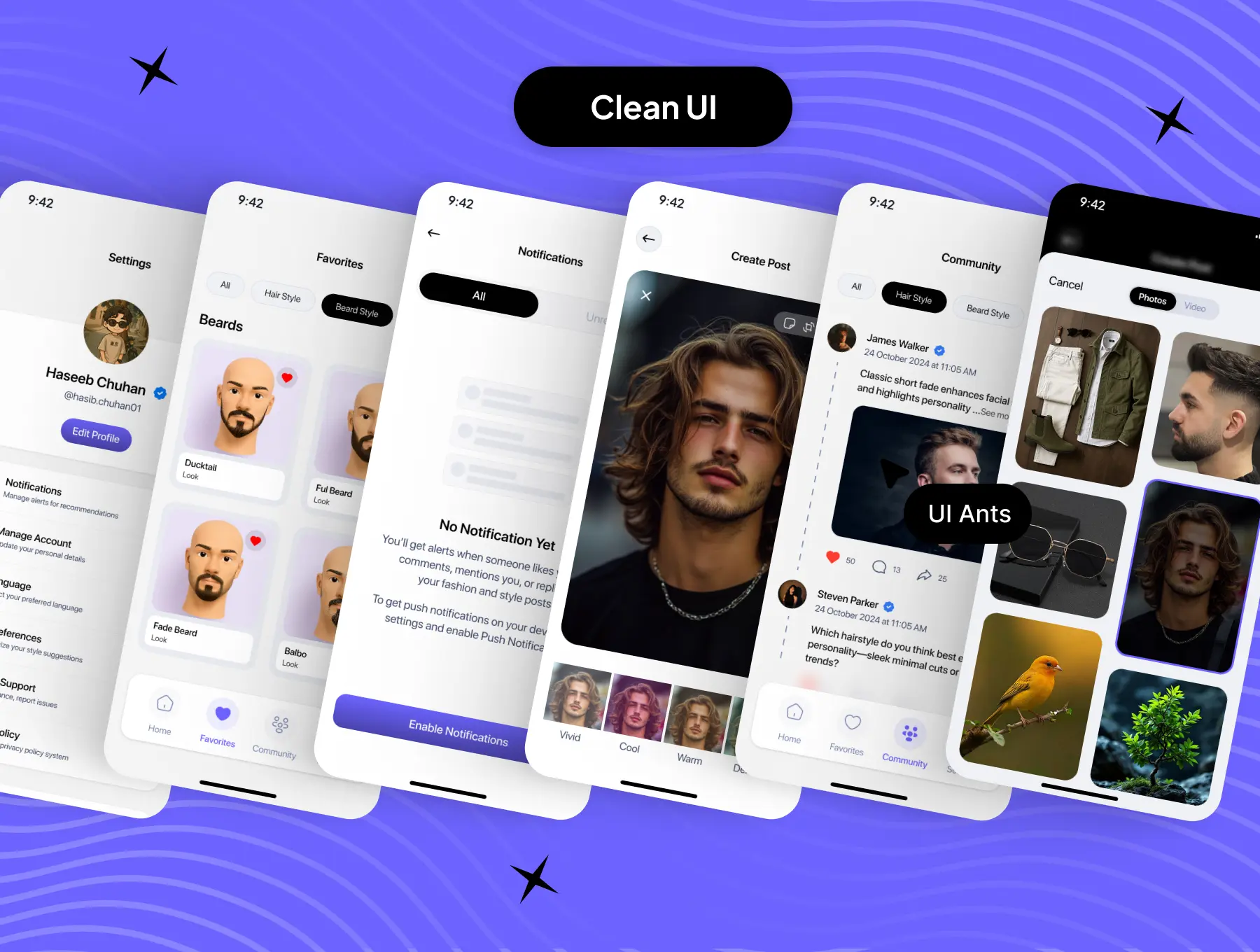
- Save favorites for quick access
- Community feed to share styles
- Create, view, and delete posts
- Activity tracking
Account & Settings
- Edit profile and personal details
- Notification management
- Account security and password changes
- App appearance customization
- Account deletion and logout
Privacy & Support
- Privacy policy and FAQs
- Help Center and support access
- About section for app information
Why Choose This UI Kit?
- AI-Focused UX: Designed specifically for intelligent styling and analysis flows
- Modern & Trendy Design: Fashion-first visuals with clean layouts
- Highly Customizable: Flexible components for branding and feature expansion
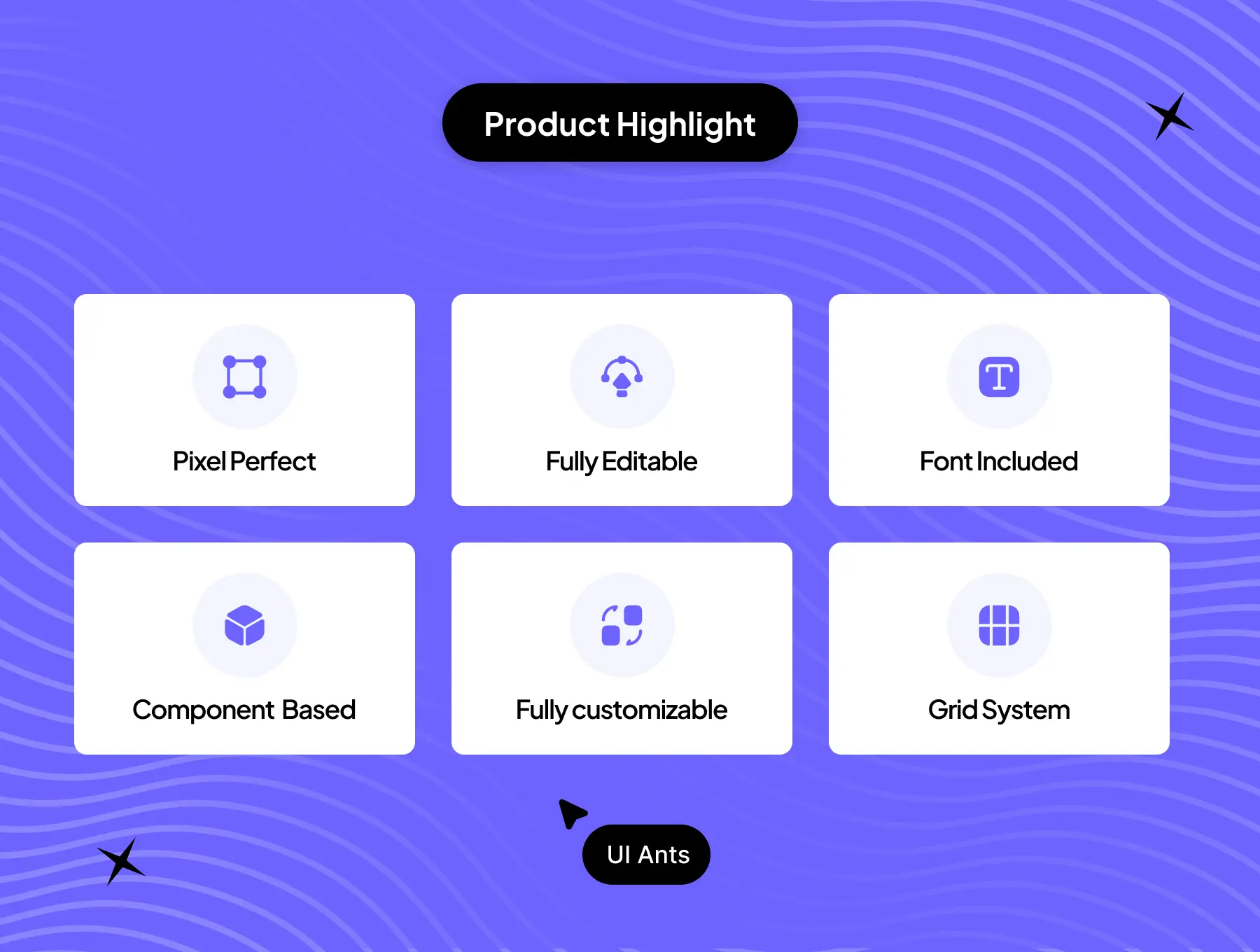
- Pixel-Perfect Execution: Consistent spacing, grids, and typography
- Community Ready: Built-in social and engagement features
What’s Inside
- 100+ pixel-perfect Figma screens
- 40+ reusable UI components
- Grid system for layout consistency
- Free icons
- High-quality pixel-perfect images
- Fully editable, well-organized, and developer-friendly files
Ideal For
- AI styling and fashion recommendation apps
- Virtual makeover and beauty platforms
- Fashion-tech startups
- Personal styling and grooming applications
How to Use
- Open the Figma files after download.
- Customize colors, typography, and components to match your brand.
- Export assets and integrate them into your mobile or web app project.