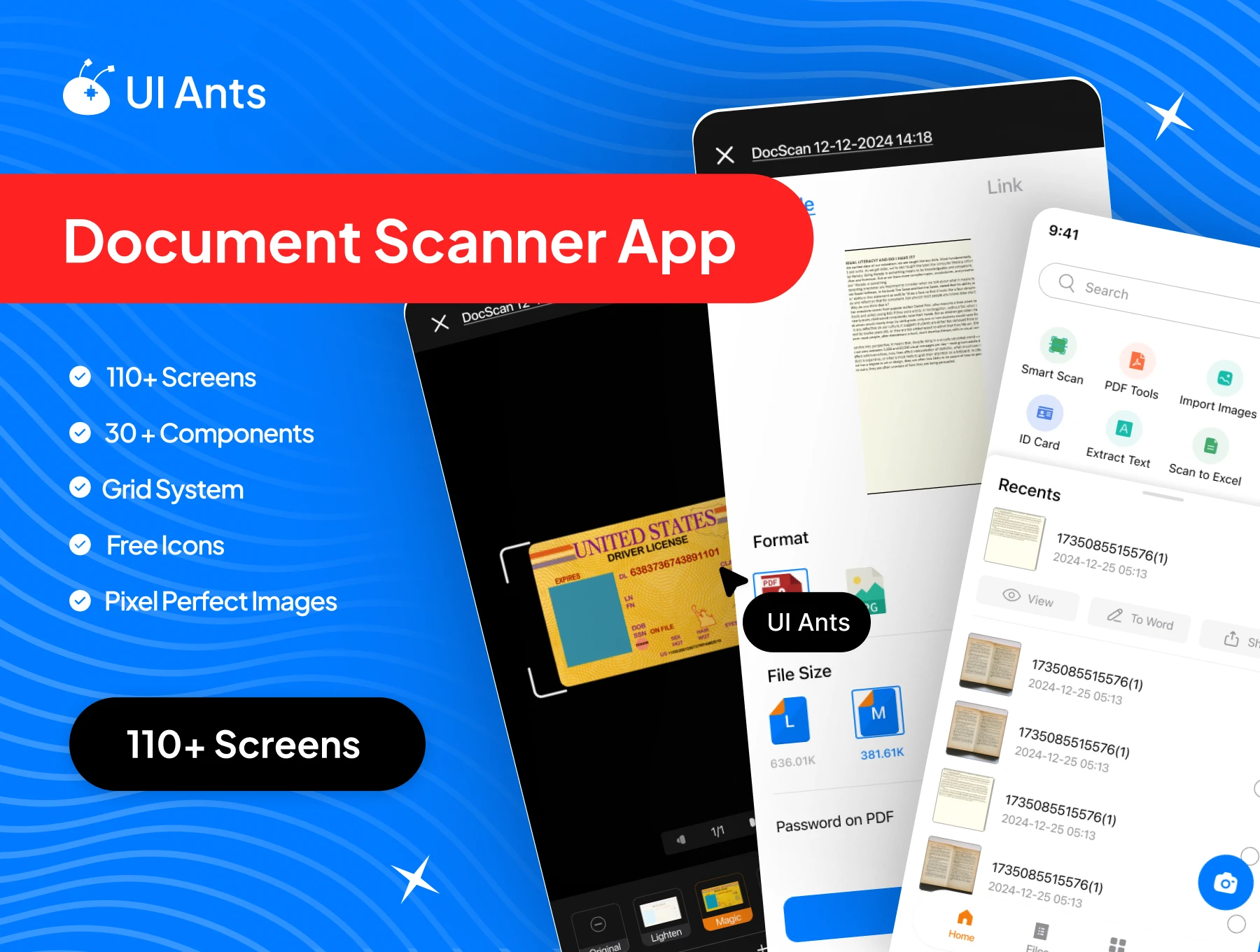
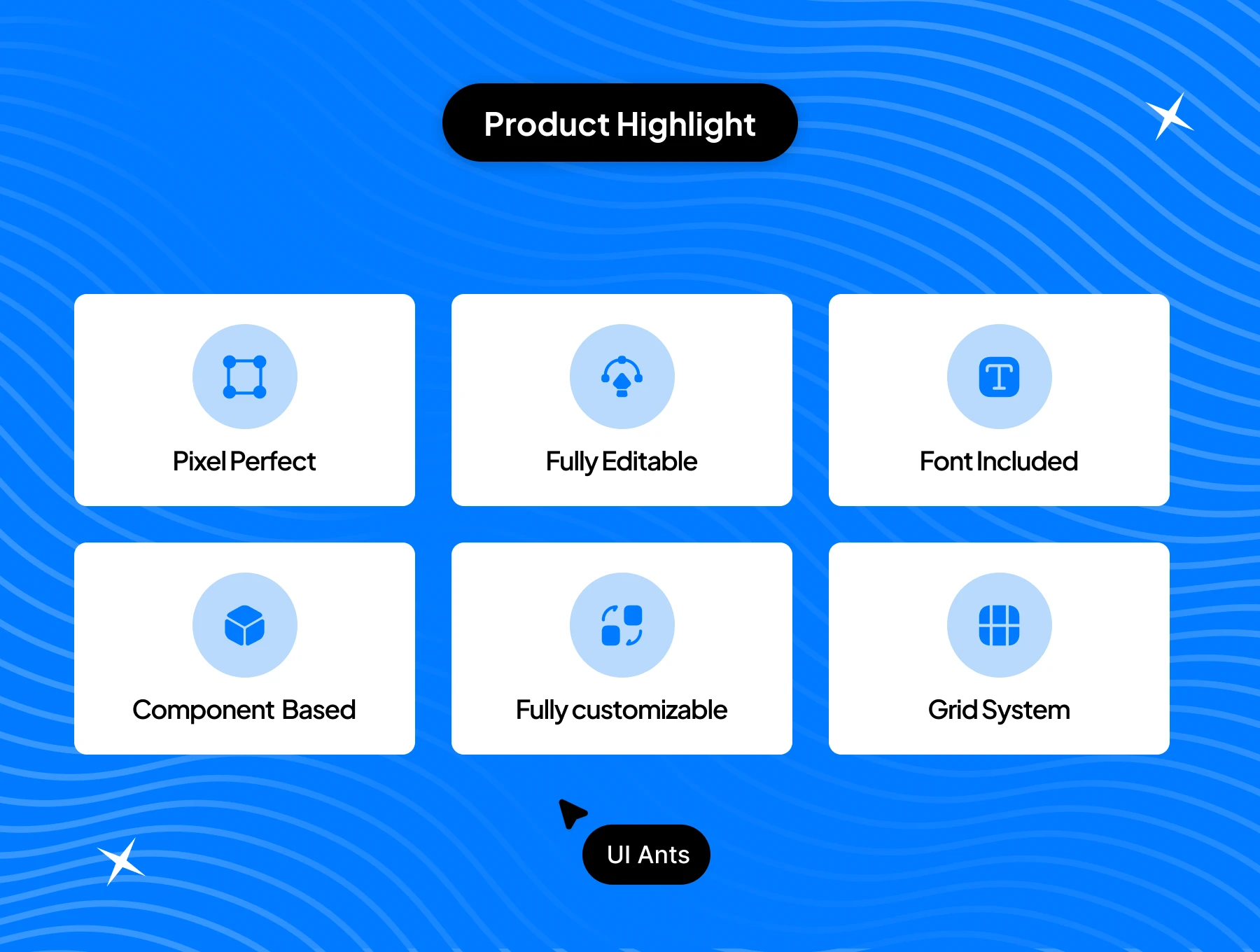
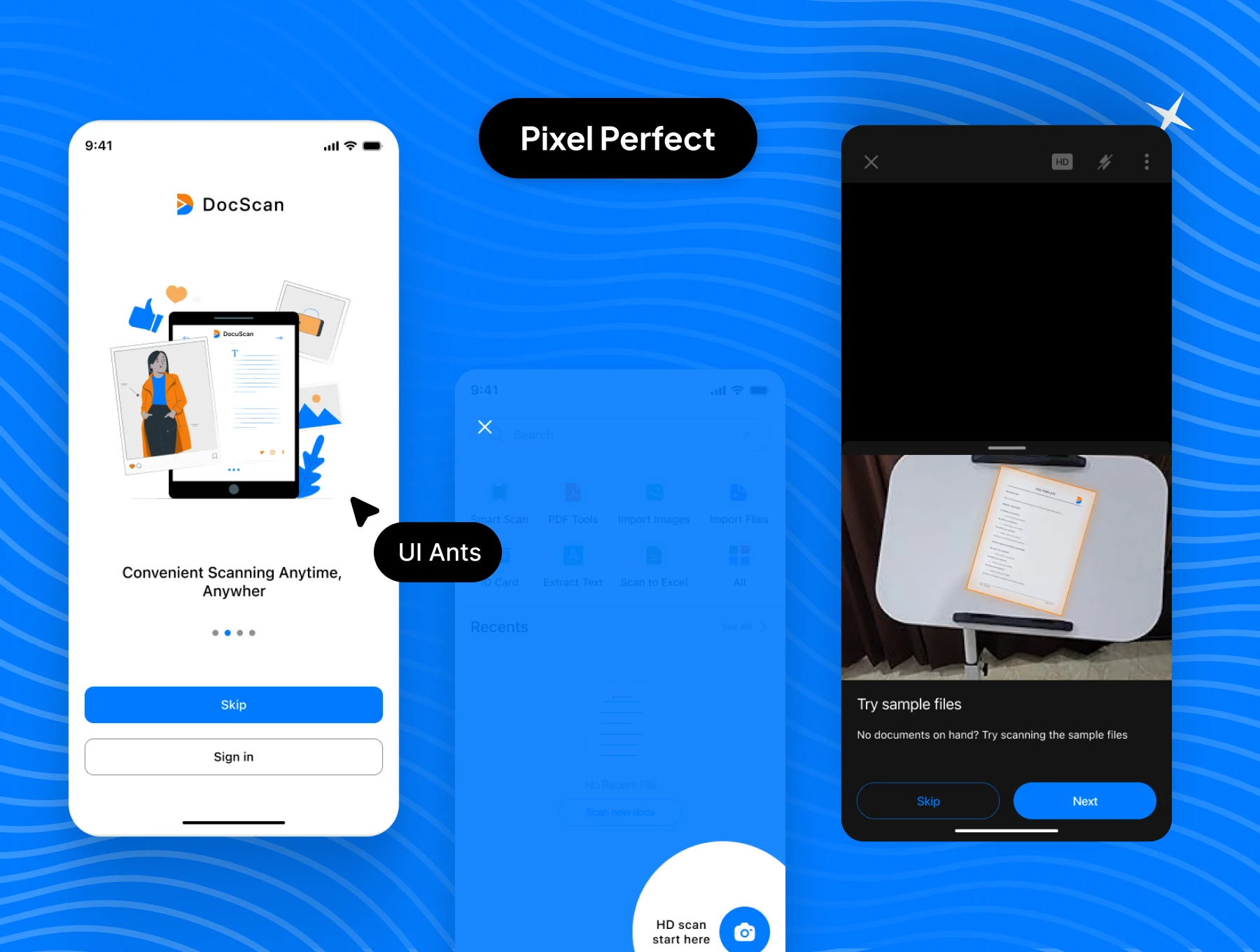
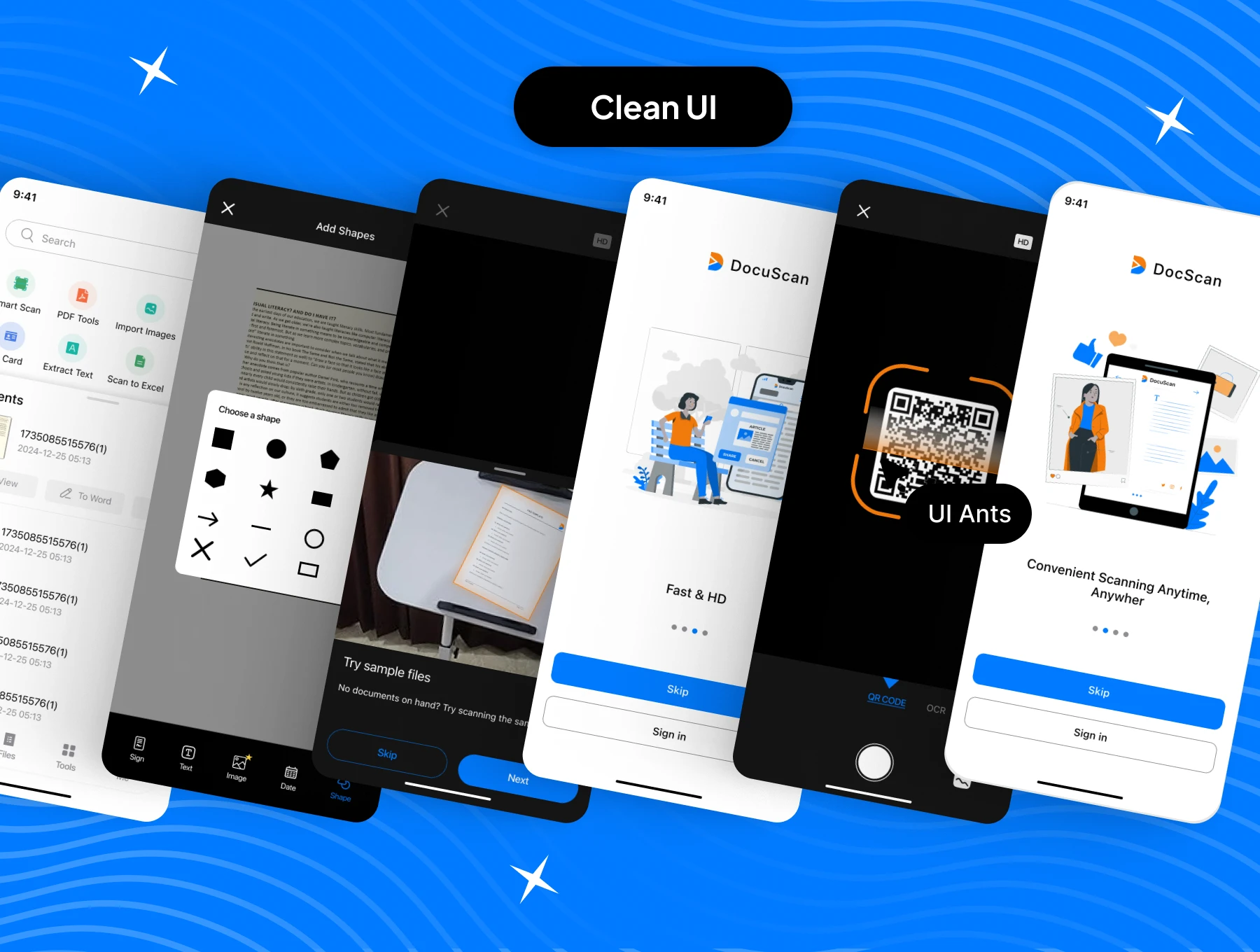
Introducing the Document Scanner App UI Kit – a sleek and powerful toolkit for designing smart document scanning applications. With 110+ screens and 30+ reusable components, this kit covers everything from onboarding and scanning to file management, AI-powered tools, and secure payments. Built with pixel-perfect precision, it helps you craft a seamless, professional, and user-friendly scanning experience.
Key Features
Smart Scanning
- Scan documents, books, ID cards, and passports
- AI-powered scanning for enhanced accuracy
- Built-in OCR for fast and reliable text recognition
- QR scan support for quick access and actions
File Management
- Manage all scanned files in one place
- Edit, delete, crop, and adjust scanned documents
- Organize files with tags, folders, and favorites
Advanced Tools & Security
- Integrated AI tools for auto-detect, edge cleanup, and enhancement
- Multiple payment methods to unlock premium features
- Secure document handling with privacy and access controls
User Account & Settings
- Splash and onboarding screens for smooth entry
- Settings management with theme and appearance changes
- Final review screens before saving, exporting, or sharing
Why Choose Document Scanner App UI Kit?
- Comprehensive Design: Covers all scanning scenarios and file workflows
- User-Friendly: Intuitive UI for fast, accurate document capture
- Customizable: Easily adapt components and styles to your brand
- Pixel Perfect: Professional, high-quality visuals for modern devices
What’s Inside
- 110+ pixel-perfect Figma screens
- 30+ reusable UI components
- Free icons and scalable assets
Ideal For
- Document scanning startups
- Productivity and file management apps
- Developers creating smart scanning and OCR applications
How to Use
- Download the Figma source files after purchase.
- Customize components and styles to match your brand identity.
- Export assets and integrate them into your document scanning app project.