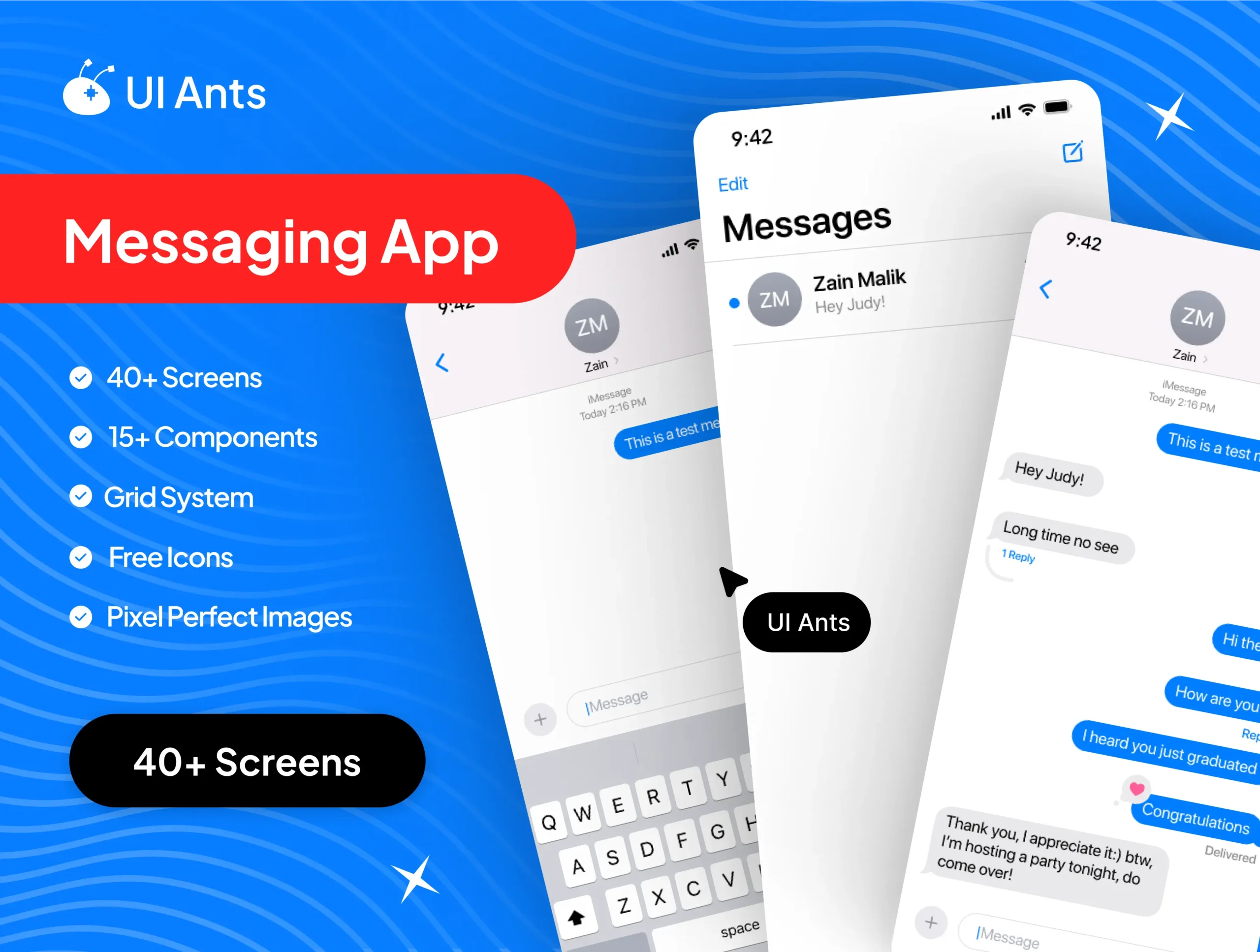
Build a fast, modern messaging experience with ChatMate – Messaging App UI Kit (40 Screens). Inspired by familiar chat patterns and crafted for real-world products, ChatMate delivers 40 meticulously designed screens and 15 reusable components that cover the full chat lifecycle—conversations, media sharing, calls, search, privacy, and settings—without referencing any specific third-party brand.
From rich message composition to read receipts and group admin tools, ChatMate streamlines prototyping and production with pixel-perfect layouts, a clean type system, and dark mode variants for a polished, platform-ready experience.
Create the future of online communication through the UIAnts Chat App UI, a premium suite of smooth, contemporary, and fully customizable interface templates. Our chat app UI provides the ideal starting point, whether you are creating a messaging app for startups, social media, or enterprise-wide communication tools. This kit is designed with ease of use and is created to facilitate the creation of professional apps by designers and developers who are especially concerned with the look of their apps.
Why Use Our Mobile App Design Templates?Designing an app can be a complex process. Starting from scratch often requires significant time and resources. With UIAnts’ expertly crafted mobile app design templates, you get a head start. Each app design template is designed to meet modern usability standards, while still being flexible enough to adapt to your unique vision.
Our templates are perfect for:
- Startups looking to launch an MVP quickly
- Agencies needing scalable app template design systems
- Developers who want polished, ready-to-use layouts
- Businesses looking for affordable yet professional design app templates
Key Features
Conversations & Threads
- Chat list with pins, unread badges, and swipe actions
- One-to-one and group threads with inline replies
- Typing indicators, sent/delivered/read states, and message timestamps
Compose & Rich Media
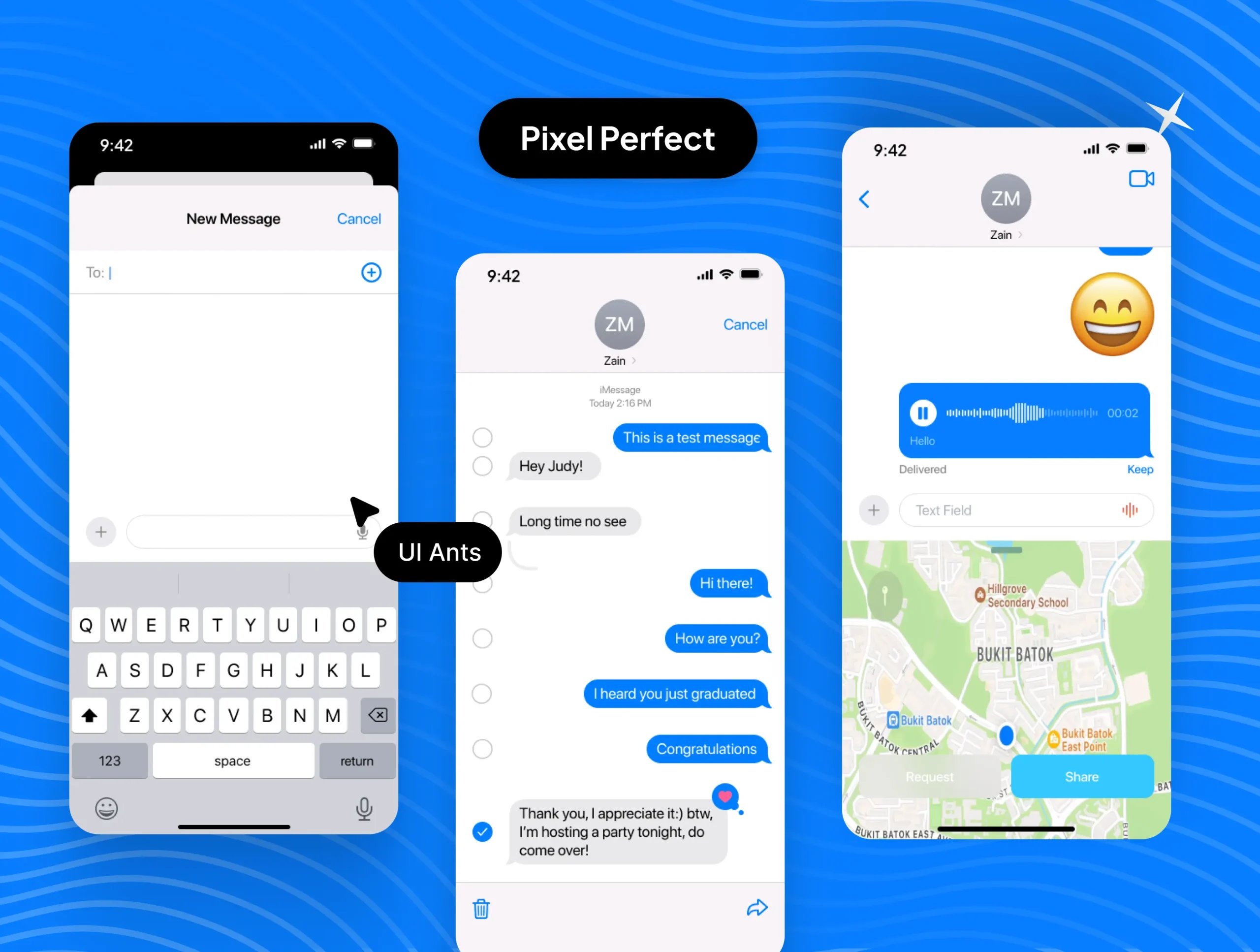
- Composer with attachments, camera, gallery, and voice notes
- Stickers, reactions, emoji picker, and GIF search
- Link previews, location shares, and file/doc attachments
Calls & Live Presence
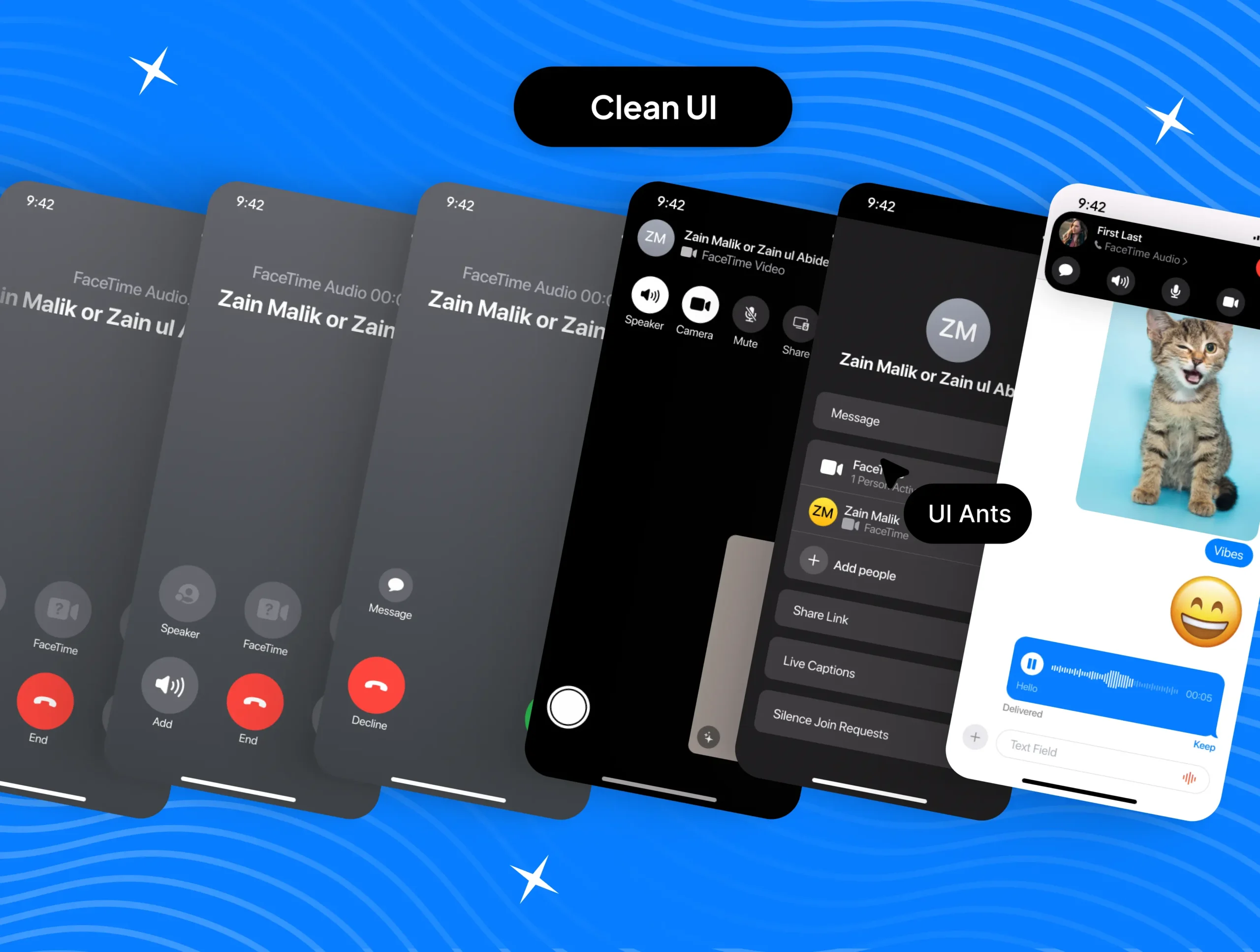
- Voice and video call screens with incoming/outgoing flows
- In-call controls (mute, speaker, camera swap) and call logs
- Online/offline presence and last-seen indicators
Search & Organization
- Global and in-thread search with filters (media, links, docs)
- Starred messages, saved items, and shared media hubs
- Archive, mute, and mark-as-read workflows
Security & Privacy
- Passcode/biometric lock screens and session management
- Block/report, read-receipt toggles, profile visibility controls
- Device and backup management patterns
Profile, Groups & Settings
- User profile, avatar edit, status, and display name
- Group creation, member roles, invites, and admin tools
- Notifications, themes, language, accessibility, and data & storage
Why Choose ChatMate?
- Production-Ready: Screens mirror real messaging flows end-to-end
- Flexible: Atomic components for quick rebranding and feature swaps
- Usability-First: Clear hierarchy, legible type, and accessible colors
- Fast to Ship: Reduce design/development cycles with ready patterns
What’s Inside
- 40 pixel-perfect Figma screens (light & dark)
- 15 reusable UI components (message bubbles, chips, modals, lists)
- Organized grid system, typography, and color styles
- Shared media galleries, call flows, and privacy settings templates
Screen List (Sample Breakdown)
- Onboarding (welcome, permissions), Auth (sign in/up, OTP)
- Chat List (default, search, filters), Archived & Pinned
- Thread – 1:1 (text, media, replies, reactions)
- Thread – Group (members, mentions, admin tools)
- Composer variants (attachments, voice, camera, GIFs)
- Media viewers (image, video, doc, link preview)
- Calls (incoming, ongoing, minimized PiP, call history)
- Search (global, in-thread, results filters)
- Profile (self/other), Edit Profile, Status
- Settings (notifications, privacy, data & storage, devices)
- Safety (report/block, session management, passcode)
- Utilities (saved/starred, shared media hub, backups)
Ideal For
- Consumer messaging apps
- In-app support and community chat
- Team communication and collaboration tools
- Products adding embedded chat modules
How to Use
- Download the Figma source files after purchase.
- Apply your brand tokens (colors, type, icons) and adjust components.
- Export assets and integrate screens into your messaging stack.