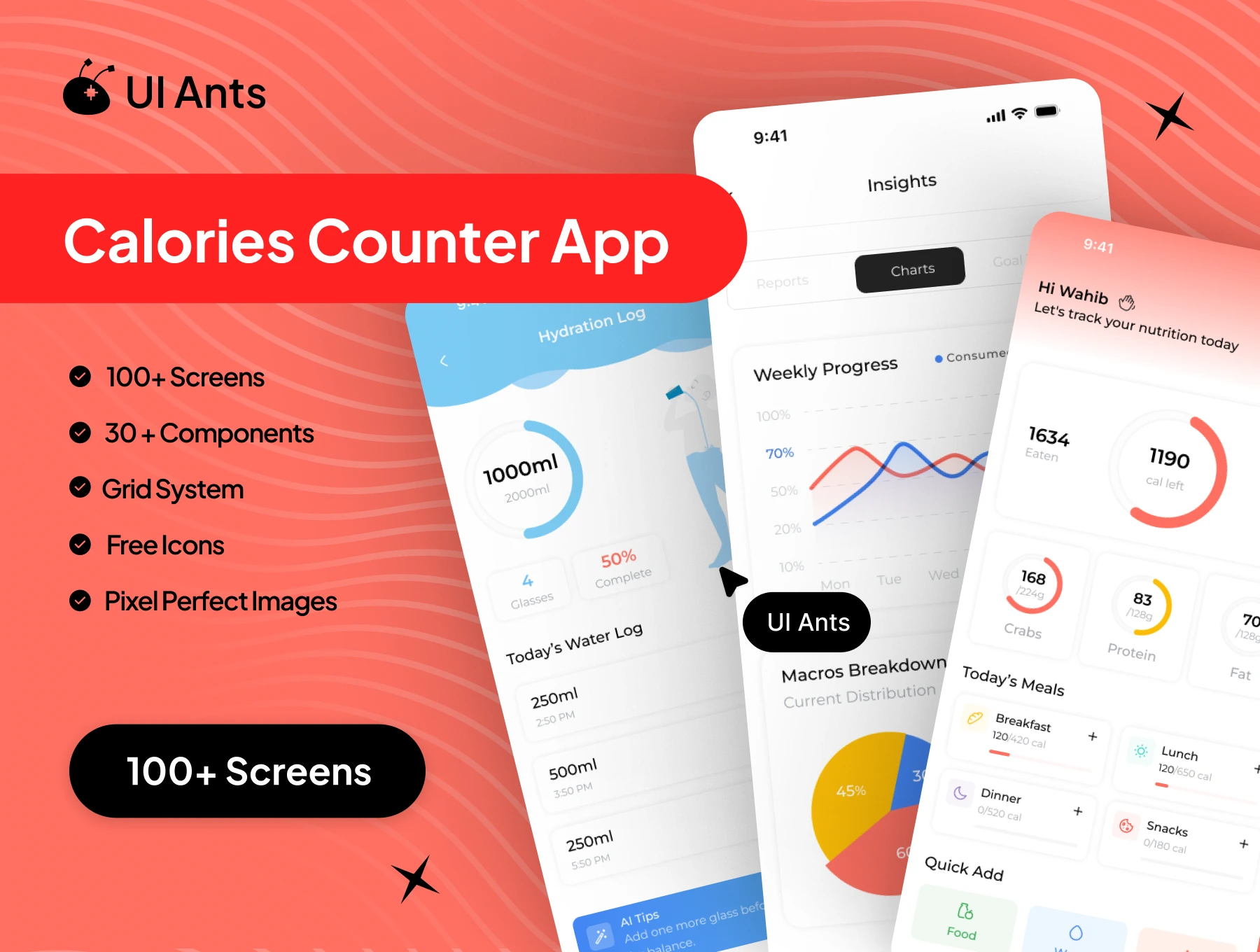
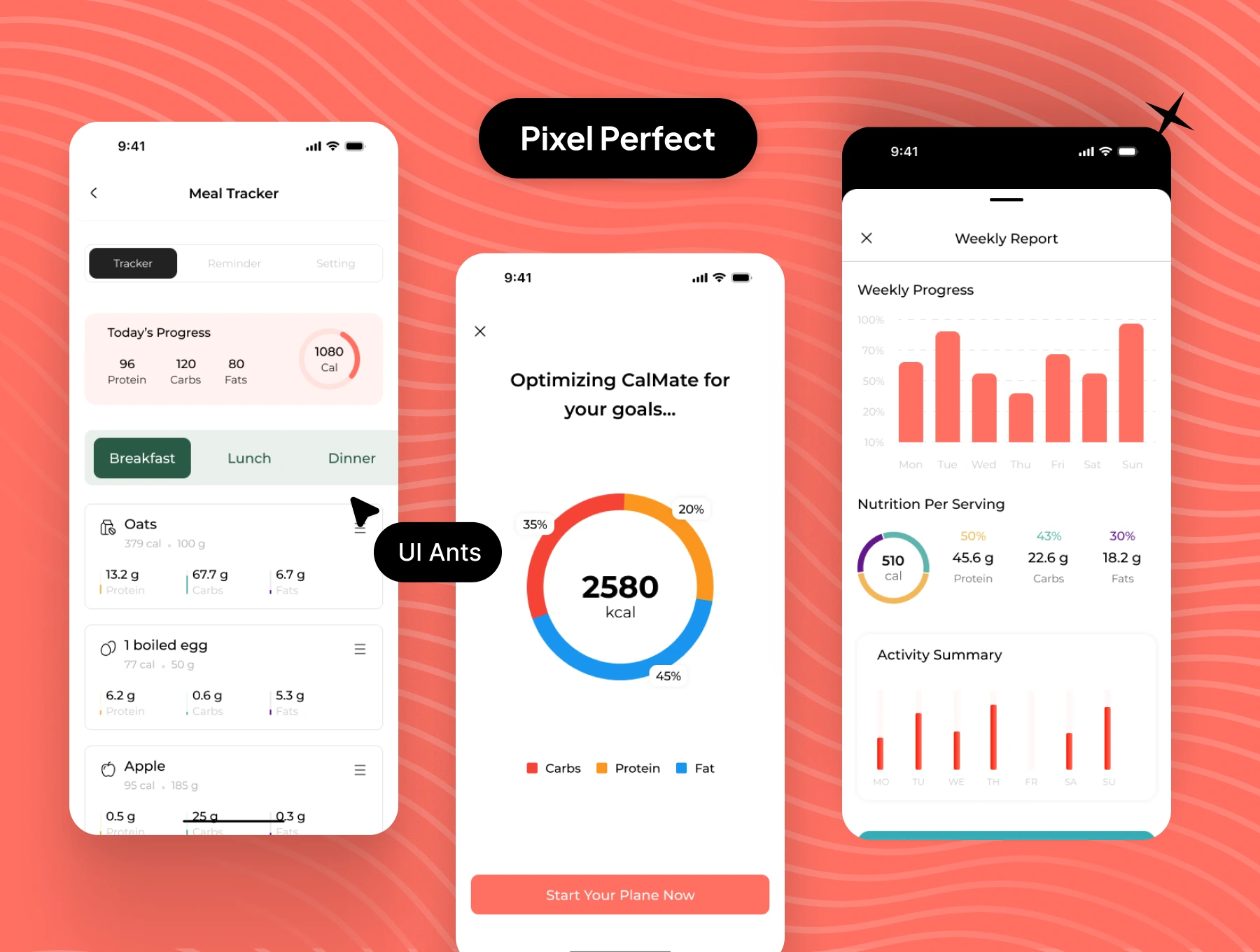
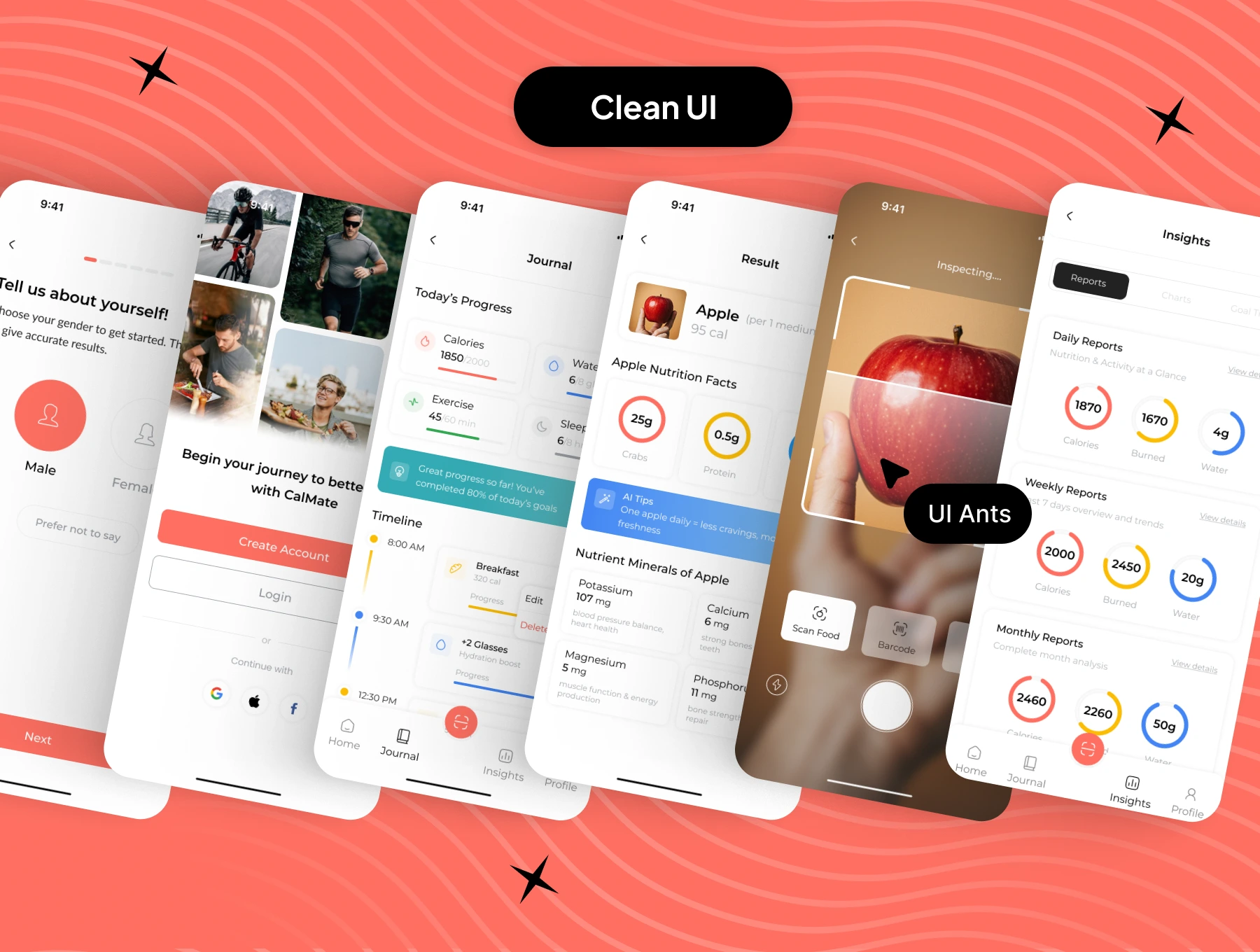
Introducing the Calories Counter App UI Kit – a clean, powerful, and health-focused design system built to help users track calories, monitor nutrition, and stay consistent with their fitness goals. With 100+ pixel-perfect screens and 30+ reusable components, this kit supports a complete wellness journey. From meal logging and hydration tracking to workout progress and deep insights, every screen is designed to promote healthier habits through clarity and simplicity.
Key Features
Nutrition & Meal Tracking
- Add and manage meals with calorie details
- Meal tracker with daily summaries
- Journal for food and health notes
- Scan food items for quick calorie input
Health & Fitness Monitoring
- Water intake tracking
- Workout progress monitoring
- Historical data for long-term analysis
- Insight screens with performance summaries
Account & Personalization
- Account setup and personal information management
- Units settings and app theme customization
- Linked devices support
- Profile and notification controls
Security, Support & Legal
- Secure login, OTP, and password management
- Help & Support center with FAQs
- Privacy policy and terms and conditions
- Ratings, reviews, logout, and account controls
Why Choose This UI Kit?
- Health-Focused UX: Designed for daily calorie and fitness tracking
- Dark Mode Included: Dedicated dark UI for key screens
- Complete User Flow: Covers onboarding, tracking, insights, and settings
- Customizable Components: Easy to adapt for any health or fitness brand
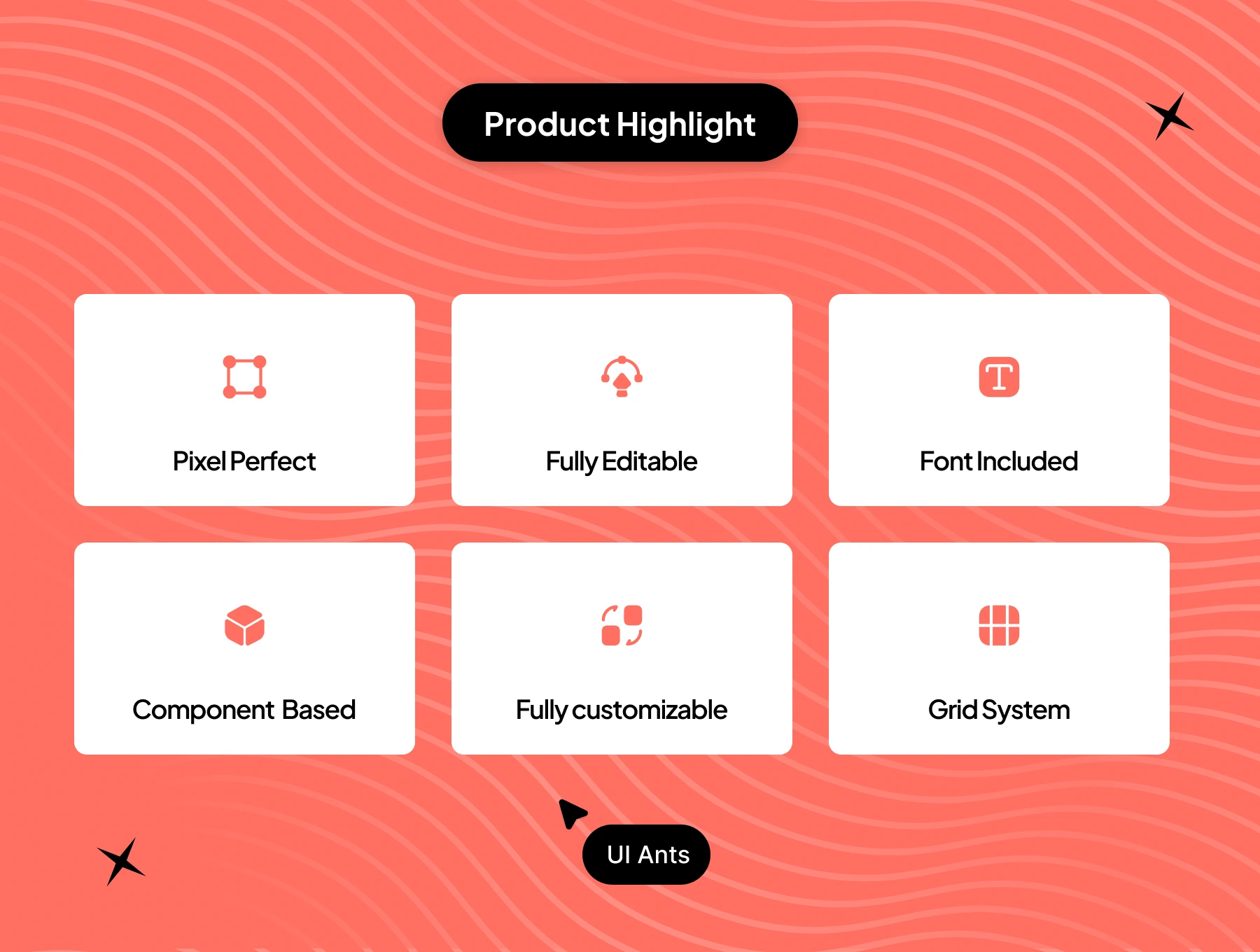
- Pixel-Perfect Design: Organized layers, balanced spacing, and clean visuals
What’s Inside
- 100+ high-quality Figma screens
- 30+ reusable UI components for logging, charts, and input flows
- Grid system for consistent layout structure
- Free icons and pixel-perfect visual assets
- Full dark mode screens for comfort-focused usage
Ideal For
- Calorie counting and nutrition apps
- Fitness and workout tracking platforms
- Health monitoring and lifestyle applications
- Developers building wellness-focused digital products
How to Use
- Download the Figma source files after purchase.
- Customize UI components, colors, and typography to match your brand.
- Export assets and integrate them into your mobile or web application.