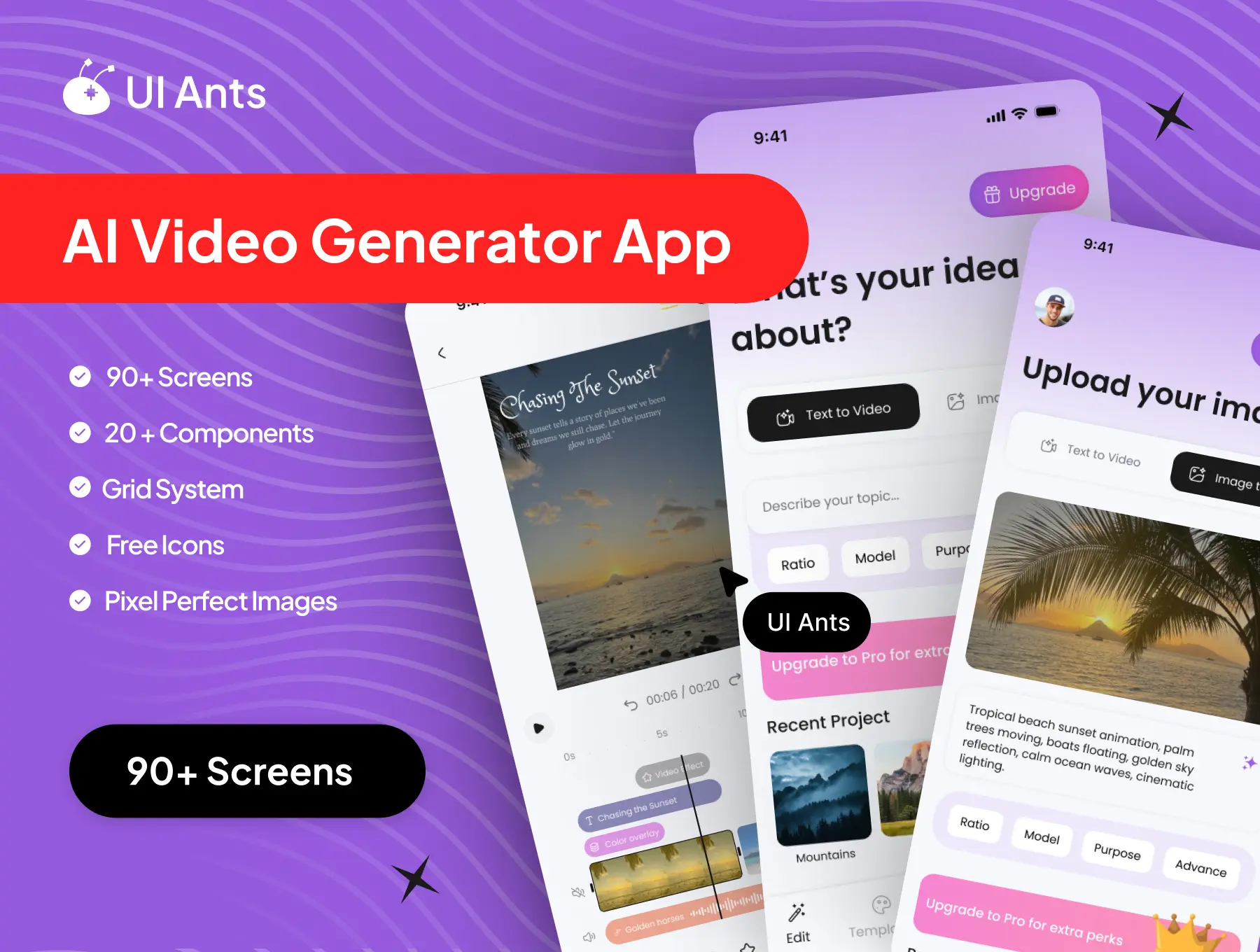
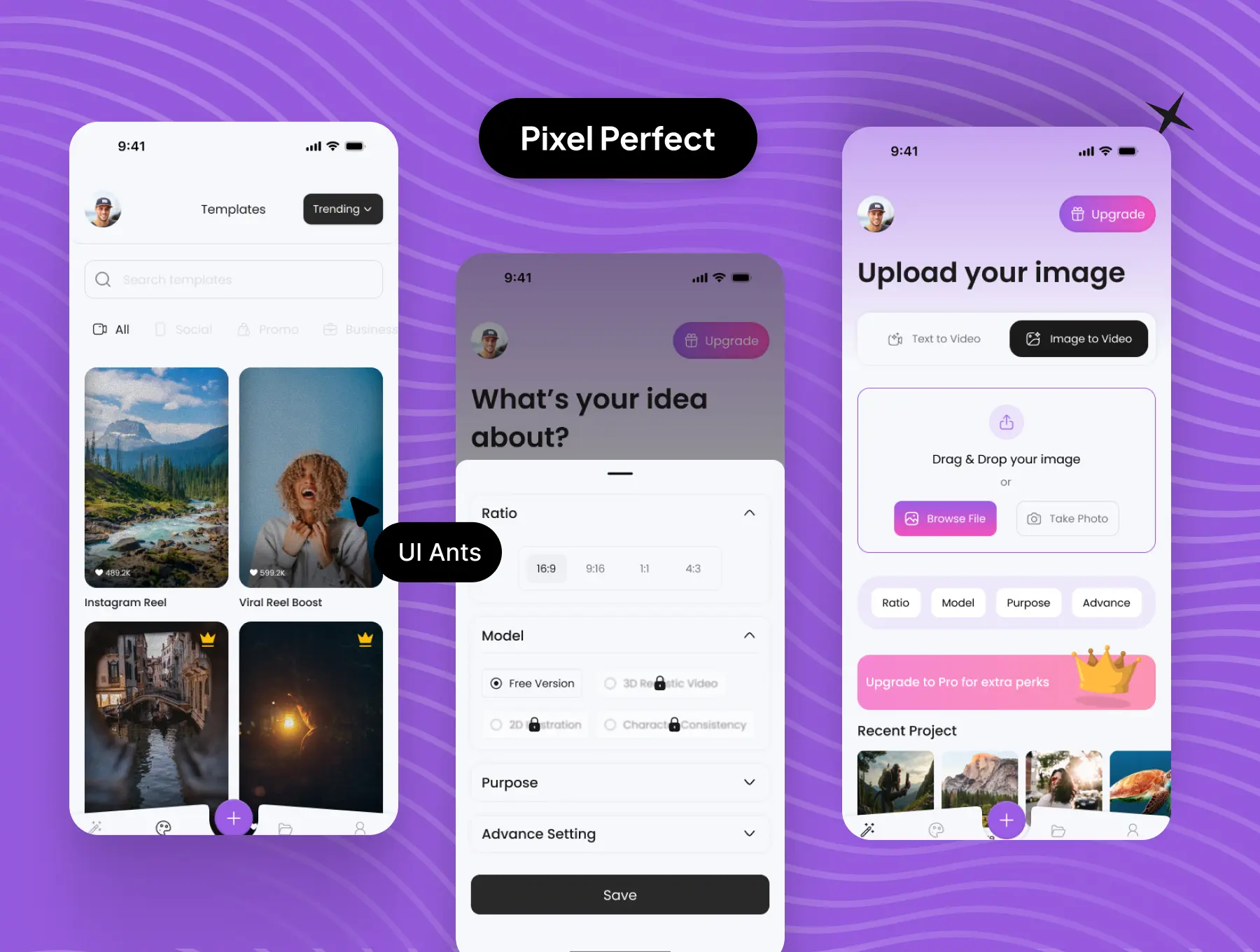
Introducing the AI Video Generator App UI Kit – a powerful, creative, and AI-driven design system built for effortless video creation. With 90+ pixel-perfect screens and 20+ reusable components, this UI kit enables you to design a modern video generation app where users can turn text and images into stunning videos. From creation and preview to export, sharing, and account management, every flow is optimized for speed, clarity, and a smooth creative experience.
Key Features
AI Video Creation
- Text-to-video generation powered by AI
- Image-to-video conversion with smart processing
- Real-time video generation progress screens
- Ready-to-use templates for quick video creation
Video Management
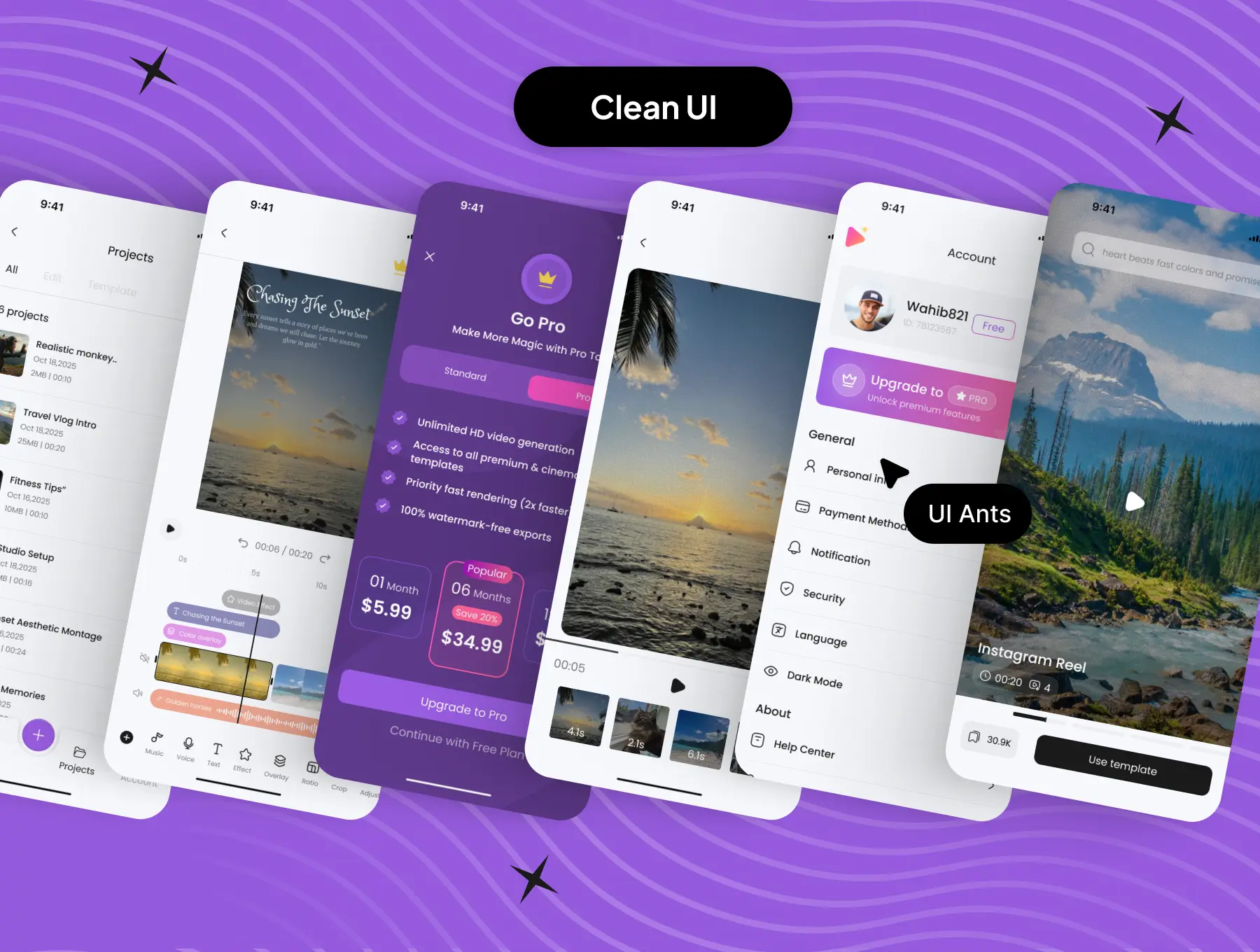
- Projects section to manage created videos
- Full-screen video preview experience
- Download, share, and delete video options
- Gallery access with permission handling
Premium & Payments
- Upgrade to Pro subscription flow
- Payment method management
- Payment error handling and retry screens
User Account & Security
- Personal information and profile management
- Security and password control screens
- Language selection for global accessibility
Support & Legal
- Help Center for user assistance
- Privacy Policy and About pages
- Logout option for account control
Why Choose This UI Kit?
- AI-Centric Design: Built specifically for AI-powered video generation platforms
- Clean Creative Workflow: Smooth transition from idea to finished video
- Highly Customizable: Easily adjust layouts, colors, and components
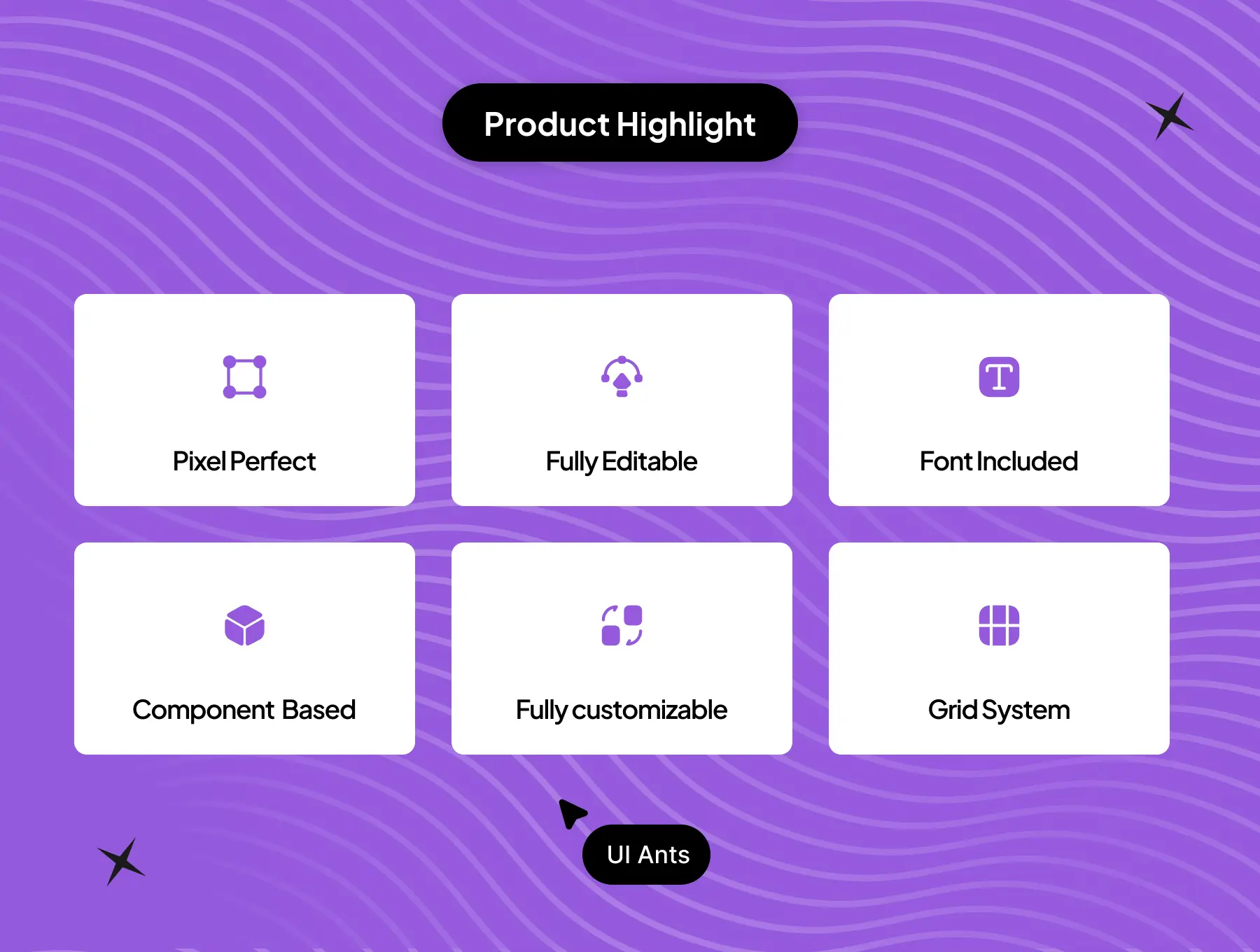
- Pixel-Perfect Quality: Organized layers, consistent spacing, and modern UI
- Scalable Structure: Ideal for MVPs and full-scale creative apps
What’s Inside
- 90+ high-quality Figma screens covering creation, generation, preview, and management flows
- 20+ reusable UI components including cards, buttons, modals, and progress elements
- Grid system for clean and consistent layouts
- Free icons and pixel-perfect visual assets
- Fully organized, developer-ready design files
Ideal For
- AI video generator applications
- Content creation platforms
- Social media video tools
- Startups building AI-powered creative solutions
How to Use
- Download the Figma source files after purchase.
- Customize components, colors, and typography to match your brand.
- Export assets and integrate them into your mobile or web app workflow.