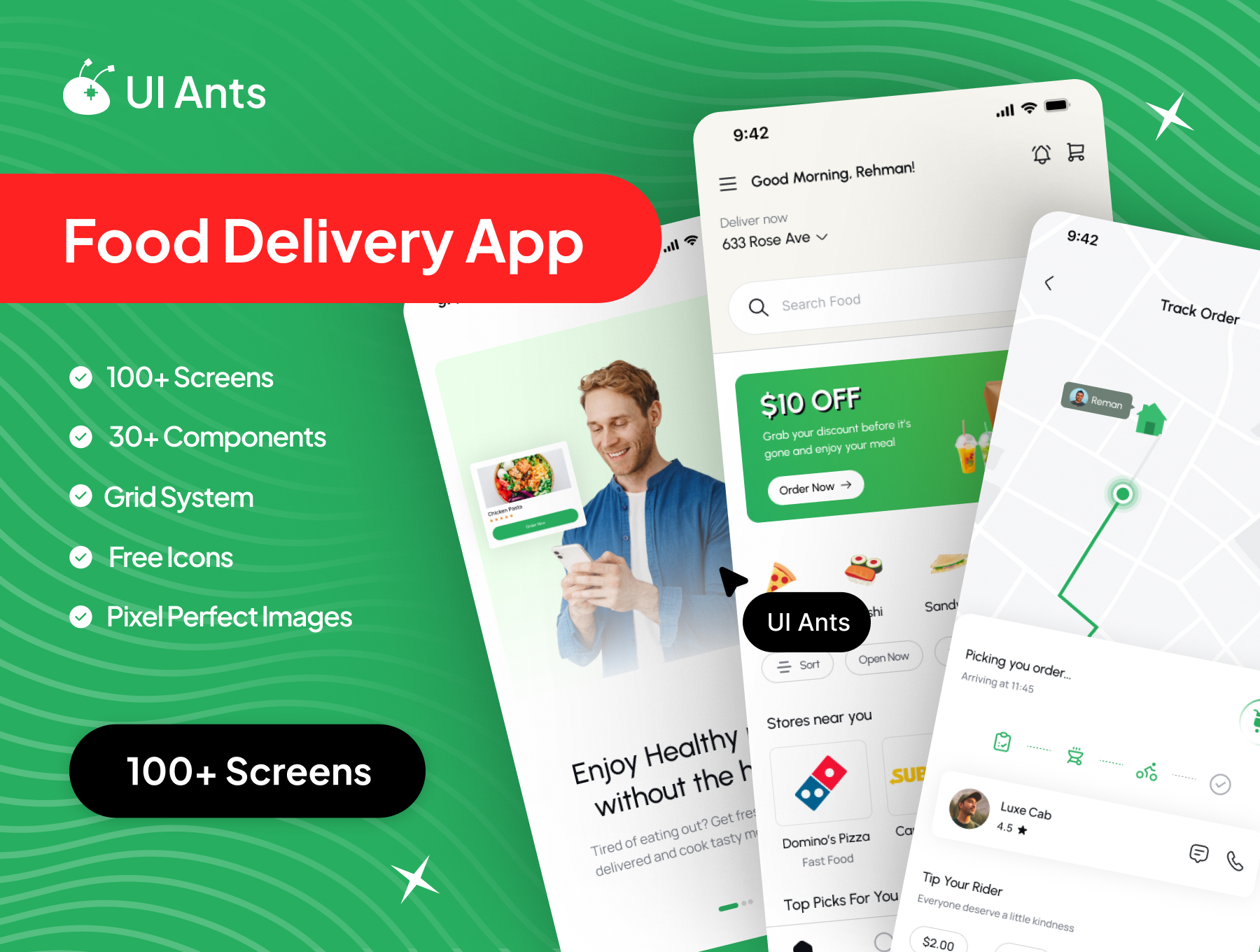
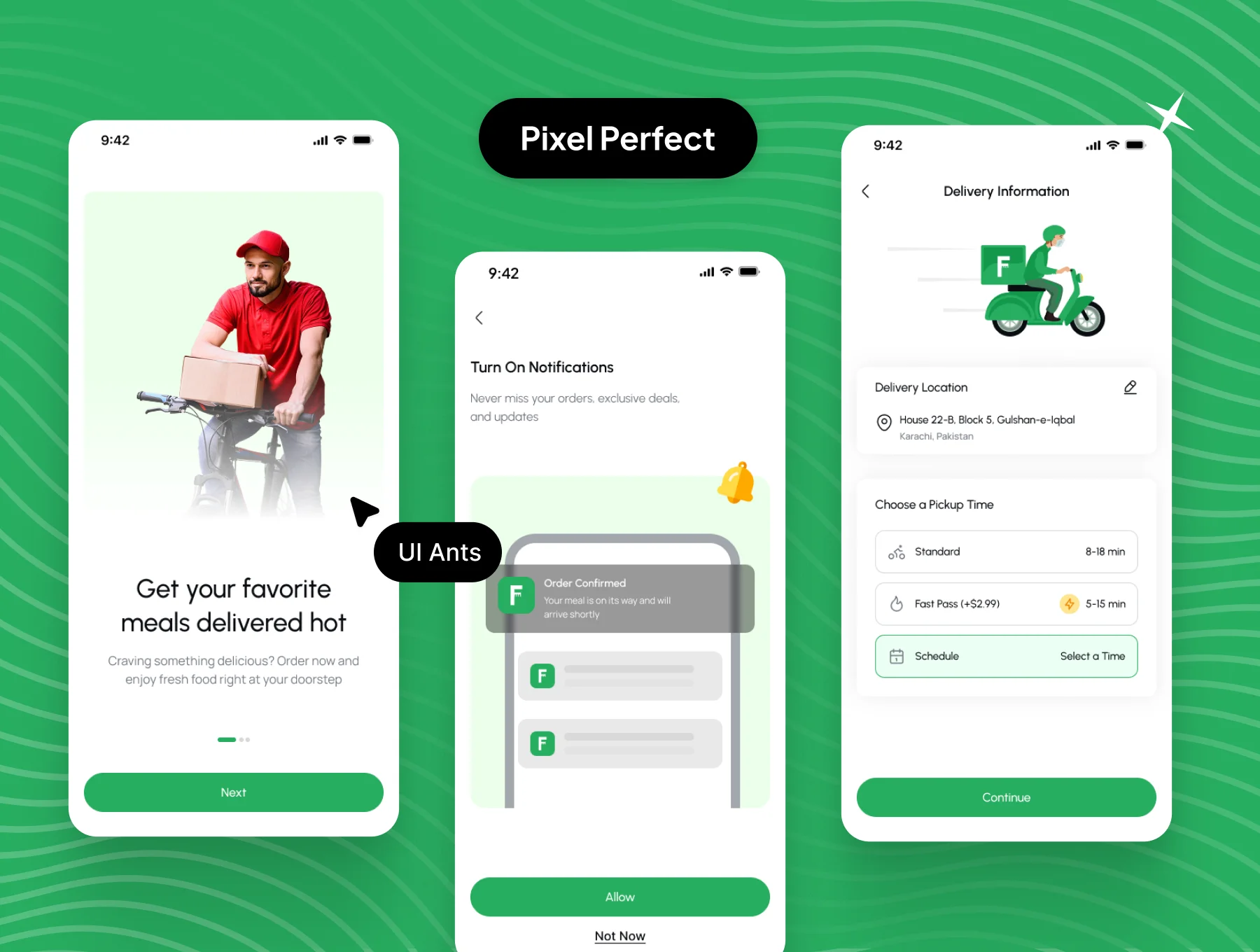
Introducing the Food Delivery App UI Kit – a modern, scalable, and user-friendly design system created for fast and seamless food ordering experiences. With 100+ pixel-perfect screens and 30+ reusable components, this UI kit enables designers and developers to build a complete food delivery ecosystem. Every interaction is thoughtfully designed to ensure speed, clarity, and customer satisfaction.
Key Features
Food Ordering Experience
- Browse restaurants and chefs effortlessly
- Explore menus with detailed product views
- Add items to favorites for quick access
- Smooth place-order and checkout flow
Order Tracking & History
- Real-time order tracking
- Order history and status updates
- Detailed order summaries
Discovery & Engagement
- Explore screen to discover new restaurants and dishes
- Chef and restaurant detail pages
- Send gifts to friends and family
Payments & Premium
- Secure payment flow
- Payment history tracking
- Premium purchase options for enhanced features
User & Restaurant Management
- User profile management
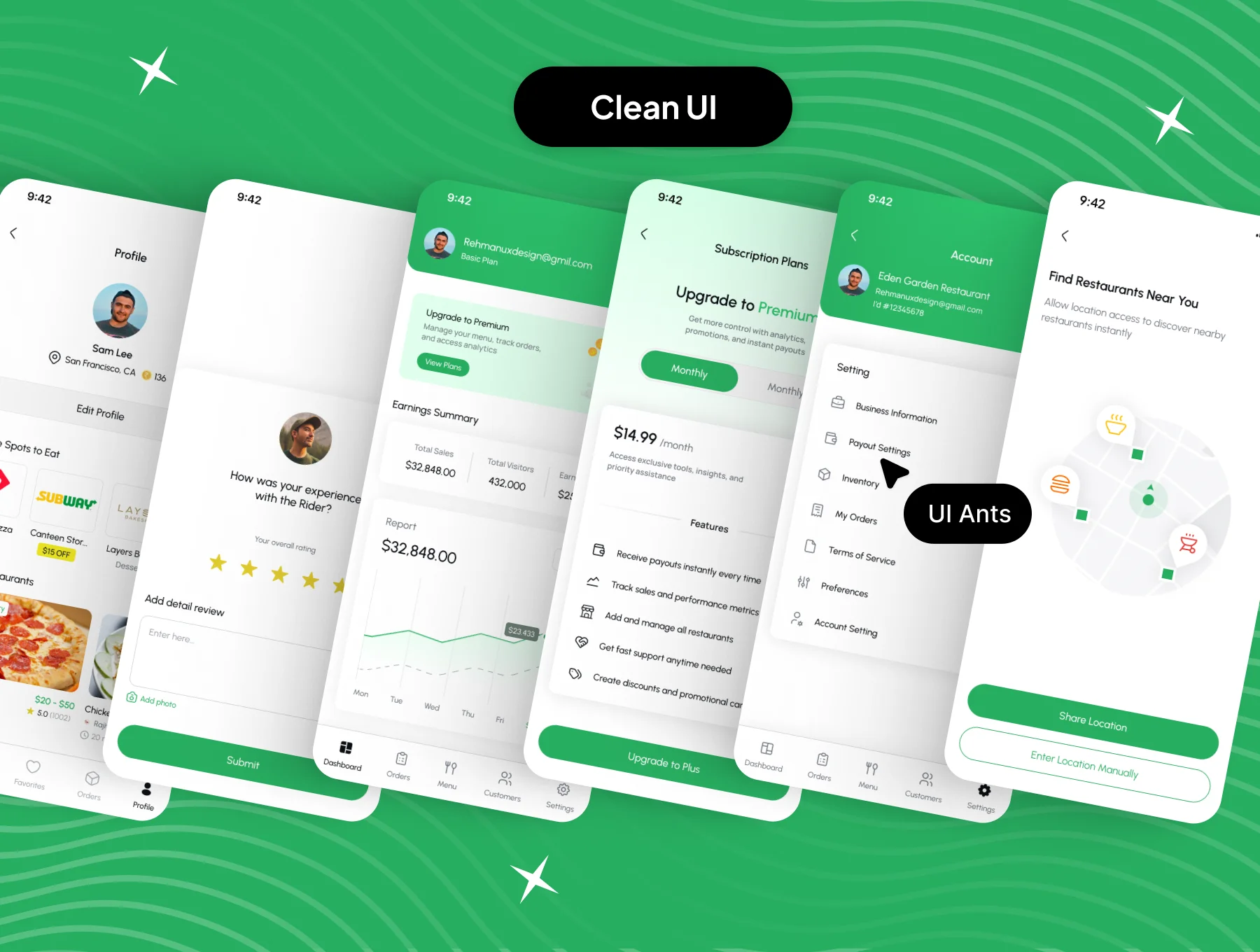
- Restaurant-side screens for adding products
- In-app chat support
- Favorites and order management
Why Choose This UI Kit?
- End-to-End Coverage: Includes both user and restaurant-side flows
- Modern UI: Clean, engaging, and conversion-focused layouts
- Highly Customizable: Easily adapt components to fit your brand
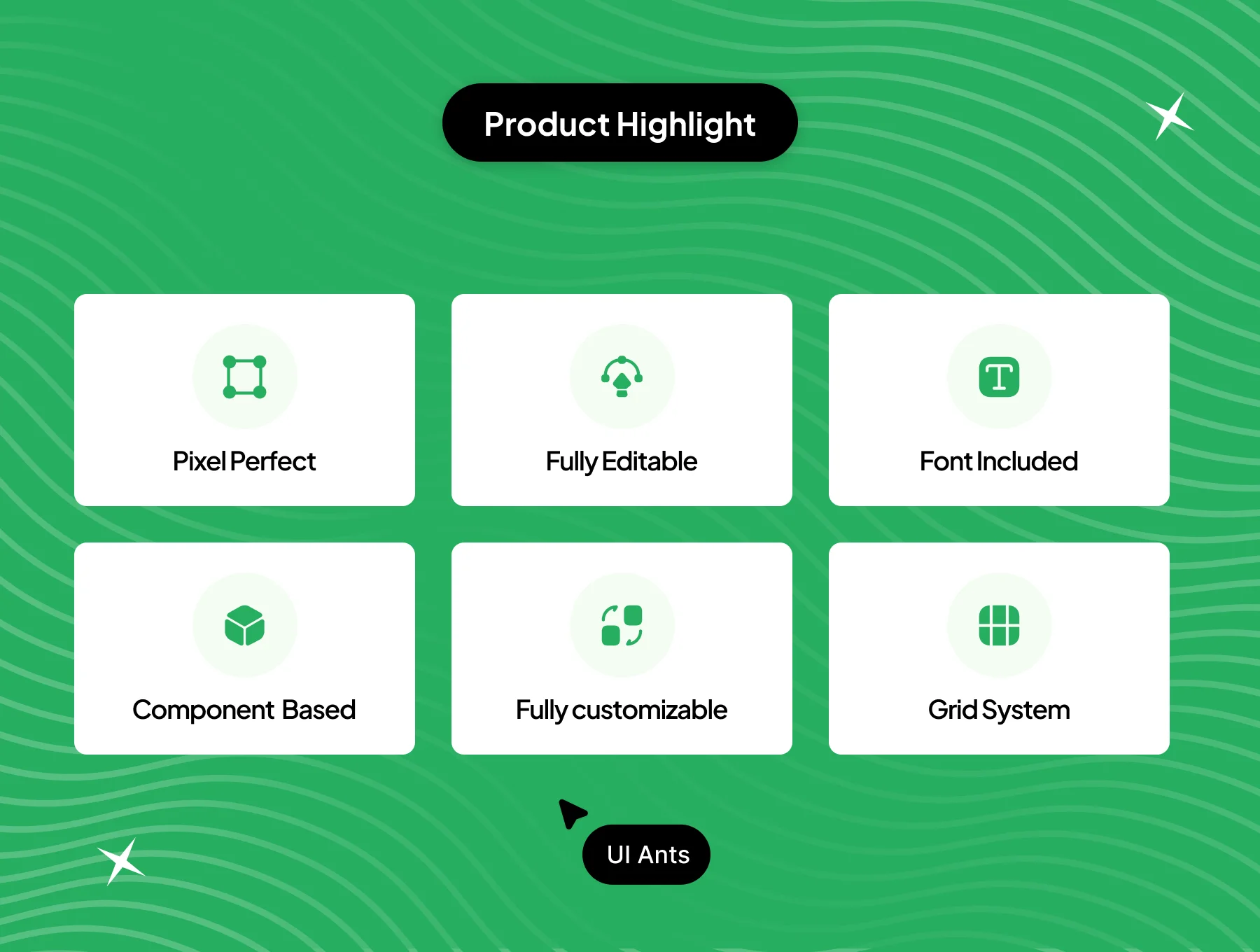
- Pixel-Perfect Design: Consistent spacing, typography, and visuals
- User-Centric UX: Designed for fast ordering and smooth navigation
What’s Inside
- 100+ high-quality Figma screens
- 30+ reusable UI components including cards, lists, buttons, and modals
- Grid system for layout consistency
- Free icons and pixel-perfect images
- Fully layered, organized, and developer-ready files
Ideal For
- Food delivery startups
- Restaurant ordering platforms
- Cloud kitchen applications
- Developers building scalable food ordering solutions
How to Use
- Download the Figma source file after purchase.
- Customize colors, typography, and components to match your brand.
- Export assets and integrate them into your mobile or web app project.