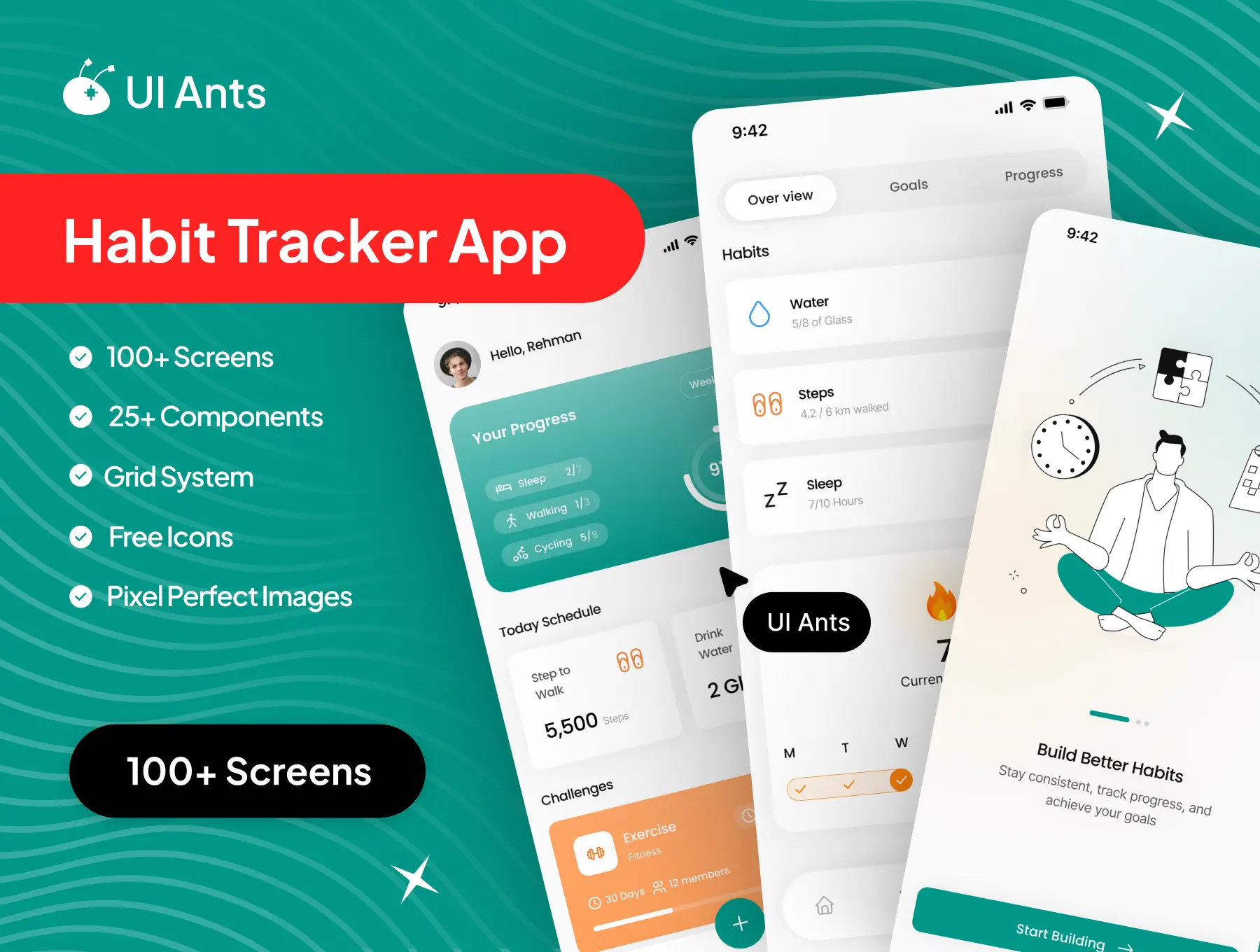
Introducing the Habit Tracker App UI Kit – a clean, motivating, and productivity-focused design system crafted to help users build better habits consistently. With 100+ pixel-perfect screens and 25+ reusable components, this UI kit enables the creation of a modern habit-tracking experience that blends personal growth with community engagement. From creating daily habits to tracking progress, joining challenges, and switching to dark mode, every flow is designed to keep users motivated and on track.
Key Features
Habit Creation & Management
- Create and manage daily, weekly, or custom habits
- Organized habit lists for clear and focused tracking
- Smart habit reminders to maintain consistency
Progress & Insights
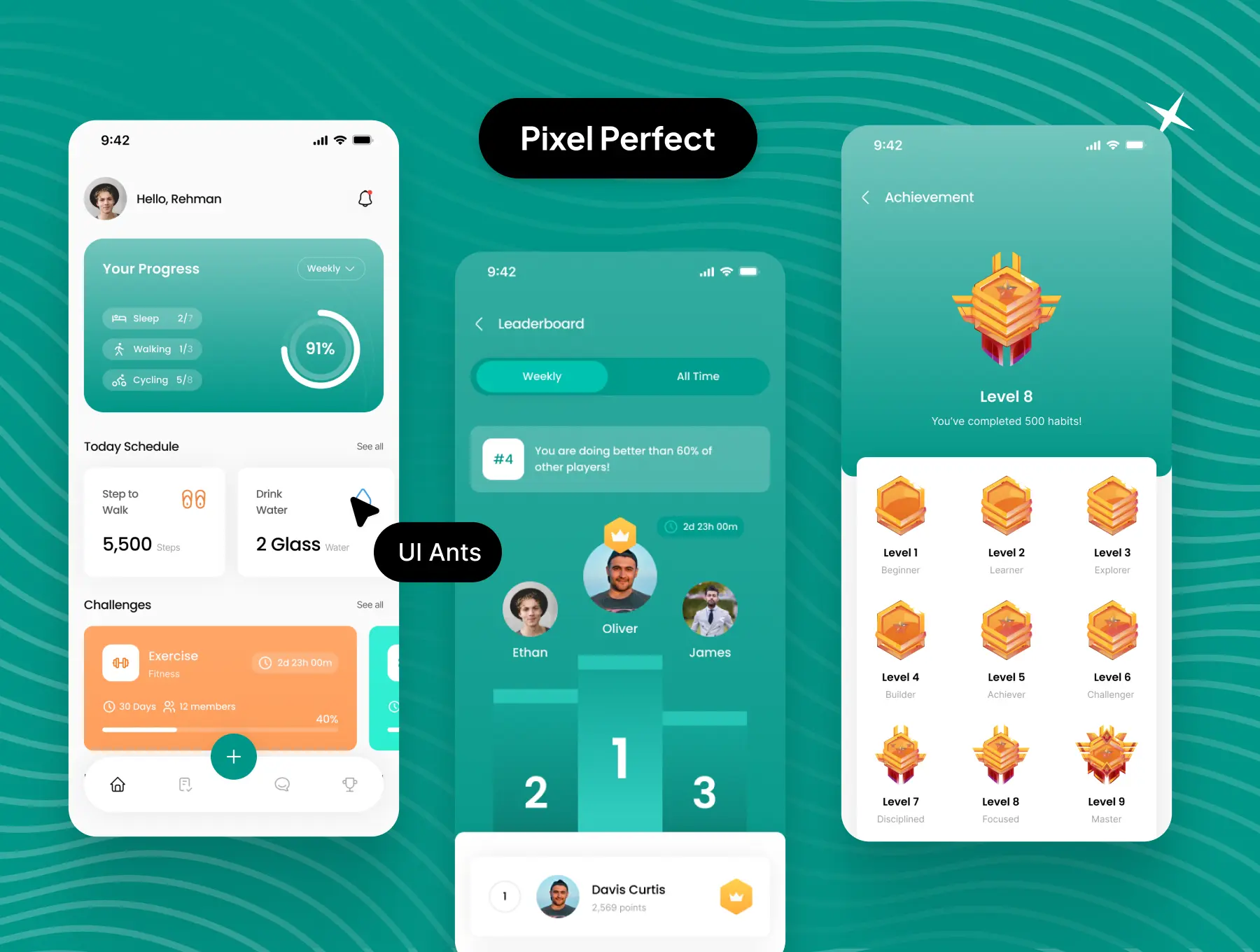
- Visual progress tracking for all habits
- Detailed progress screens to monitor growth over time
- Achievement-focused layouts to boost motivation
Community & Challenges
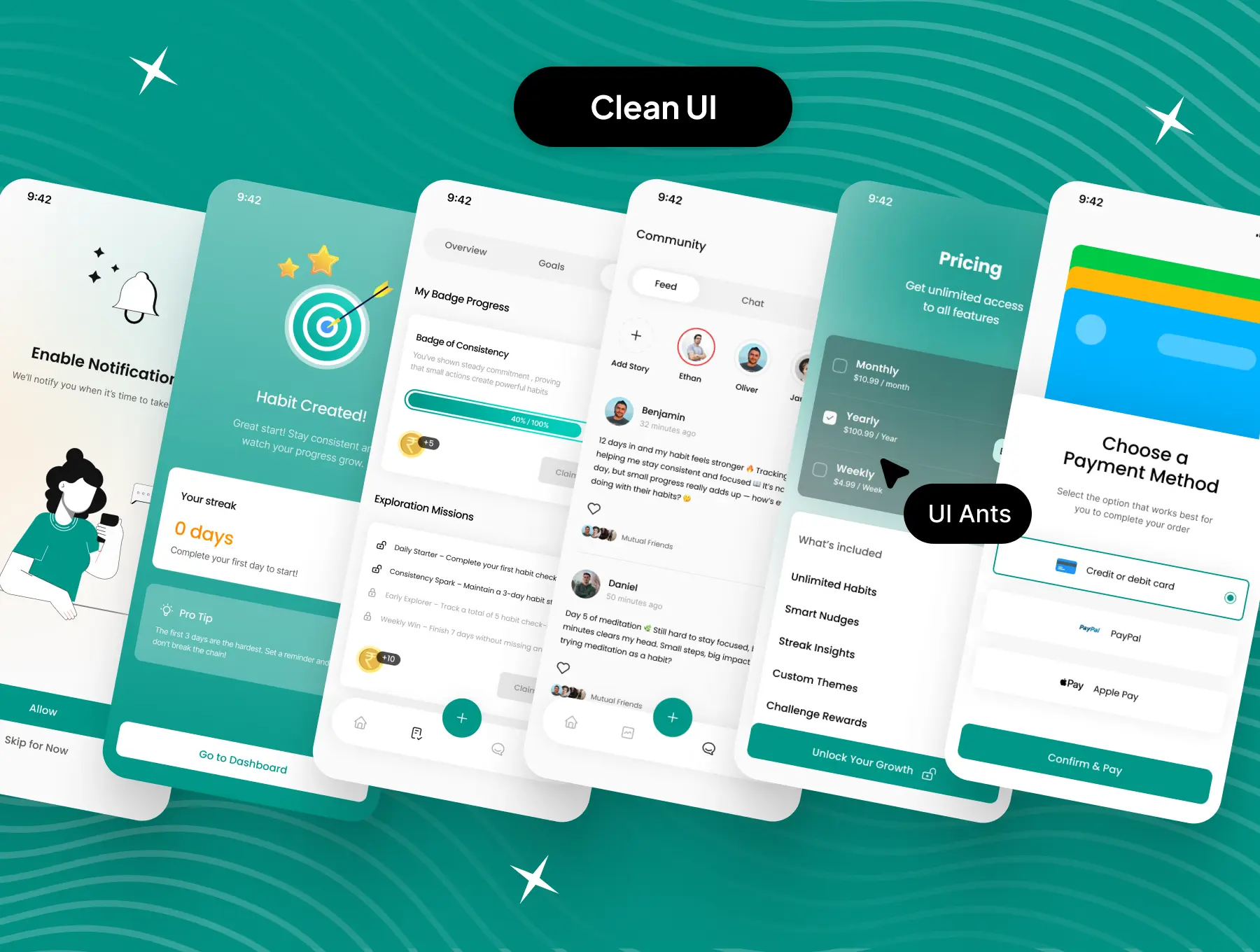
- Join or create habit-based communities
- Participate in challenges with other users
- Create custom challenges for accountability
Subscriptions & Notifications
- Subscription flow for unlocking premium features
- Notification system for reminders and updates
User Profile & Appearance
- Profile and settings management
- Dark mode support for comfortable usage
- Personalized user preferences
Why Choose This UI Kit?
- Motivation-Driven Design: Built to encourage consistency and habit formation
- Complete User Flow: Covers onboarding, habit creation, progress tracking, and community
- Light & Dark Mode Support: Designed for long-term user comfort
- Highly Customizable: Modify components, colors, and typography easily
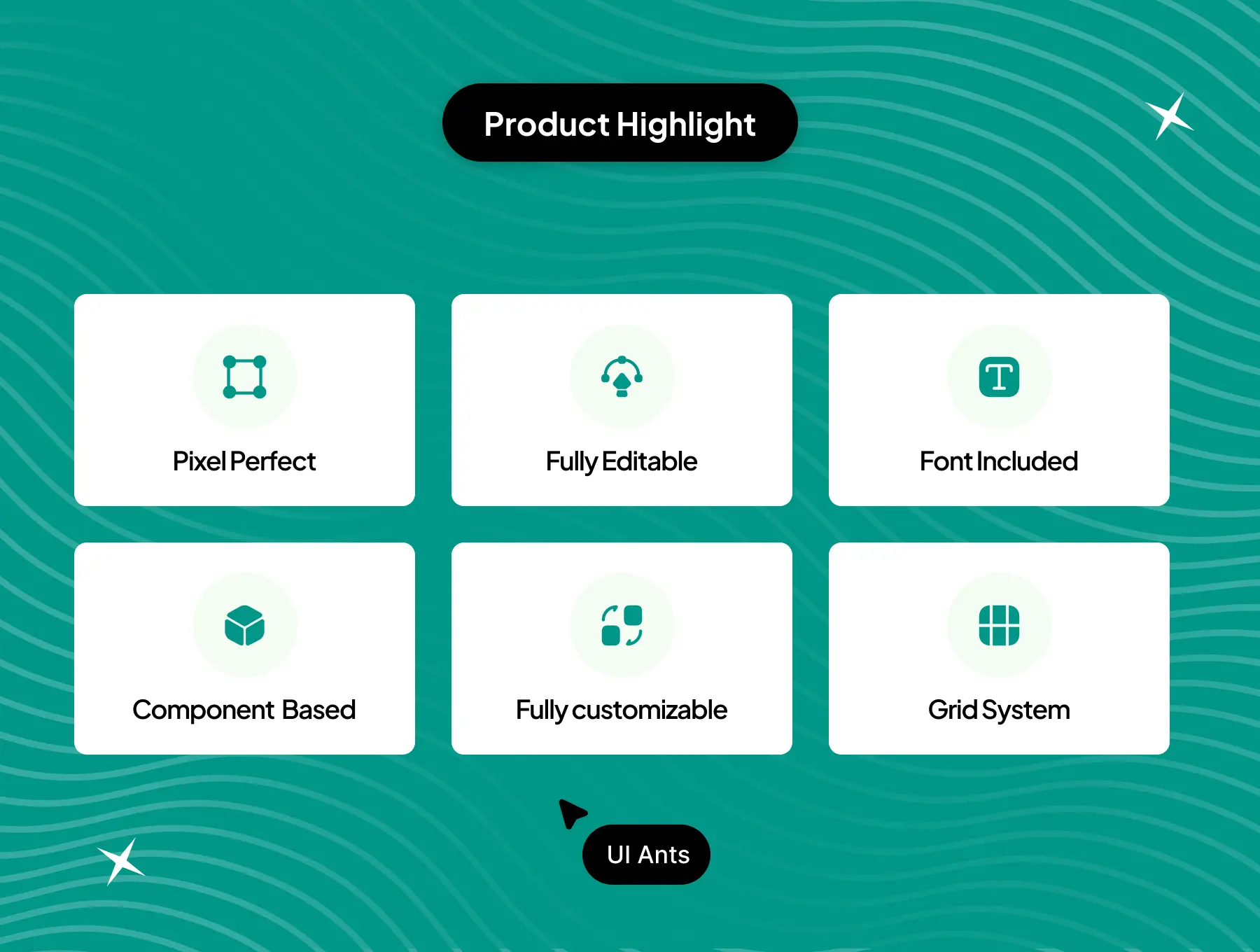
- Pixel-Perfect Quality: Clean grids, organized layers, and polished UI
What’s Inside
- 100+ professionally designed Figma screens
- 25+ reusable UI components including cards, lists, buttons, and modals
- Grid system for consistent alignment
- Free icons and pixel-perfect images
- Fully layered and developer-friendly files
Ideal For
- Habit tracking and self-improvement apps
- Productivity and wellness platforms
- Community-driven goal applications
- Startups focused on behavior change and growth
How to Use
- Download the Figma source files after purchase.
- Customize colors, components, and typography to match your brand.
- Export assets and integrate them into your mobile or web app workflow.