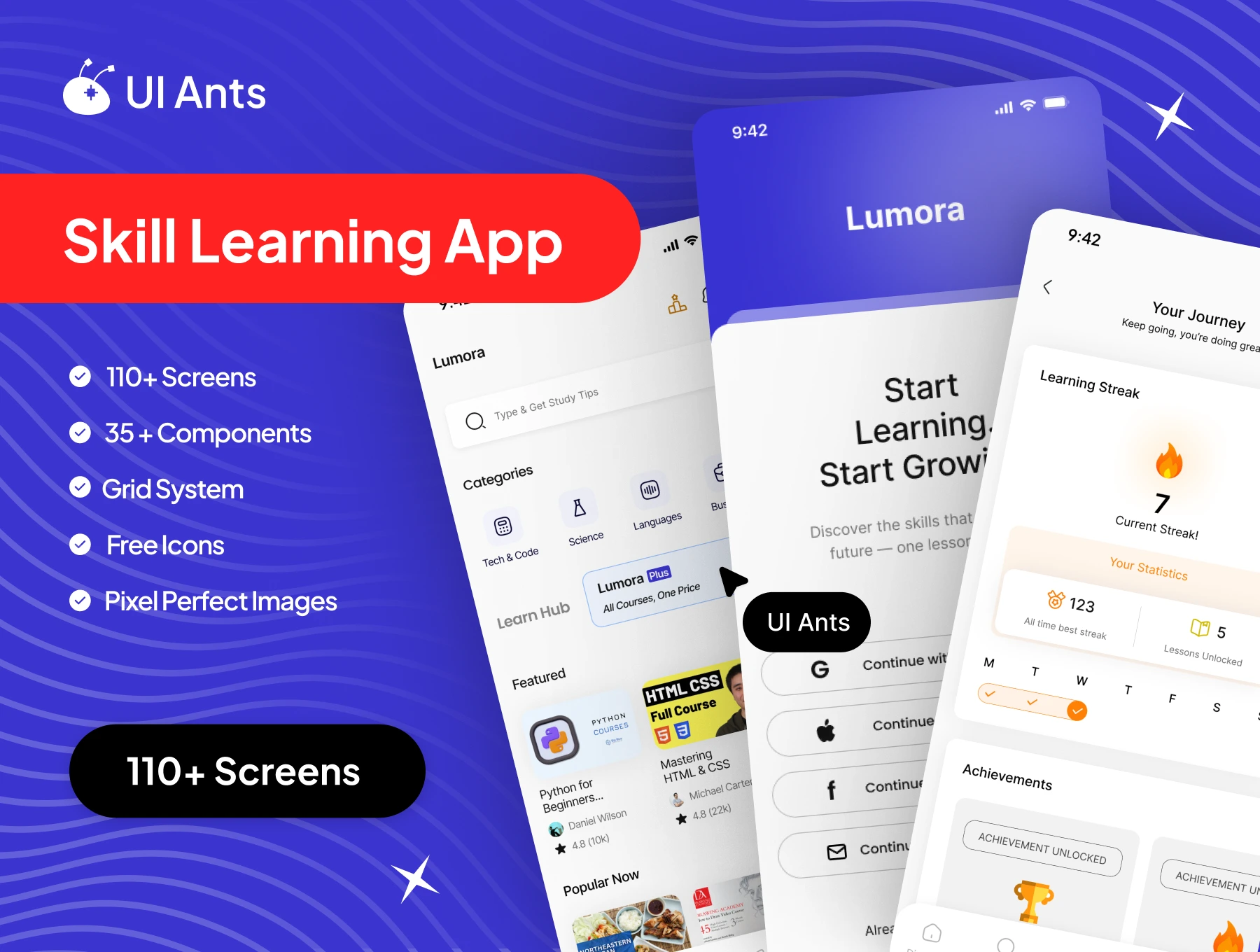
Introducing the Skill Learning UI Kit – a complete, modern design system created for building smooth, engaging, and intuitive skill-development applications. With 110+ professionally crafted screens and 35+ reusable components, this kit gives you everything you need to design a structured, motivating, and visually polished learning experience. From browsing new skills to enrolling in courses and tracking progress, every screen is built for clarity and ease.
Key Features
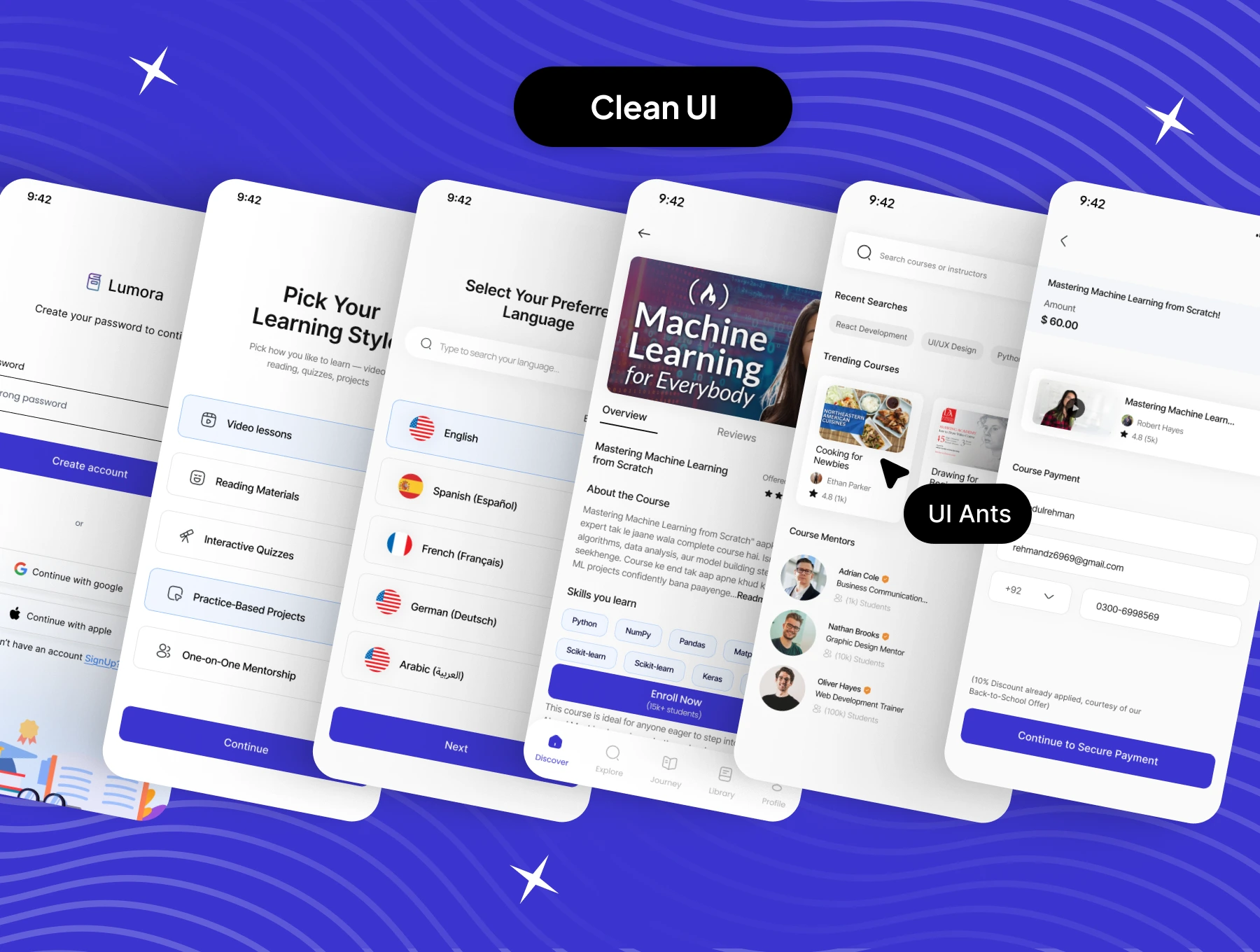
Skill Discovery & Course Browsing
- Personalized and trending skills on the home screen
- Detailed course pages with objectives, modules, and instructor details
- Smart filters and search for fast and accurate results
Learning Journey & Progress
- “Journey” screens to track learning milestones
- Simple enrollment flow for joining courses
- Screens for starting, continuing, and reviewing lessons
User Authentication & Setup
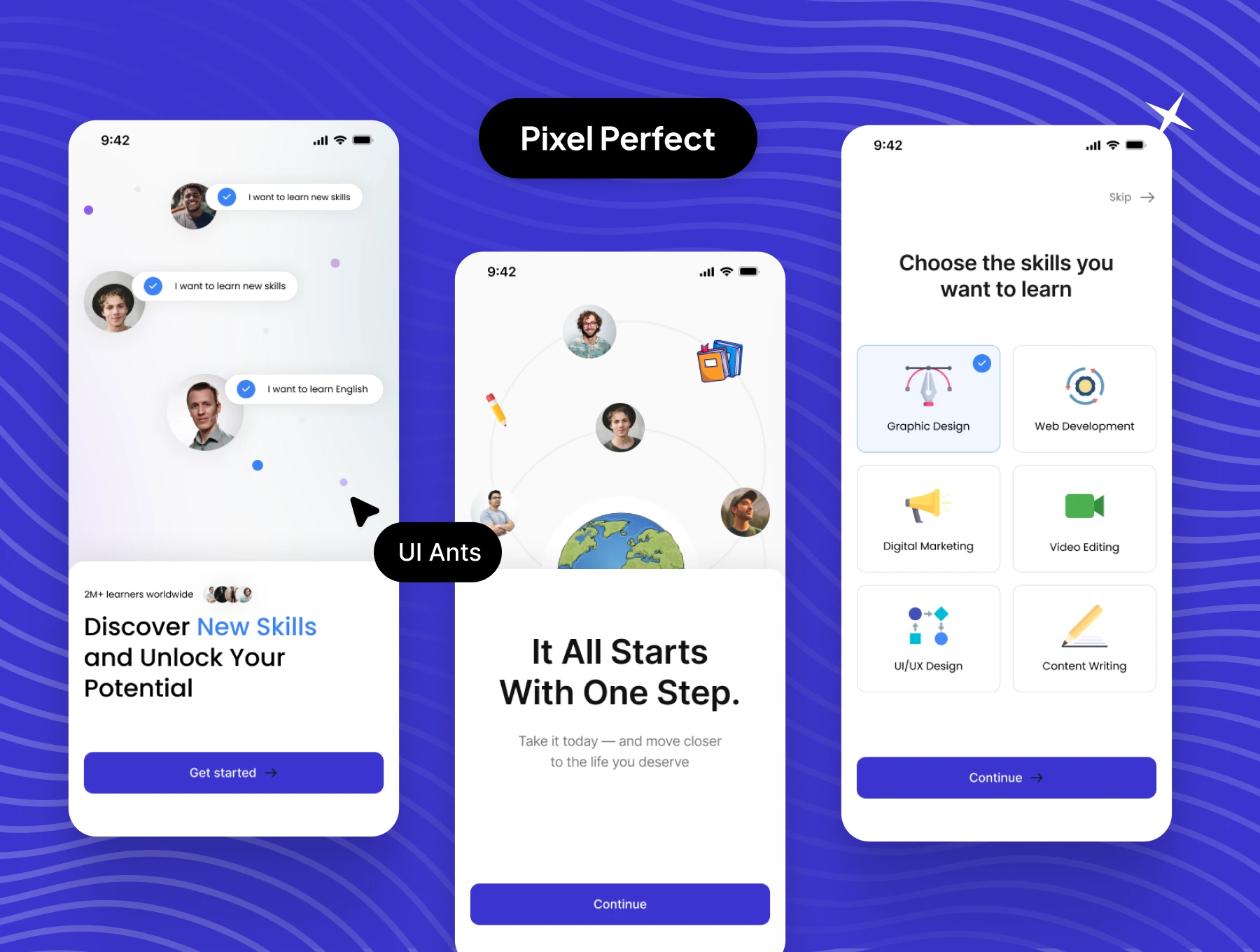
- Splash, onboarding, login, and sign-up screens
- Profile creation and settings management
- Complete account control with clean UI elements
Comprehensive User Flows
- Explore, course detail, enrollment, and progress tracking screens
- Preferences and settings for personalization
- Dark-ready structure for modern learning environments
Why Choose Skill Learning UI Kit?
- Comprehensive Design: Covers every essential flow for learning apps
- User-Friendly: Clean layouts built for long study sessions
- Customizable: Easily adapt colors, components, and styles
- Trusted Inspiration: Based on top global learning platforms
What’s Inside
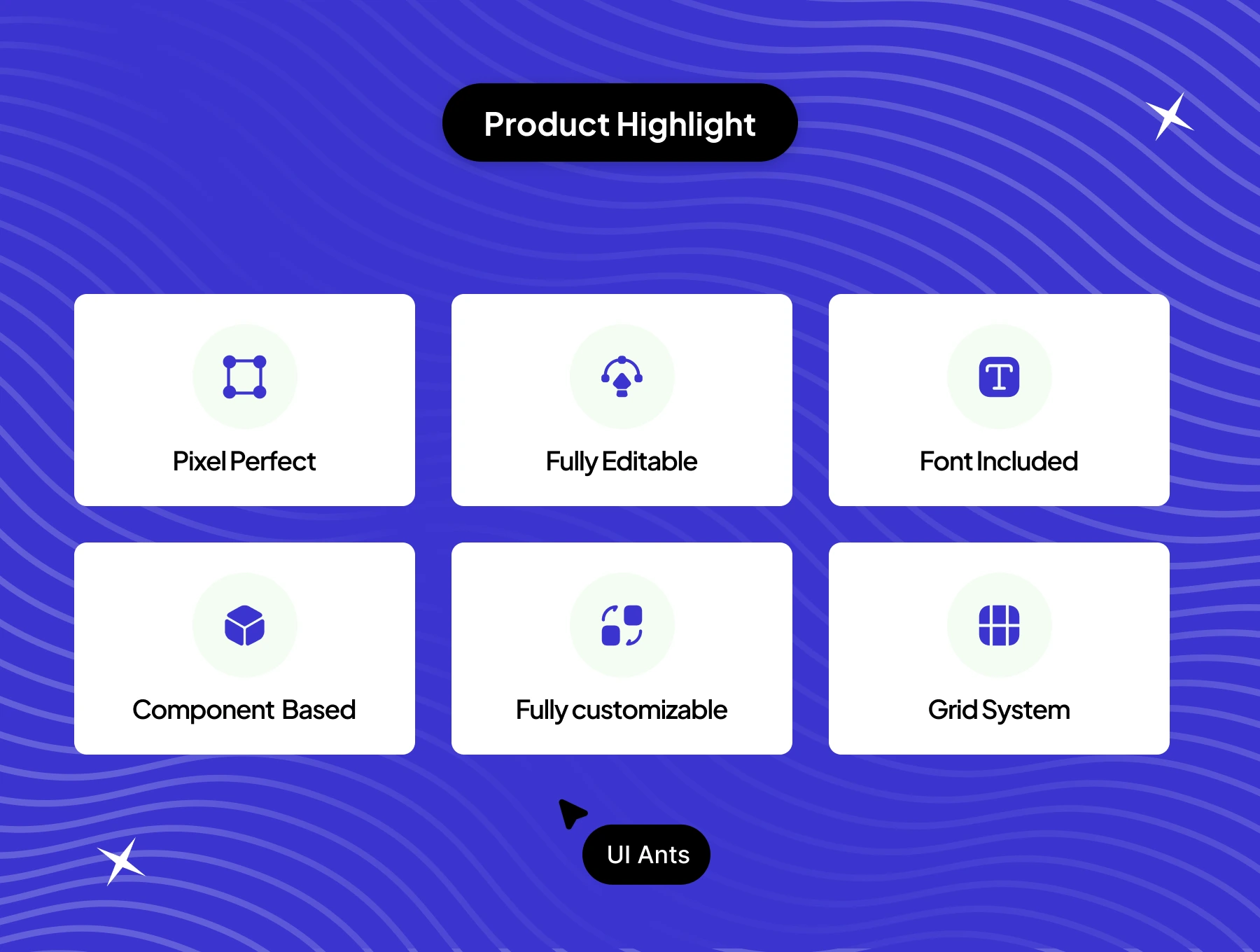
- 110+ pixel-perfect Figma screens
- 35+ reusable UI components
- Grid system & free icons
- Organized layers & typography
- Light & dark mode compatible
Ideal For
- Online learning & skill development apps
- Education and training startups
- Personal growth and self-improvement platforms
How to Use
- Download the Figma source files after purchase.
- Adjust colors, typography, and components to match your brand.
- Export assets and integrate them into your learning application.