

Original price was: $18.00.Current price is: $9.00.

Overview

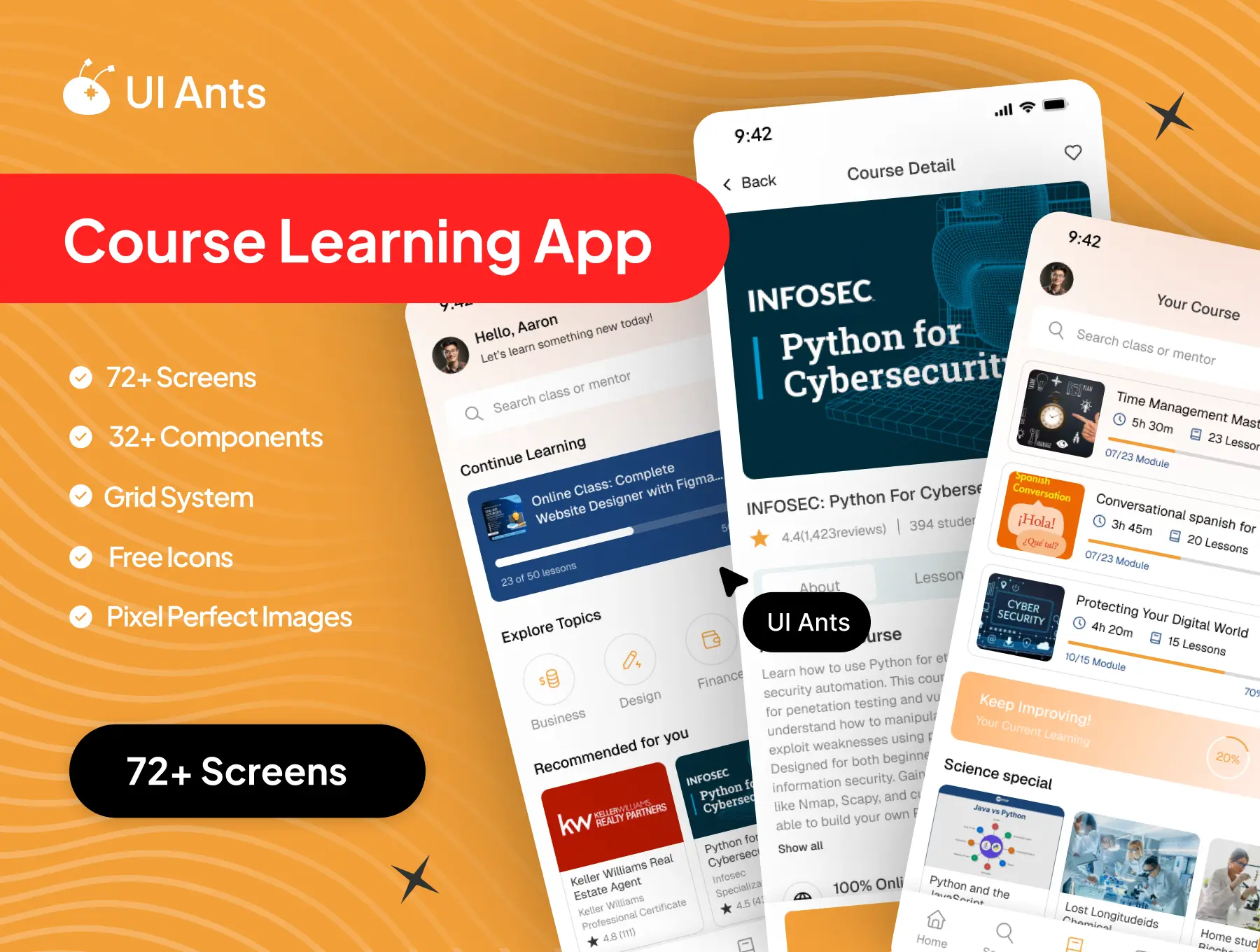
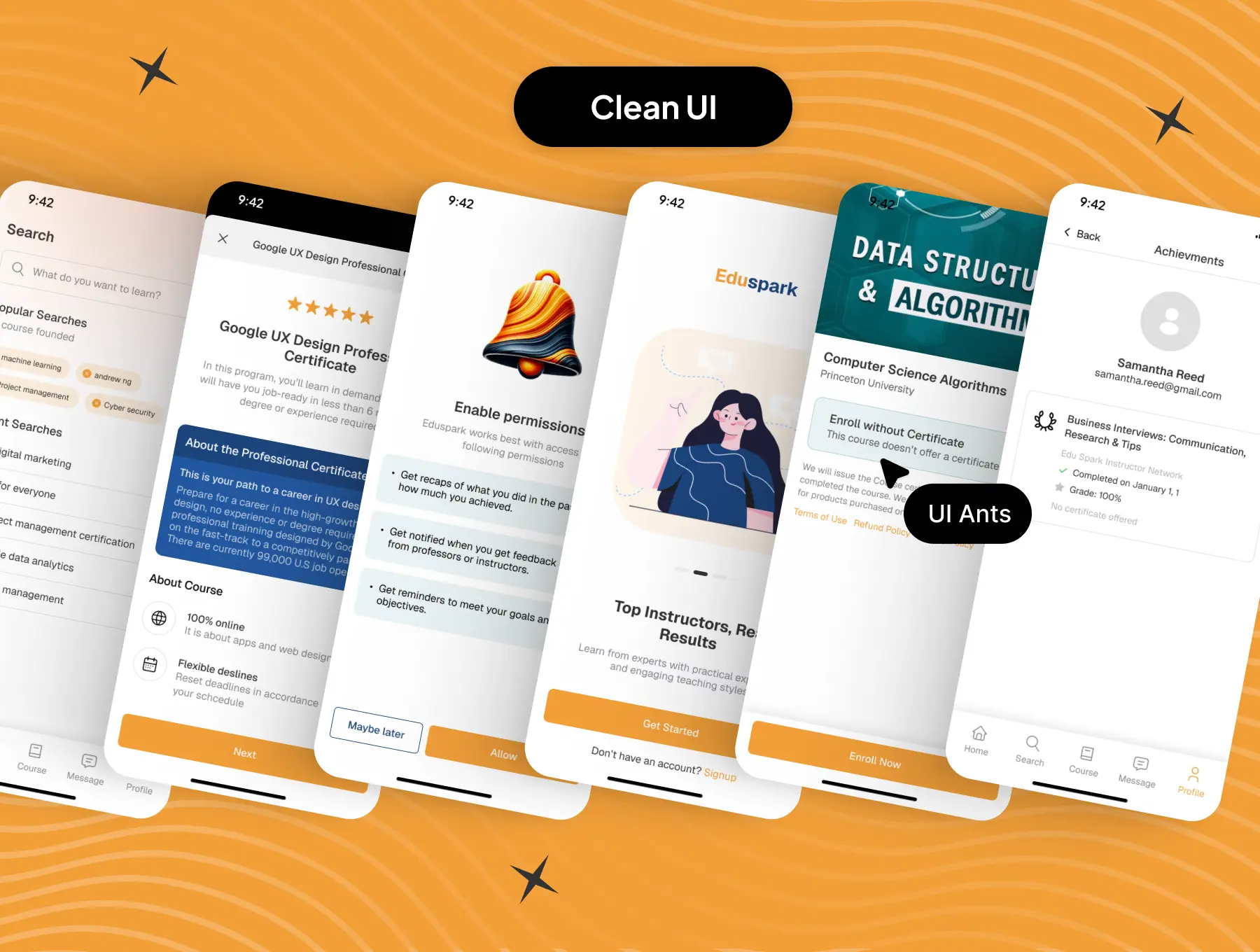
Introducing the Course Learning UI Kit – a complete design system for building an engaging and productive online education experience. Featuring 72+ screens and 32+ reusable components, this kit gives you everything you need to design a modern, feature-rich learning platform with a clean and motivating interface. From course discovery to progress tracking and instructor communication, every screen is crafted to create a smooth and inspiring learning journey.

Designed for flexibility and scalability, this UI kit helps you bring your e-learning ideas to life — whether it’s for professional courses, student training, or skill-based learning platforms.
Key Features
Course Discovery & Engagement
  • Browse and search courses using smart filters
  • View detailed course info and instructor profiles
  • Personalized “Brands & Shops You Like” section for discovery
Learning Experience
  • “Your Course” dashboard to manage ongoing learning
  • Track achievements and monitor progress visually
  • Analyze course data and commitment levels to stay consistent
Communication & Feedback
  • Chat with instructors for real-time guidance
  • “Your Opinion” screens for sharing reviews and feedback
  • Community-focused design for group learning and discussion
User Authentication & Settings
  • Smooth onboarding, sign-up, and verification flow
  • Manage permissions for notifications and media access
  • Fully customizable settings with Dark Mode support
Why Choose Course Learning UI Kit?
  • Comprehensive Design: Includes all key e-learning app screens
  • User-Friendly: Clean, motivational, and learning-focused layouts
  • Customizable: Easily adaptable to any brand or visual style
  • Trusted Inspiration: Inspired by top global e-learning platforms
What’s Inside
  • 72+ pixel-perfect Figma screens
  • 32+ reusable UI components
  • Grid system for precise alignment
  • Organized layers & typography styles
  • Light & dark mode interfaces
Ideal For
  • Online course and learning platforms
  • Educational technology startups
  • Instructor-led and skill-based learning apps
How to Use
  1. Download the Figma source files after purchase.
  2. Customize style elements to match your branding.
  3. Export assets and integrate seamlessly into your learning platform.

Follow us

Need Support ?
