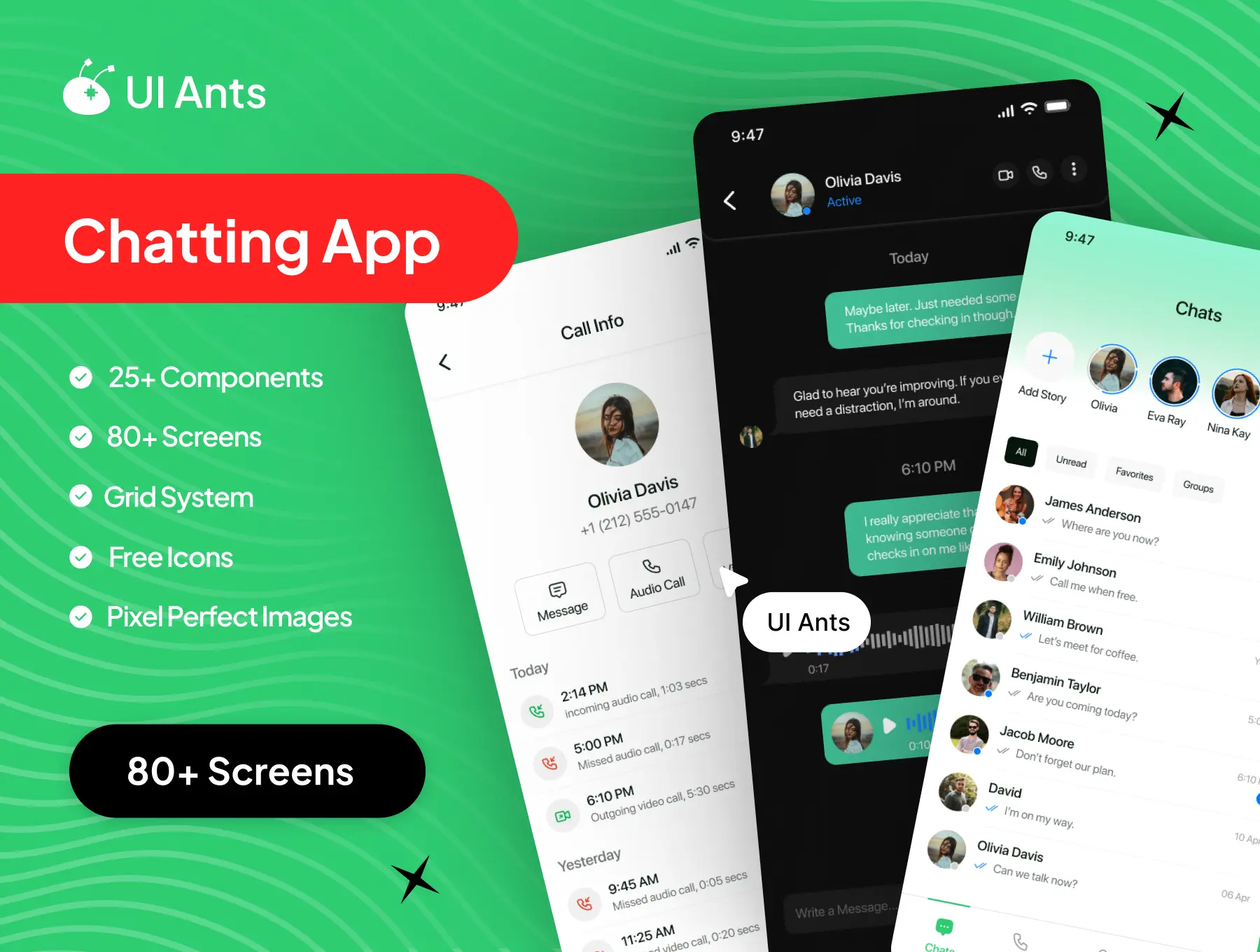
Introducing the Chatting UI Kit – your complete design solution for creating a modern, real-time messaging experience. With 80+ screens and 25+ reusable components, this UI kit provides all the essential elements to design an intuitive, fast, and engaging chat platform. From private messages to group calls, Chatting UI Kit delivers seamless communication flows with a sleek and organized interface.
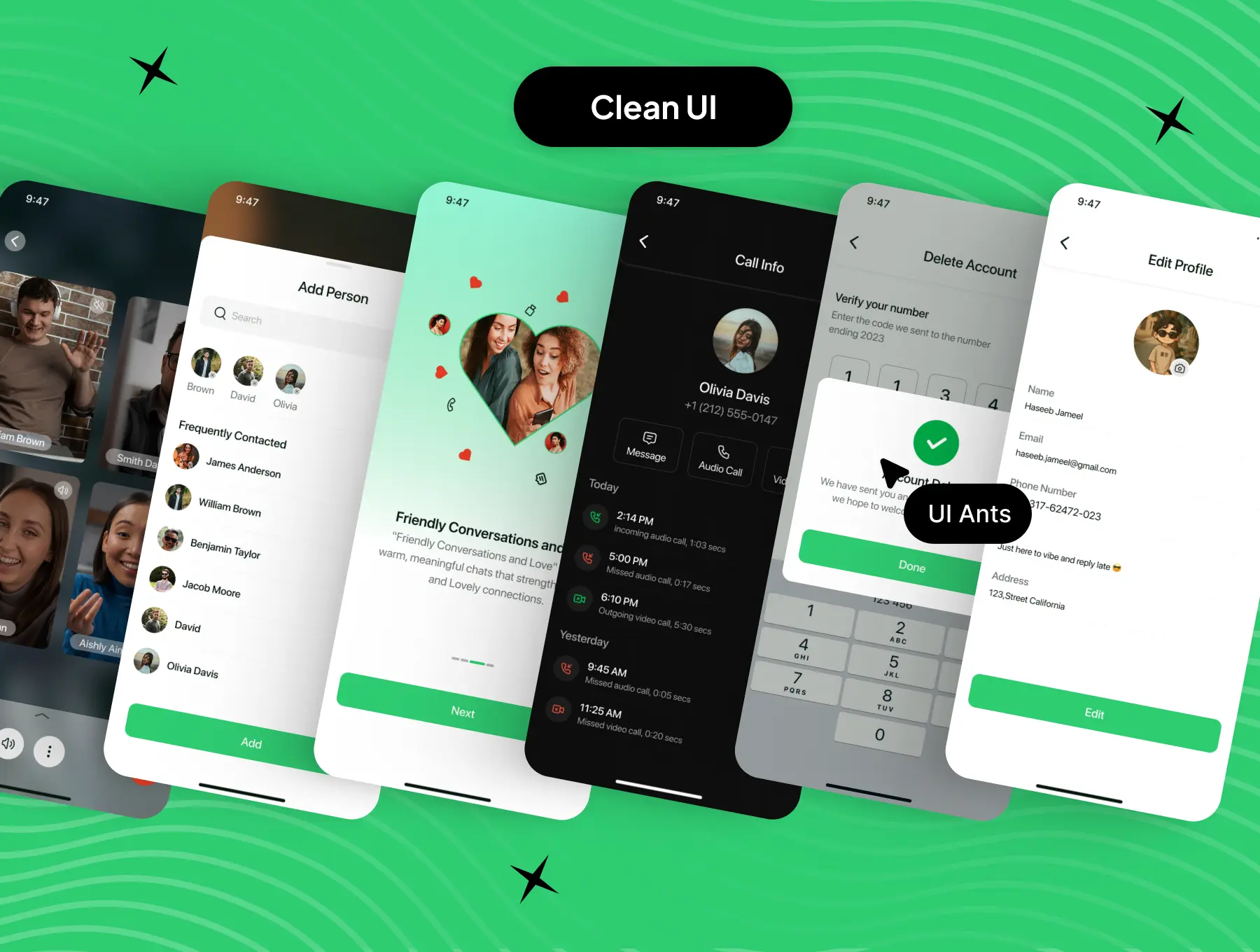
Built for designers and developers, this kit includes ready-made conversation UIs, calling screens, privacy controls, and profile management flows so you can prototype and ship messaging features quickly and reliably.
Key Features
Real-Time Messaging
- One-to-one and group chat threads with typing indicators
- Unread chat badges, pinned conversations, and favorites
- Share text, images, video, files, and location instantly
Calling & Audio Features
- High-quality voice and video call screens and flows
- Incoming call UI, call accept/decline, and in-call controls
- Microphone permission flow, speaker toggle, and call history
User Authentication & Privacy
- Smooth onboarding with sign up, sign in, and OTP verification
- Account settings, privacy toggles (read receipts, last seen), and dark mode
- Delete account, logout, and personal data management screens
Comprehensive User Flows
- Contacts list, add new contacts, and contact details
- Profile customization, avatar edit, and status messages
- Notifications, help & support, and safety/reporting flows
Why Choose Chatting UI Kit?
- Comprehensive Design: Includes every screen for a full messaging experience
- User-Friendly: Clean, modern layouts for effortless communication
- Customizable: Adaptable components and styles to match any brand
- Trusted Inspiration: Modeled on proven global messaging patterns
What’s Inside
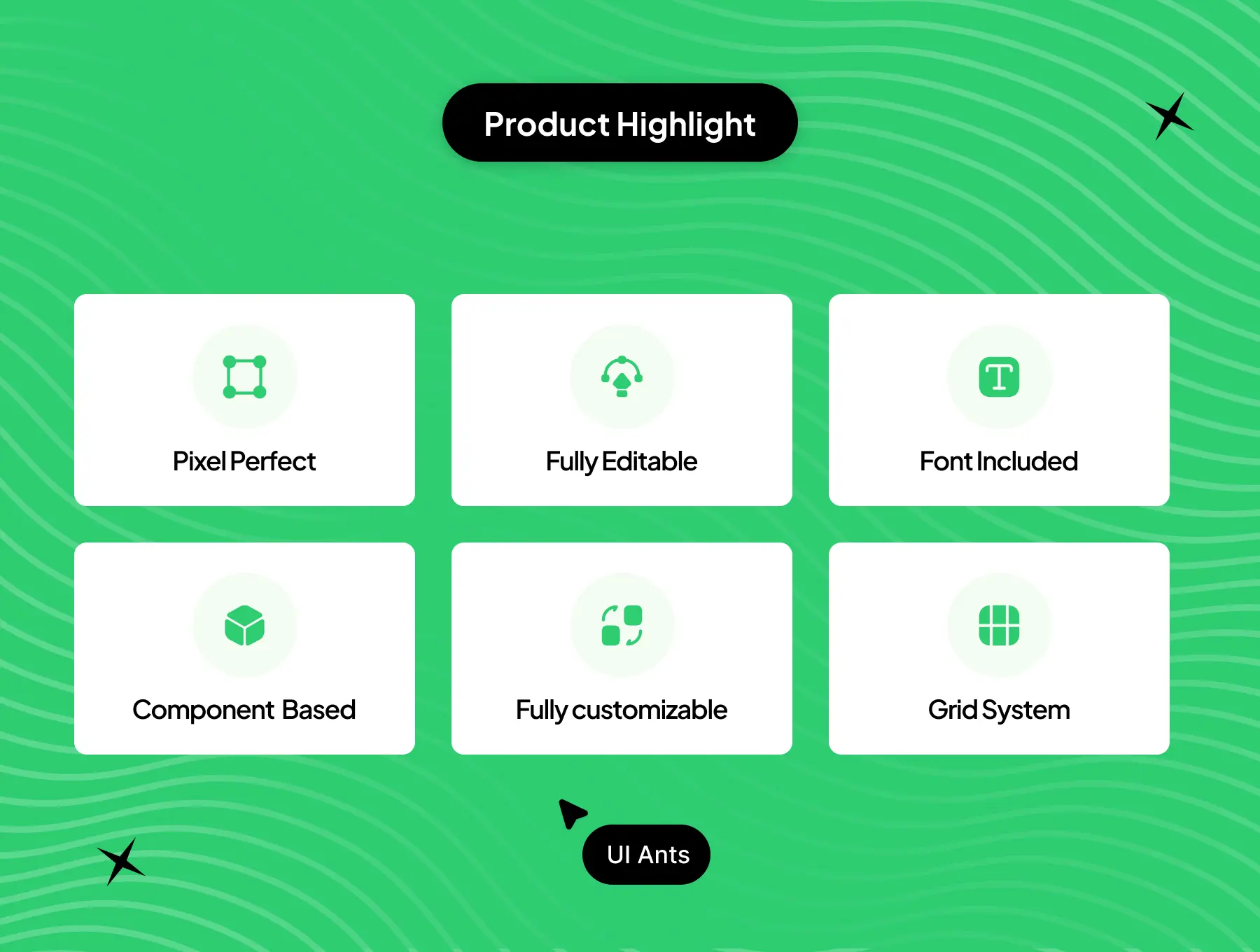
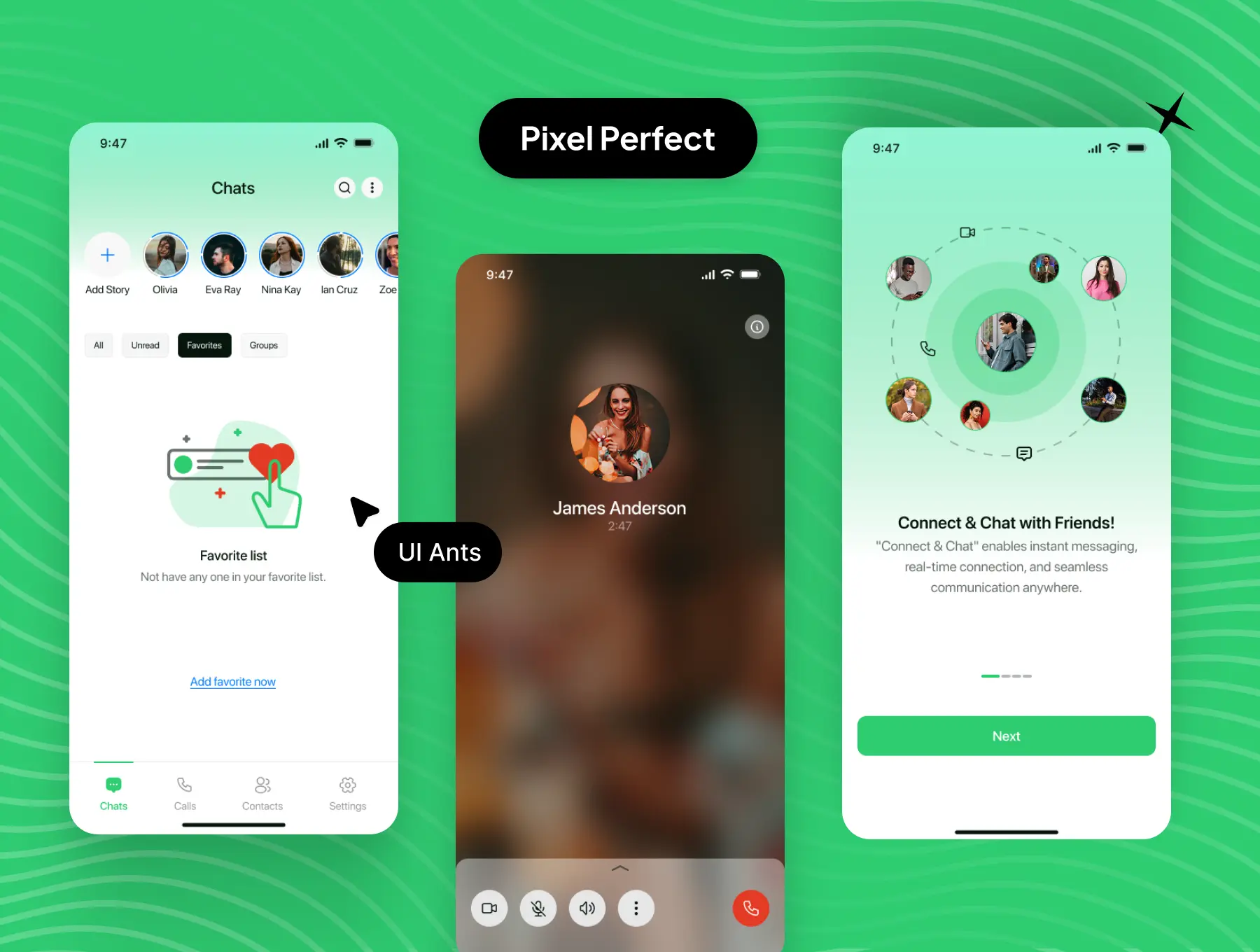
- 80+ pixel-perfect Figma screens
- 25+ reusable UI components (message bubbles, calls, modals, lists)
- Organized grid system and typography styles
- Free icon set and export-ready assets
- Light & dark mode variants included
Ideal For
- Messaging and social apps
- Voice & video calling platforms
- In-app support and community chat modules
- Developers building real-time chat applications
How to Use
- Download the Figma source files after purchase.
- Customize colors, typography, and components to match your brand.
- Export assets and integrate screens into your messaging platform.