

Original price was: $18.00.Current price is: $9.00.

Overview

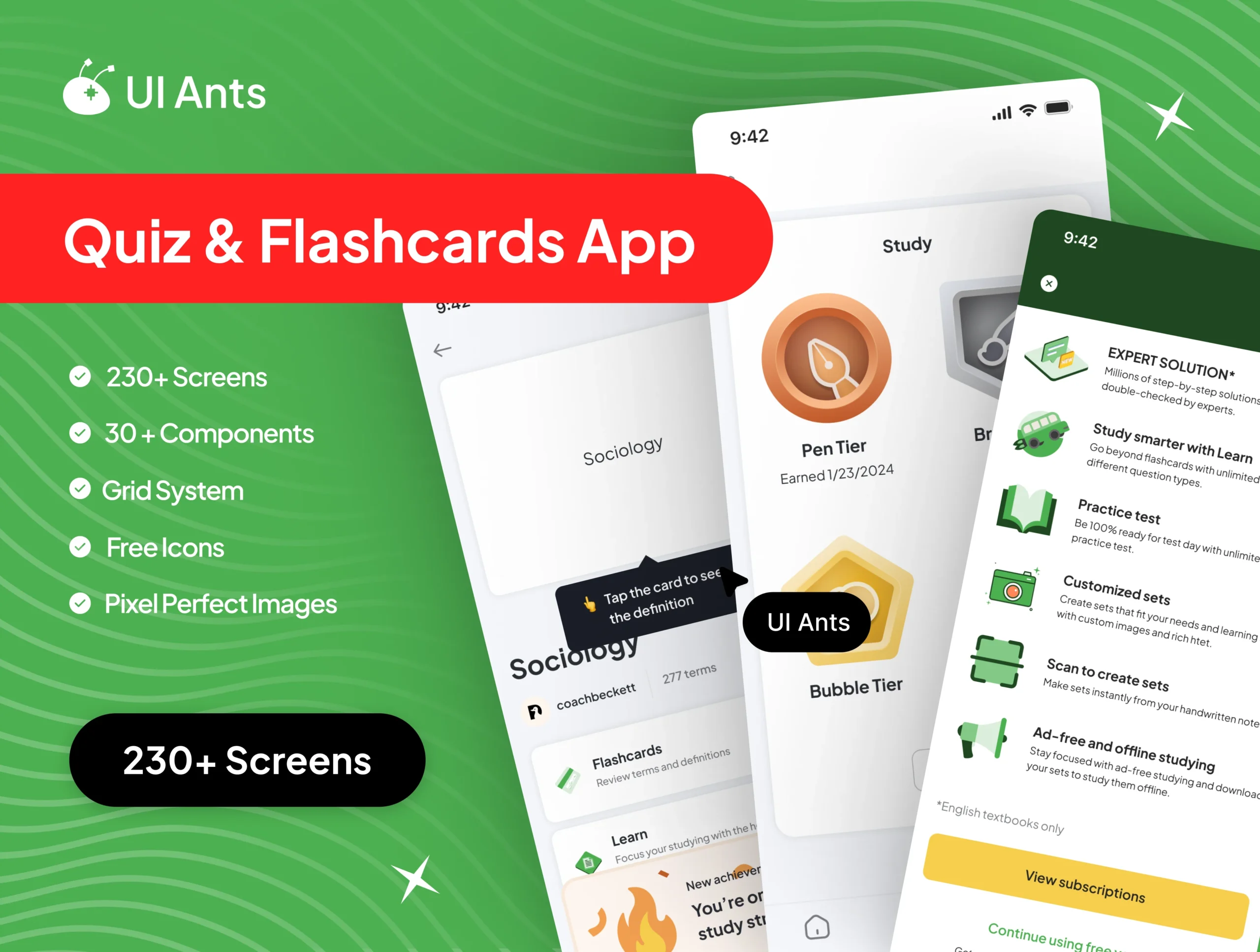
Introducing Brain Buzz UI Kit – your comprehensive toolkit for crafting an engaging and interactive learning app experience. With a vast collection of 234+ screens and 30+ components, this UI Kit simplifies development, empowering users to immerse themselves in a world of knowledge and education.

Dive into intuitive quizzes, flashcards, and interactive features designed to enhance learning and retention. Accelerate development confidently with a diverse range of screens, offering a personalized and efficient learning interface. From customizable components to detailed progress tracking, Brain Buzz UI Kit redefines educational app development.
Key Features
Interactive Learning Tools
  • Quizzes and flashcards to reinforce knowledge
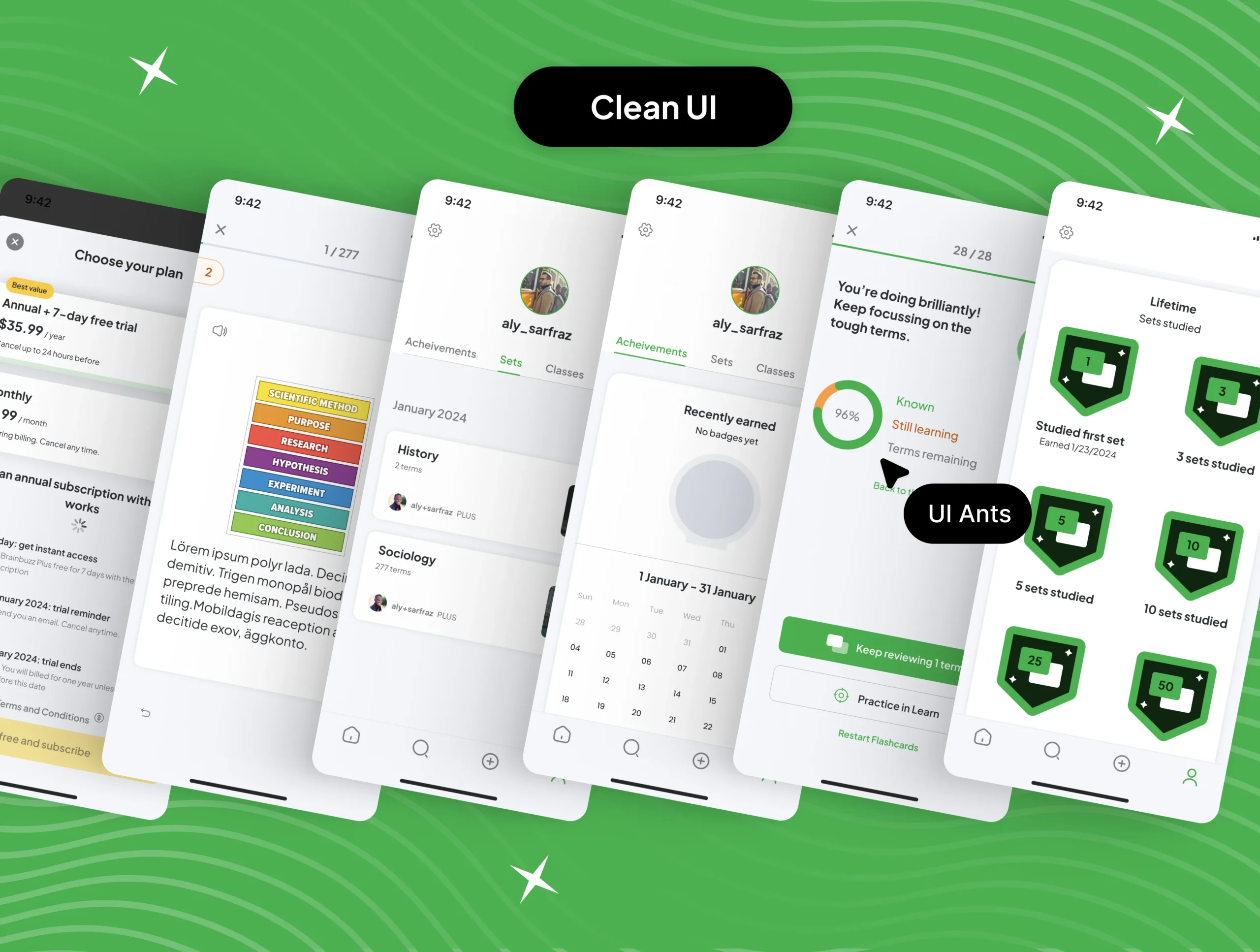
  • Progress tracking and performance analytics
  • Customizable study plans and reminders
User Engagement & Personalization
  • Personalized dashboards and learning paths
  • Interactive challenges and rewards system
  • Social sharing and peer interaction features
Comprehensive User Flows
  • Onboarding and user profile management
  • Course browsing, enrollment, and content consumption
  • Notifications and progress reminders
Documentation & Support
  • Extensive PDF guide for note-taking and app usage
  • Comprehensive documentation to aid integration
  • Ongoing support for smooth implementation
Why Choose Brain Buzz UI Kit?
  • Extensive Screen Library: Over 230 screens covering all learning app needs
  • Engaging UX Design: Crafted to boost user retention and learning efficiency
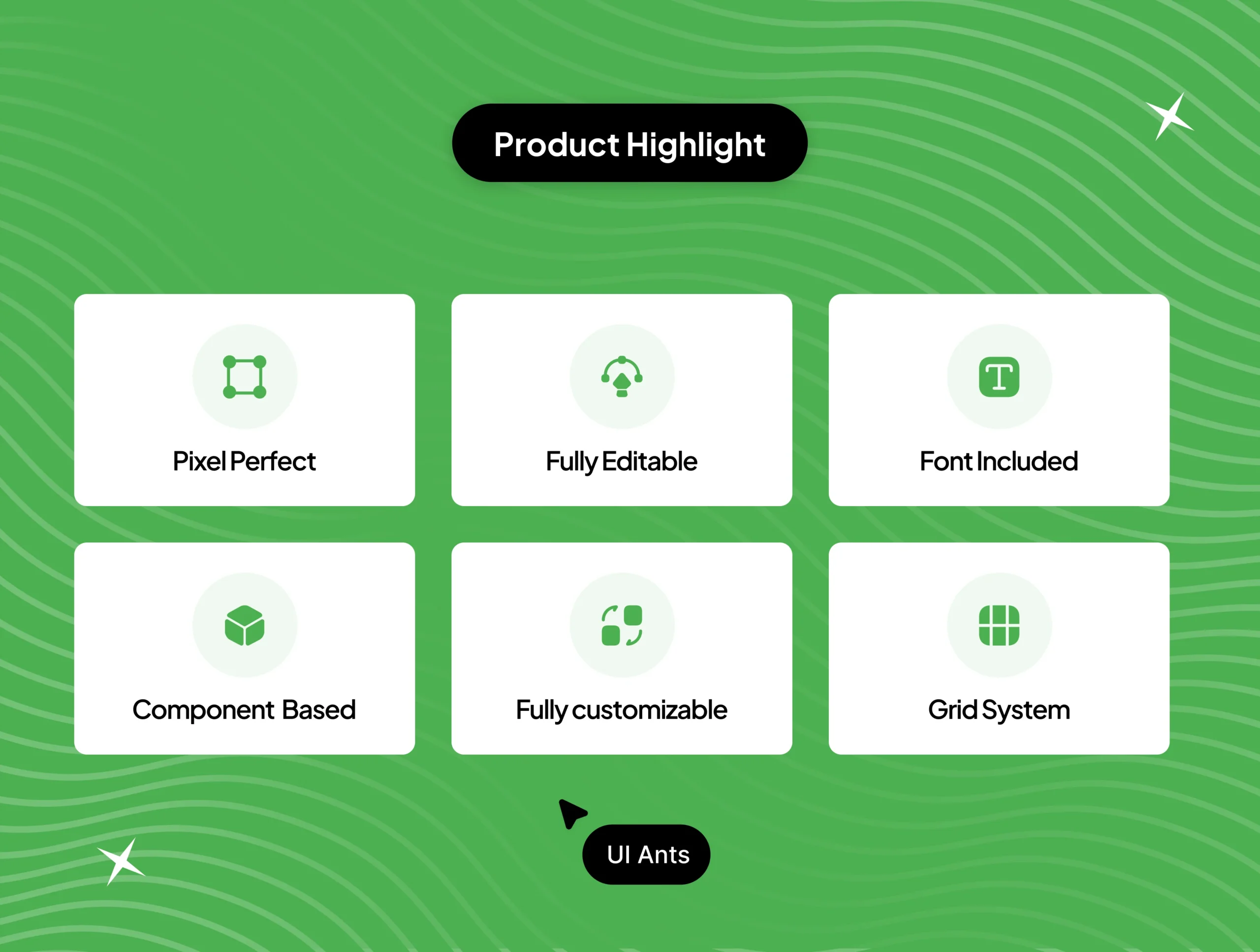
  • Customizable Components: Flexible elements to tailor your app’s unique look
  • Developer-Friendly: Organized layers and detailed documentation for easy customization
What’s Inside
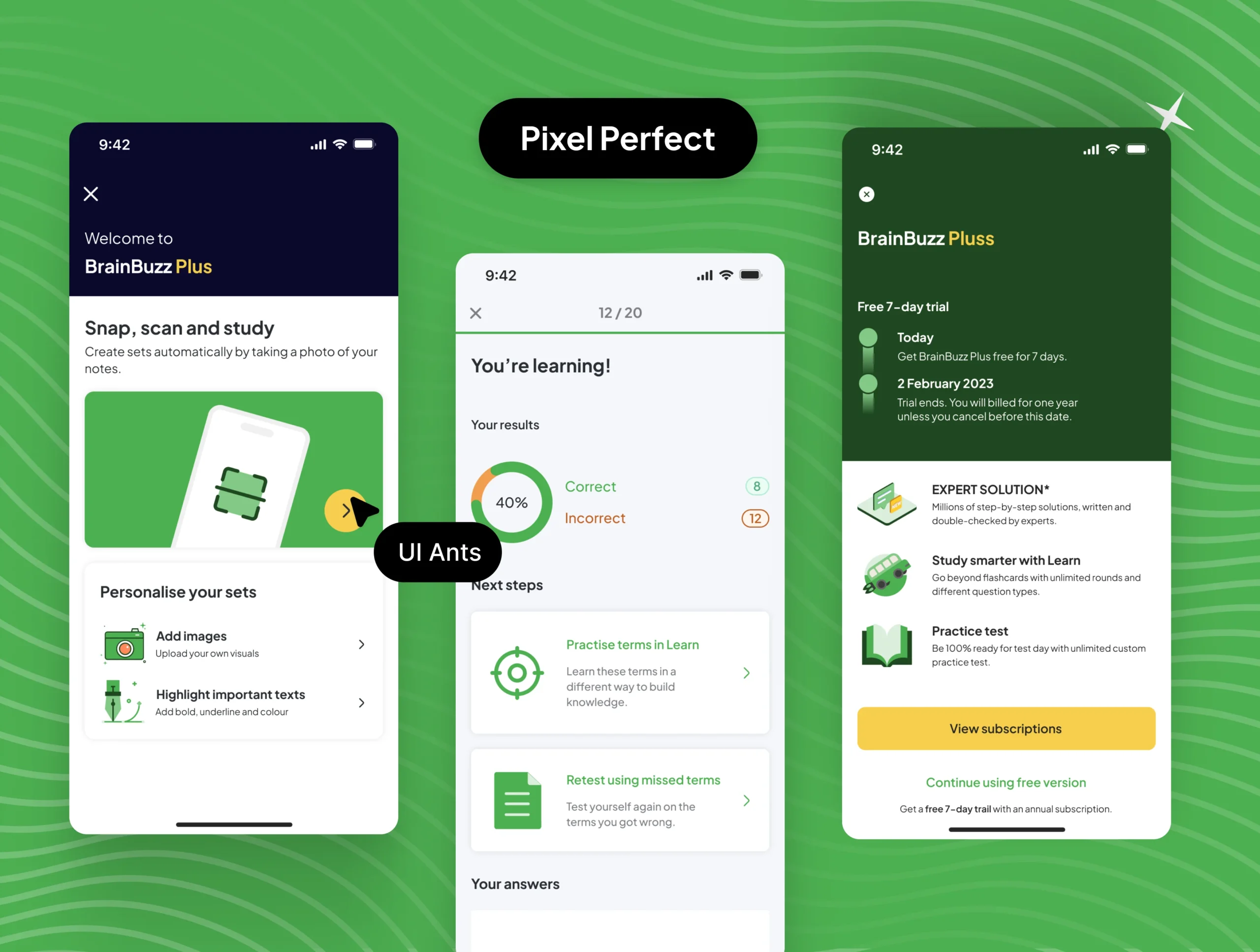
  • 234+ pixel-perfect Figma screens
  • 30+ reusable UI components
  • Progress tracking and quiz flows
  • Detailed onboarding and profile screens
Ideal For
  • Educational and e-learning apps
  • Training and knowledge management platforms
  • Apps focused on quizzes, flashcards, and study aids
How to Use
  1. Download the Figma source files upon purchase.
  2. Customize the components and branding to fit your app.
  3. Export assets and integrate with your app development workflow.

Follow us

Need Support ?
