


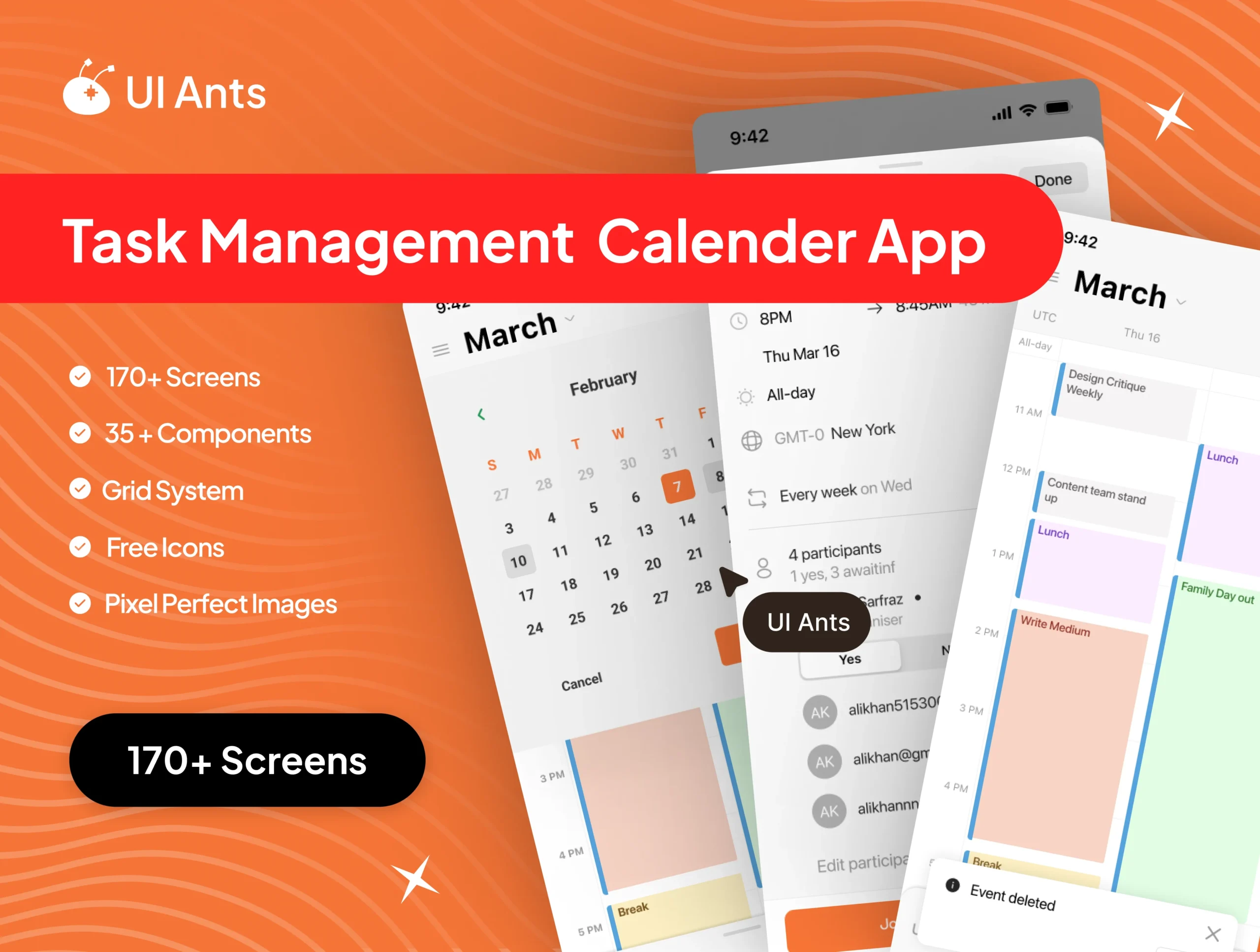
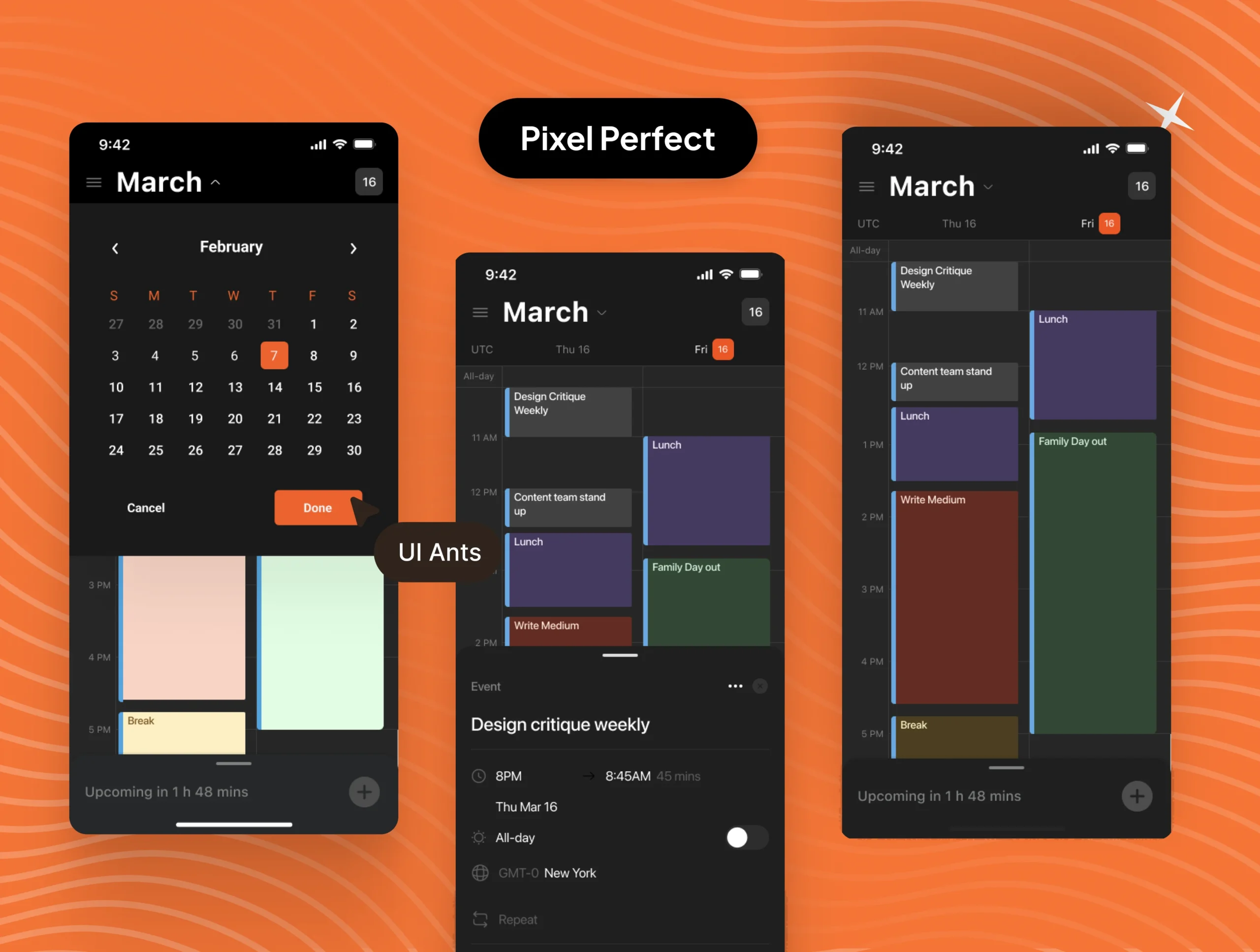
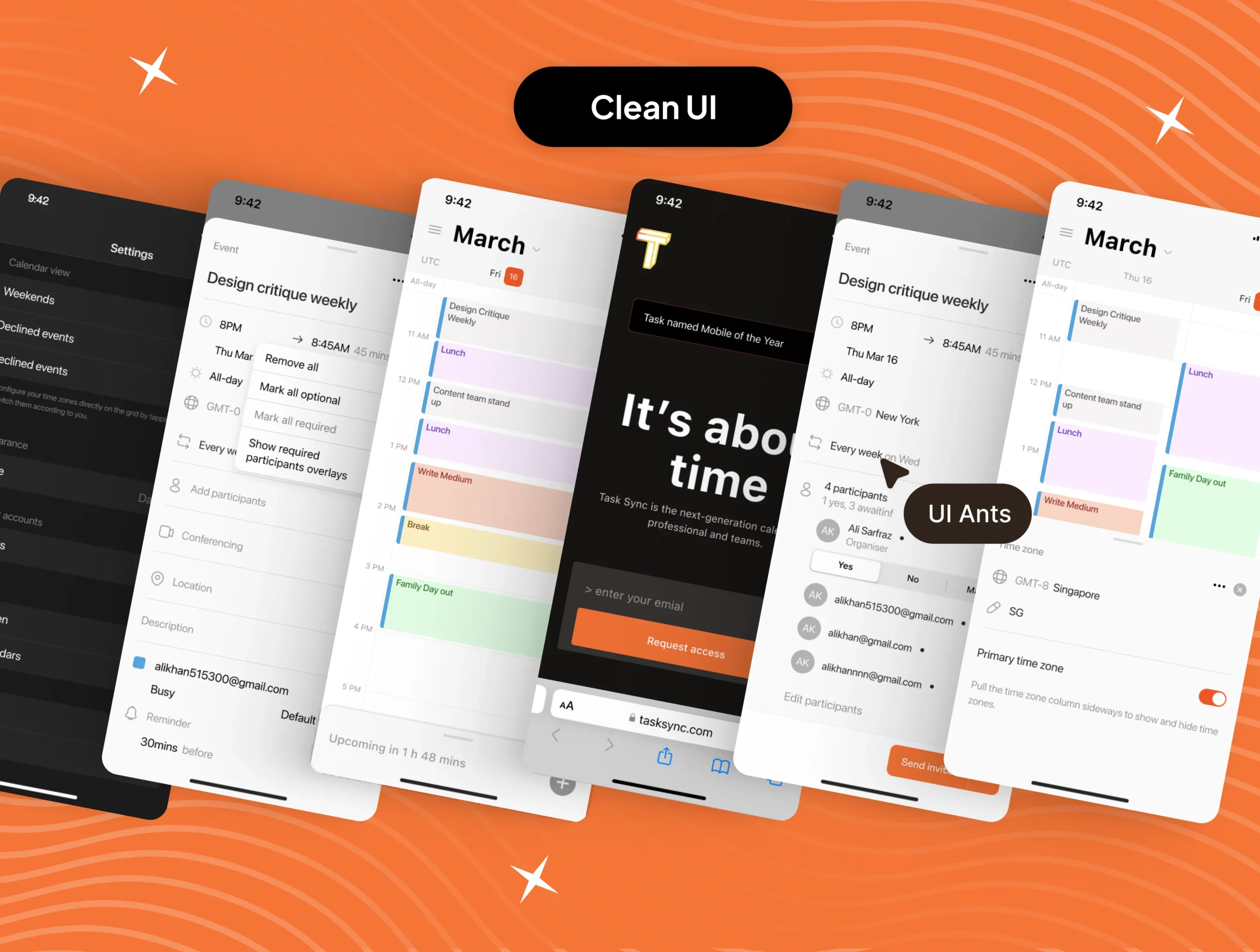
Introducing Task Sync UI Kit – your ultimate resource for crafting an advanced Task Management Calendar. With an extensive collection of 170+ screens and 35+ components, this comprehensive toolkit simplifies development, empowering users to seamlessly manage tasks and enhance productivity.
Immerse yourself in the world of intuitive task planning, deadline tracking, and interactive features designed to streamline schedules. Accelerate development confidently with a diverse range of screens, offering a personalized and efficient task management experience. From detailed scheduling insights to customizable components, Task Sync UI Kit redefines task coordination and organization.

Explore what we offer and how we can bring your ideas to life.

Crafted, user-friendly UI for iOS & Android apps that convert.

Scalable, clean, and conversion-focused UI for modern SaaS platform

Modern, responsive websites tailored to your brand goals.

Investor-ready pitch decks that tell your story and sell your vision.

Visual identity that stands out — from logos to style guides.

Expert guidance to improve user flow, retention, and usability.
Ready to get started?
Need Support ?
